
Running your own Rust server, or helping moderate one, means living in the F1 console. Typing inventory.giveto with a 17 digit Steam ID while someone is shooting at you is miserable, so every command on this page has a big red Copy button. Click it, tab back into Rust, press F1, Ctrl+V and Enter. Done.
This Rust admin commands list covers how to make yourself admin, then every command most server owners actually use: noclip, god mode, teleporting, kicking and banning, giving items, spawning vehicles and events, removing entities, changing time and weather, and saving your server settings.
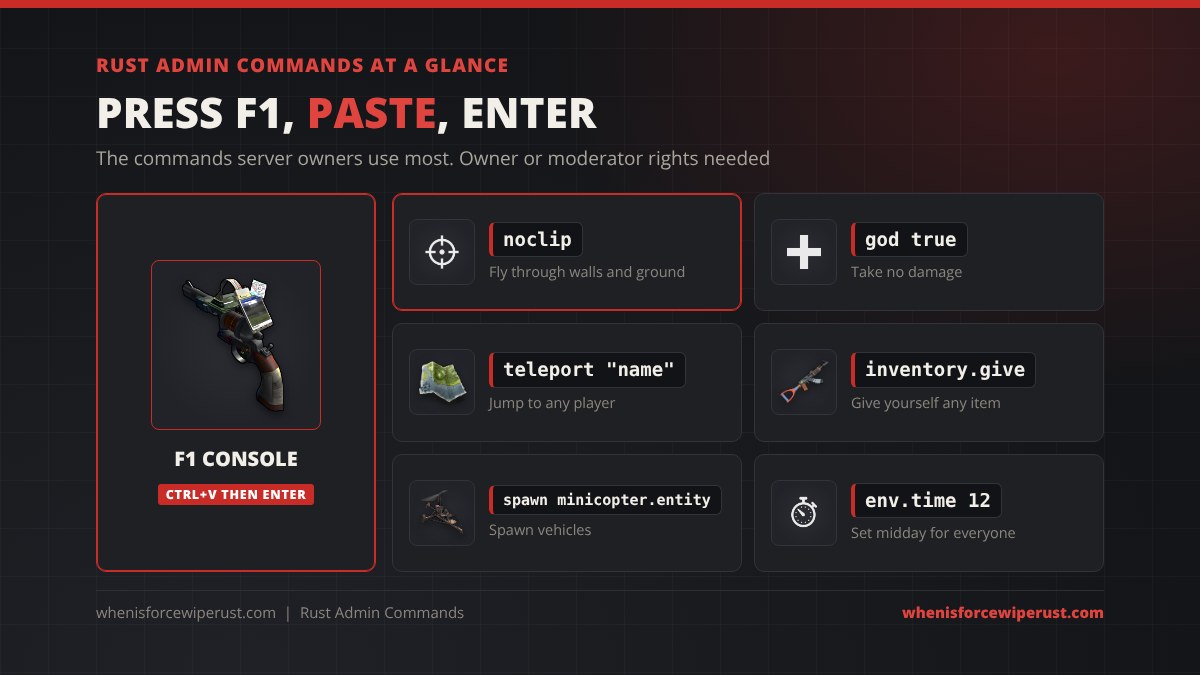
ownerid YourSteam64ID, then server.writecfg to save it, then reconnect. In game, press F1 to open the console and paste any command below. The ones people use most are noclip, god true, teleport "name", inventory.give "rifle.ak" 1, spawn minicopter.entity, env.time 12, kick and banid. Admin commands only work on a server where you are owner or moderator; on official servers they do nothing.
Type the player you are dealing with here and every command on this page updates, so the Copy button gives you a command that is ready to paste.
- Make Yourself Admin
- How to Use Them
- Noclip, God & Teleport
- Kick, Ban & Mute
- Give Items
- Spawn Vehicles & Events
- Entities & Bases
- Time & Weather
- Server Settings
- Admin Binds
- FAQ
How to Make Yourself Admin in Rust
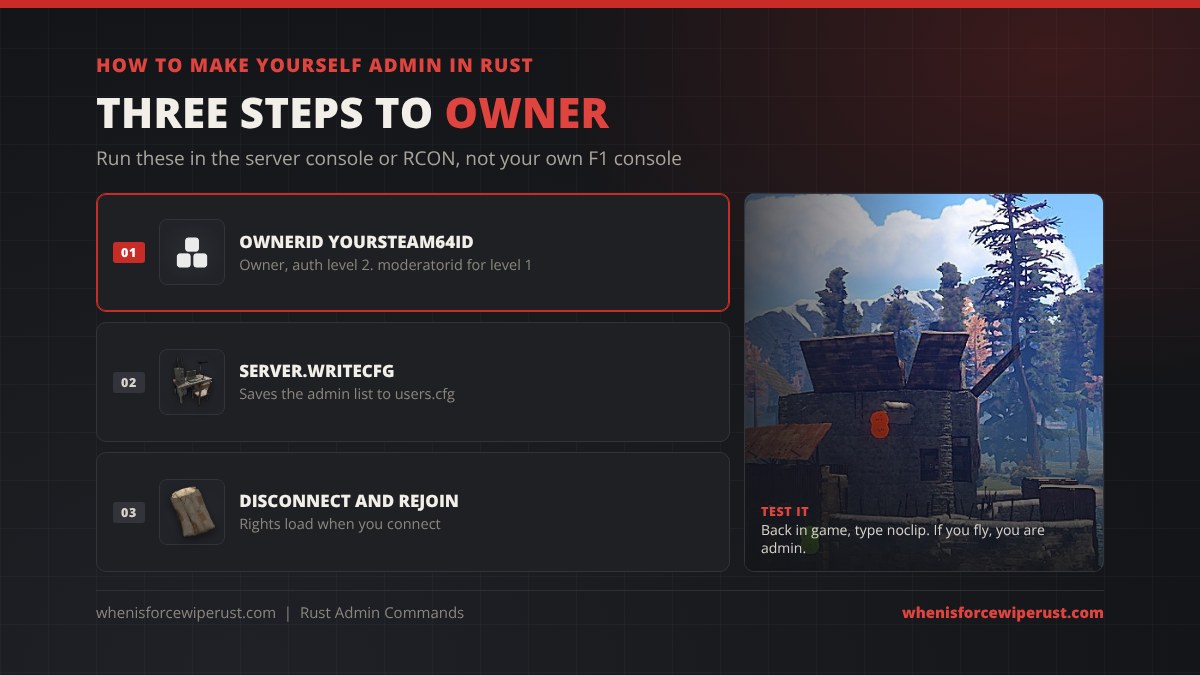
You give admin by Steam64 ID, not by name. Find yours on your Steam profile URL or by typing status in the console of any server you are on. Then run these in the server console or an RCON tool (your host’s web console works), not in game, because you are not admin yet:
ownerid 76561198000000000 "PlayerName" "owner"Gives full owner rights (auth level 2). Owners can add and remove other admins.moderatorid 76561198000000000 "PlayerName" "mod"Gives moderator rights (auth level 1). Mods can use most admin commands but cannot add or remove admins.server.writecfgSaves the admin list to users.cfg. Skip this and the admin is gone after the next restart.removeowner 76561198000000000Takes owner rights away from that Steam ID.removemoderator 76561198000000000Takes moderator rights away from that Steam ID.After that, disconnect and rejoin the server. Your new rights only load when you connect. The list lives in server/<your identity>/cfg/users.cfg; if you edit that file by hand, each line looks like the block below, and the server reads it on the next start.
ownerid 76561198000000000 "PlayerName" "owner"| Rank | Auth level | Can do |
|---|---|---|
| Player | 0 | Normal client commands only (binds, graphics, crosshair) |
| Moderator | 1 | Kick, ban, mute, teleport, noclip, give, spawn and most server commands |
| Owner | 2 | Everything, including adding and removing owners and moderators |
How to Use Admin Commands (Fast)
On PC the fastest loop with the game open is: click Copy on this page, Alt+Tab into Rust, press F1, press Ctrl+V, press Enter. Press the Up arrow in the console to bring back the last command you ran.
- Names with spaces need quotes:
kick "Big Dave". The commands here already have the quotes in place. - Item and entity names are short names like
rifle.akorminicopter.entity. Our Rust item IDs list has every short name and ID. - In game vs RCON: anything that acts on “you” (noclip, god, teleport, inventory.give, ent kill, spawn) only works from the in-game F1 console. Kick, ban, say, giveto and server settings work from RCON too.
- Lost? Type
findplus part of a command, such asfind weather, to list matching commands.
Looking for everyday player commands like binds, combat log and FPS settings instead? Those are in our Rust console commands guide and console commands and best settings.
Noclip, God Mode & Teleport Commands
These are the commands admins use all day: flying around to check a report, going invisible to damage, and jumping straight to a player.
noclipToggles fly mode. You fly through walls, rocks and the ground. Run it again to land.god trueGod mode on. You take no damage.god falseGod mode off.debugcameraFree camera, detached from your body. Good for screenshots and checking bases. Run it again to return.teleport "PlayerName"Teleports you to that player.teleport2me "PlayerName"Brings that player to you.teleport2markerTeleports you to the marker you placed on your map. Place a marker first.printposPrints your current position, so you can save a spot.teleportpos "1000,50,-500"Teleports you to x, y, z coordinates. Replace the numbers with a position from printpos.spectate "PlayerName"Spectates a player. Type respawn to stop.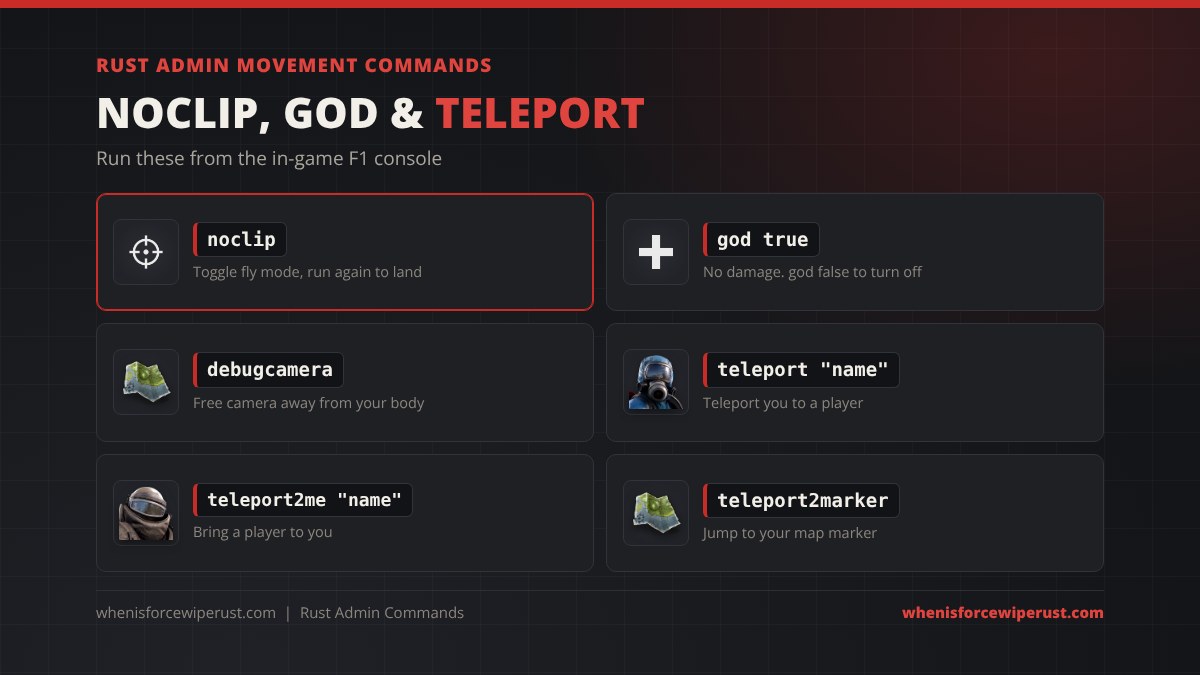
Kick, Ban & Mute Commands
Moderation commands. These work from the F1 console and from RCON, so you can deal with a cheater without being in game.
kick "PlayerName" "reason"Kicks a player. They can rejoin straight away.kickall "Server restart"Kicks everyone. Handy right before a restart or wipe.ban "PlayerName" "cheating"Bans a player who is online, by name.banid 76561198000000000 "PlayerName" "cheating"Bans by Steam64 ID. Works when the player is offline, and it cannot be dodged with a name change.unban 76561198000000000Removes a ban.banlistexLists every ban with names and reasons.mutechat "PlayerName"Mutes a player in text chat.unmutechat "PlayerName"Unmutes their text chat.mutevoice "PlayerName"Mutes a player’s voice chat.unmutevoice "PlayerName"Unmutes their voice chat.say "Server restart in 5 minutes"Sends a message to everyone in chat as SERVER.statusLists online players with their Steam IDs and ping. Use it to grab an ID for banid.playersShort list of online players.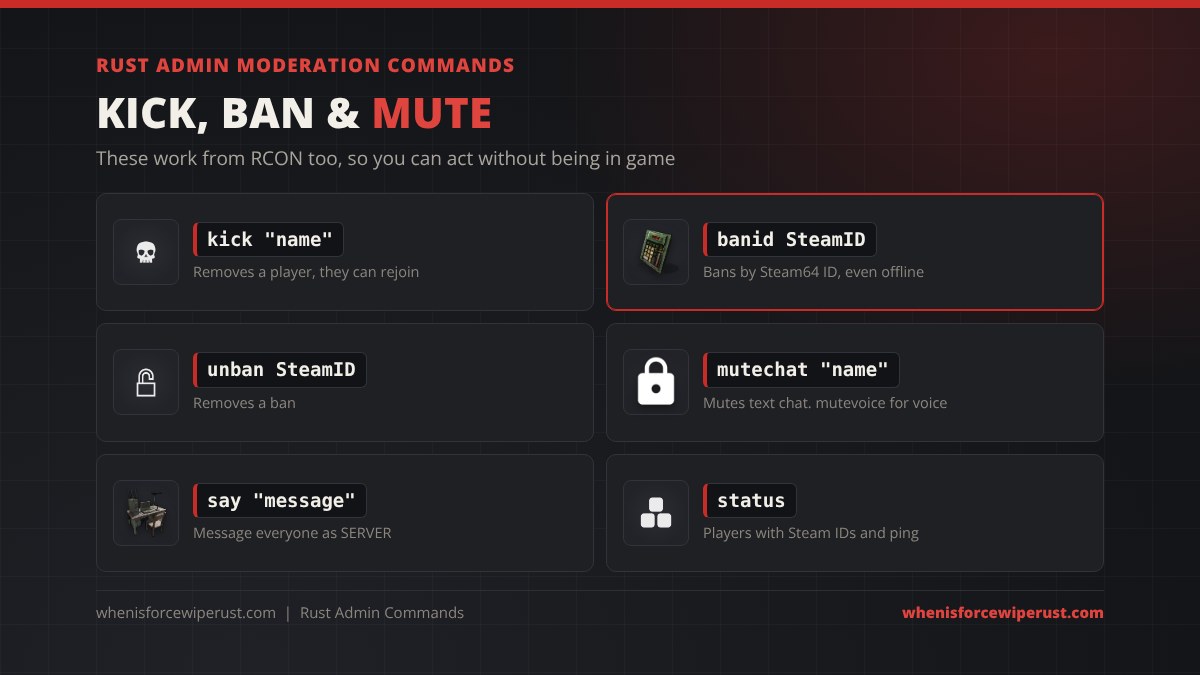
banid with the Steam64 ID from status. Names can be changed and copied; the ID cannot.
Give Item Commands
Item commands use the short name in quotes followed by the amount. Find any short name or ID in our Rust item IDs list.
inventory.give "rifle.ak" 1Gives you one Assault Rifle. Swap rifle.ak for any short name.inventory.give "wood" 10000Gives you 10,000 wood.inventory.give "stones" 10000Gives you 10,000 stone.inventory.give "metal.refined" 1000Gives you 1,000 high quality metal.inventory.give "ammo.rifle" 128Gives you 128 rifle ammo.inventory.giveto "PlayerName" "rifle.ak" 1Gives an item to another player.inventory.giveall "wood" 1000Gives an item to every player online.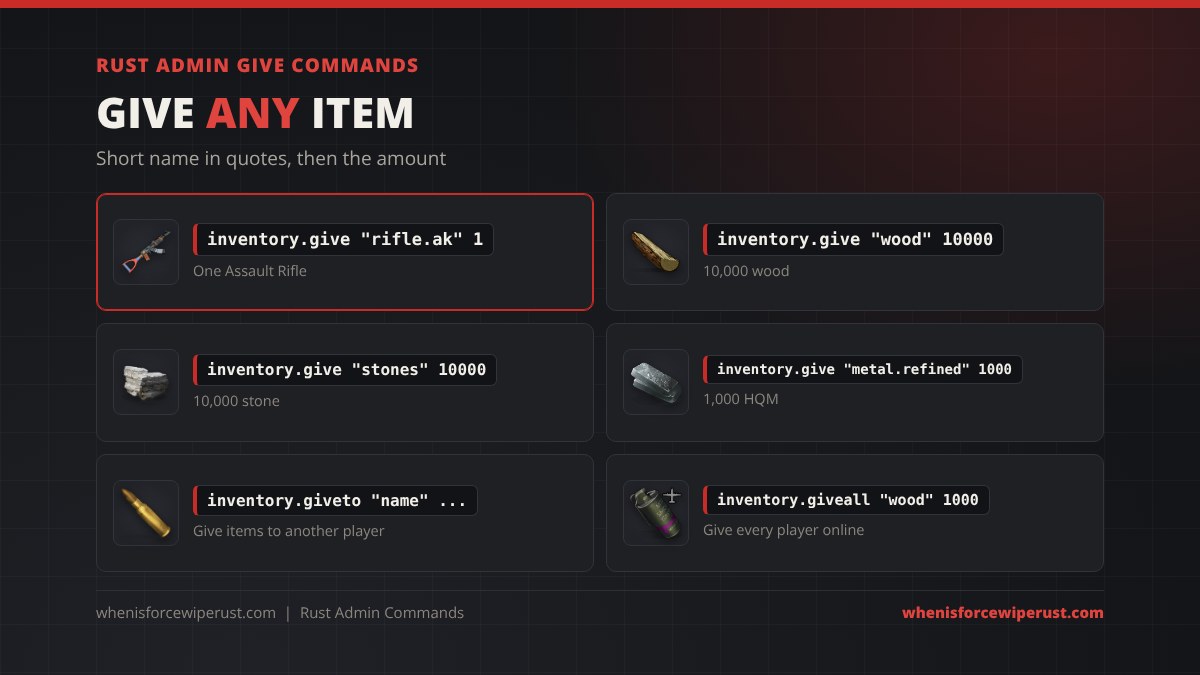
Spawn Vehicles, Animals & Events
spawn puts an entity where you are looking, so aim at open ground first. Event commands start the same events the server runs on its own.
spawn minicopter.entitySpawns a Minicopter.spawn scraptransporthelicopterSpawns a Scrap Transport Helicopter.spawn rowboatSpawns a rowboat. Look at water.spawn rhibSpawns a RHIB. Look at water.spawn bearSpawns a bear.spawn wolfSpawns a wolf.heli.calltomeCalls the Patrol Helicopter to your position.heli.callStarts the Patrol Helicopter event as normal.spawn bradleyapcSpawns a Bradley APC where you are looking.spawn cargoshiptestStarts a Cargo Ship event.spawn ch47scientists.entitySpawns a Chinook with scientists.
Entity & Base Commands
Aim at the thing you want to check or remove, then run the command. These only work from the in-game console.
ent killDeletes the entity you are looking at. Works on walls, doors, boxes, trees and barrels. There is no undo.ent whoShows the Steam ID of the player who placed what you are looking at.ent authLists who is authorised on the tool cupboard or lock you are looking at.ent lockLocks the code lock or key lock you are looking at.ent unlockUnlocks the code lock or key lock you are looking at.entity.deleteby 76561198000000000Deletes everything that Steam ID ever placed. Use it to wipe a banned cheater’s base.ent kill and entity.deleteby are permanent. Run ent who first and check the ID, then delete.
Time & Weather Commands
env.time 12Sets the time of day for everyone. 0 to 24, 12 is midday.admintime 12Changes the time for you only, nobody else sees it. admintime -1 goes back to normal.env.progresstime falseFreezes the clock. Use true to let time run again.weather.load clearClear skies. Other presets include rainheavy, storm, fog and overcast.weather.load stormStarts a storm.weather.rain 0Sets rain from 0 to 1. 0 stops it.weather.fog 0Sets fog from 0 to 1. 0 clears it.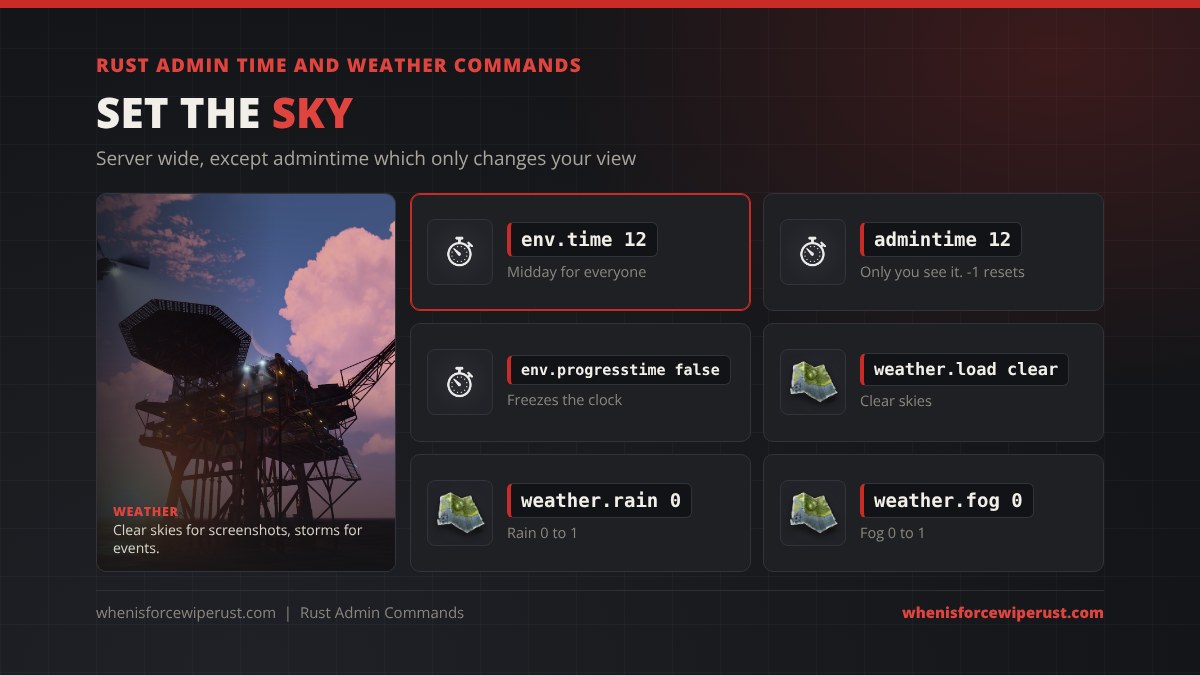
Server Setting Commands
Most server settings can be changed live, but the safest place for them is server.cfg in your server’s cfg folder so they survive a restart. Run server.writecfg after live changes to save them.
server.saveSaves the map right now. Do this before any restart.server.writecfgSaves your current settings and admin list to the cfg files.server.readcfgReloads the cfg files without a restart.server.hostname "My Rust Server"Changes the server name in the server browser.server.maxplayers 100Sets the player limit.server.pve trueTurns on PvE, so players cannot hurt each other.decay.scale 0.5Halves decay. 0 turns decay off, 1 is normal.server.hostname "My Rust Server"
server.description "Weekly wipe, active admins"
server.maxplayers 100
server.saveinterval 300
decay.scale 1Handy Admin Binds
Paste these once into the F1 console and the key does the command from then on. Binds save to your own game, so they work on any server where you have admin.
bind k noclipK toggles noclip.bind j debugcameraJ toggles the free camera.bind l "god true"L turns god mode on.bind o teleport2markerO teleports you to your map marker.Want to clear a bind later? Paste bind k "" with the same key.
Admin Commands on Console Edition
Rust Console Edition on PlayStation and Xbox has no F1 console, so none of the commands on this page work there. Community servers on console handle admin through the host’s control panel and an in-game admin menu with a smaller set of options.
Tips and Common Mistakes
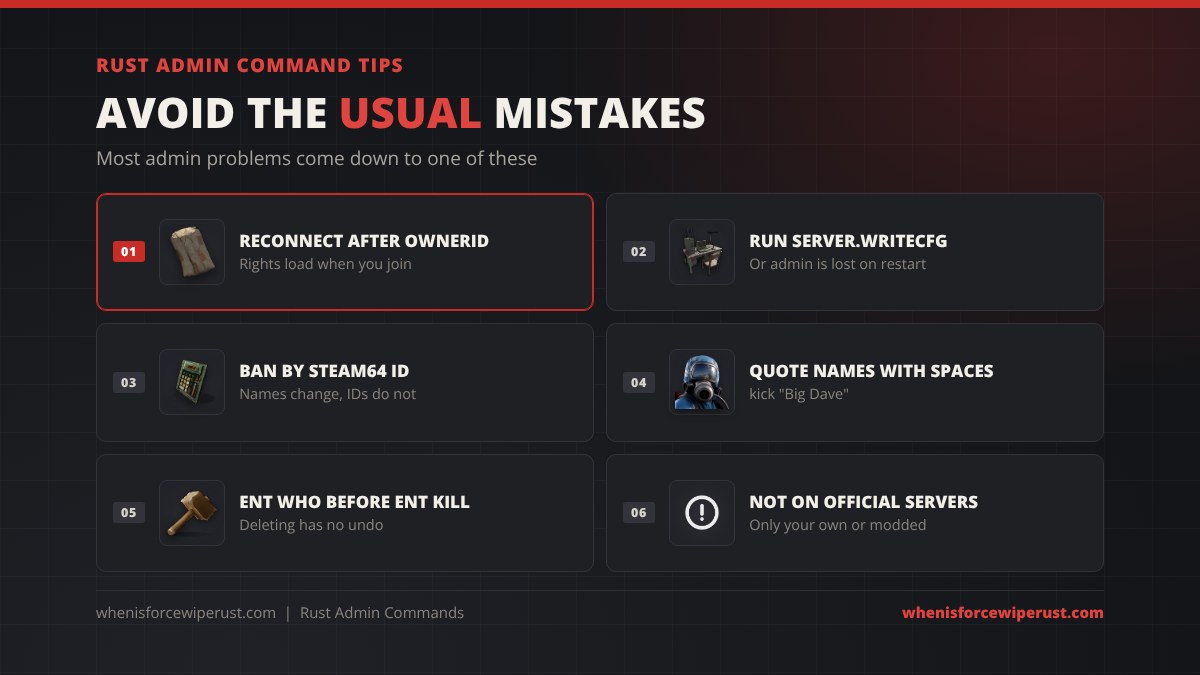
- “Not admin” after ownerid? You forgot to reconnect, or you ran it in your own F1 console instead of the server console.
- Admin gone after a restart? Run
server.writecfgafter adding admins. - “Player not found”? Check the spelling, use quotes for names with spaces, or use the Steam64 ID.
- Nothing spawns? Look at open ground or water (for boats), and use the full short name.
- On an official server? These commands do nothing. Facepunch staff are the only admins there.
- Want to start your own server? See our Rust servers page.
Rust Admin Commands FAQ
How do I make myself admin in Rust?
Open your server console or an RCON tool and run ownerid followed by your Steam64 ID, then run server.writecfg to save it. Disconnect and rejoin the server and you have owner rights.
How do I open the admin console in Rust?
Press F1 in game. Paste a command with Ctrl+V and press Enter. Admin commands only work if you are owner or moderator on that server.
What is the Rust noclip command?
Type noclip in the F1 console to fly through walls and the ground. Type it again to turn it off. You need admin on the server.
What is the god mode command in Rust?
god true turns god mode on and god false turns it off. Only admins can use it.
How do I give myself items as admin in Rust?
Use inventory.give with the item short name in quotes and the amount, for example inventory.give “rifle.ak” 1. Use inventory.giveto to give items to another player.
How do I ban someone in Rust?
Run status to get the player’s Steam64 ID, then banid followed by the ID, their name and a reason. unban with the same ID removes it.
What is the difference between ownerid and moderatorid?
ownerid gives auth level 2, which can do everything, including adding and removing admins. moderatorid gives auth level 1, which can use most admin commands but cannot manage other admins.
Do Rust admin commands work on console?
No. Rust Console Edition has no F1 console. Console community servers use the host’s panel and an in-game admin menu instead.