
Every custom island you see on a Rust server started in a map editor. Facepunch does not ship one, so the whole custom map scene runs on two community tools and one web generator. If you want to build your own world, edit a procedural seed, or just fix a map you bought, this is the page to start with.
This Rust map editor guide covers what each editor does, how to download and set up RustEdit, a step by step workflow for your first map, the hotkeys worth learning, the prefabs every mapper uses, the RustEdit server extension, the open-source Unity Rust Map Editor, the RustMaps generator, and how to test and publish the finished file.
server.levelurl. On 7 November 2026, 621 live servers with 10,417 players reported the plain “Custom Map” name.
- What It Is
- Which Editor
- Install RustEdit
- Make a Map
- Hotkeys
- Key Prefabs
- Extension
- Rust Map Editor
- RustMaps
- Test & Publish
- Problems
- FAQ
What Is a Rust Map Editor?
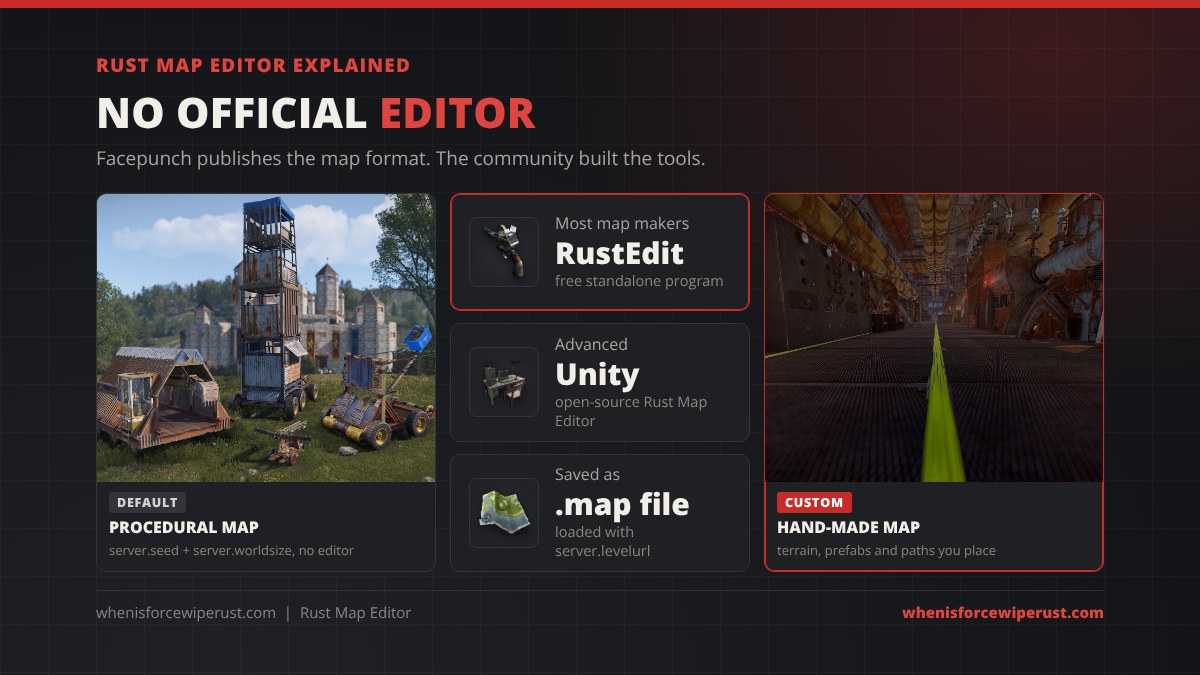
A Rust map editor is a program that lets you build or change the .map file a Rust server loads. Normal servers never touch one: they create a procedural map from a seed and a world size. A server running a custom map downloads a finished file instead, and every player downloads the same file when they join.
Facepunch’s wiki is clear that the studio “doesn’t provide their own map editor”. What it does provide is the Rust.World SDK, which describes the map format. A .map file holds the terrain size, a stack of layers (height, ground textures called splat, biome, alpha for holes in the terrain, and topology, which tells the game what each spot is, such as beach, road or monument), a list of prefabs with position, rotation and scale, and the paths for rivers, roads and rails. A map editor is simply a friendly way to paint those layers and place those prefabs.
That also explains what editors can do that admin commands cannot. The F1 spawn command only creates entities, while a map editor can place anything in the prefab library: rocks, cliffs, whole monuments, decals and invisible trigger volumes.
RustEdit vs Rust Map Editor vs RustMaps
There are two real editors and one generator. Most people should start with RustEdit.
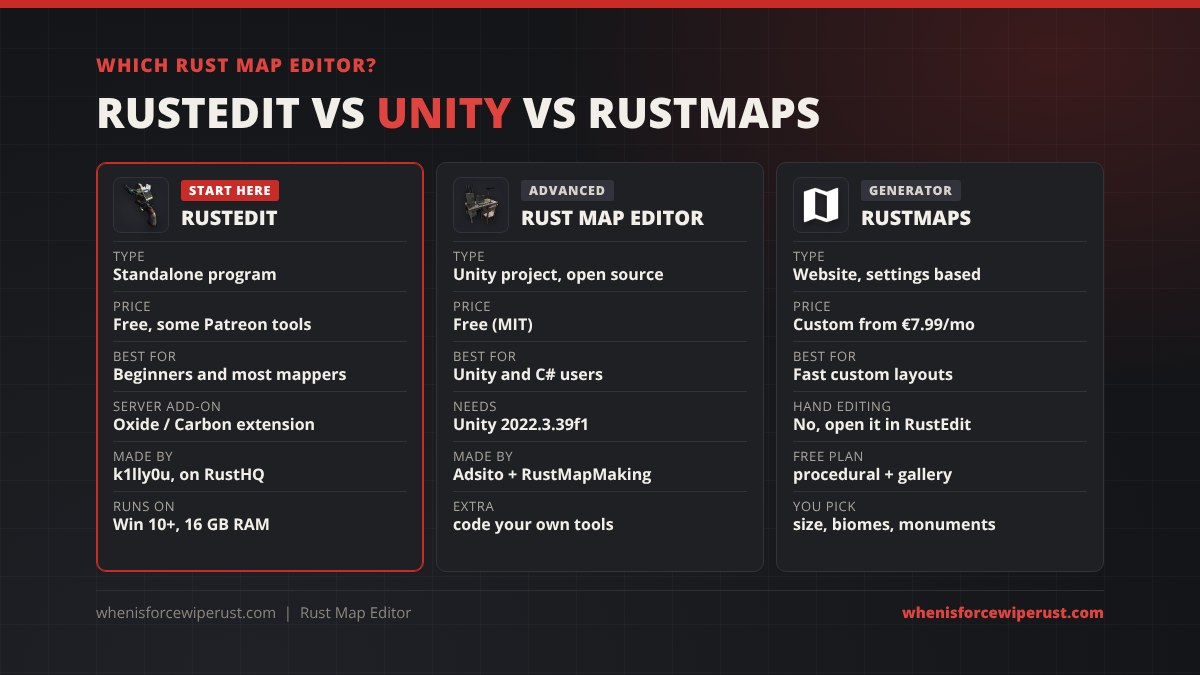
| RustEdit | Rust Map Editor | RustMaps generator | |
|---|---|---|---|
| Type | Standalone click-to-run program | Unity project (open source, MIT) | Website, generates from settings |
| Made by | k1lly0u (now hosted on RustHQ) | Adsito and the RustMapMaking community | RustMaps.com |
| Price | Free launcher, some tools for Patreon supporters | Free | Custom generator from €7.99 a month |
| Best for | Beginners and most map makers | Advanced makers who know Unity and C# | Server owners who want a custom layout fast |
| Hand editing | Terrain, splat, biome, topology, alpha, prefabs, paths | Same basics plus deeper terrain and splat control, your own tools | No, you choose monuments and terrain sliders |
| Server add-on | RustEdit extension (Oxide or Carbon), or a free Harmony mod for IO only | Plain .map, no extension | Plain .map |
| Needs | Windows 10+, Rust installed via Steam, 16 GB RAM | Unity 2022.3.39f1, Rust installed | A browser |
How to Download and Install RustEdit
RustEdit’s old site, rustedit.io, now redirects to RustHQ, the marketplace and forum where the editor’s docs and launcher live. The launcher is free, was first released on 4 November 2018, and shows more than 143,000 downloads.
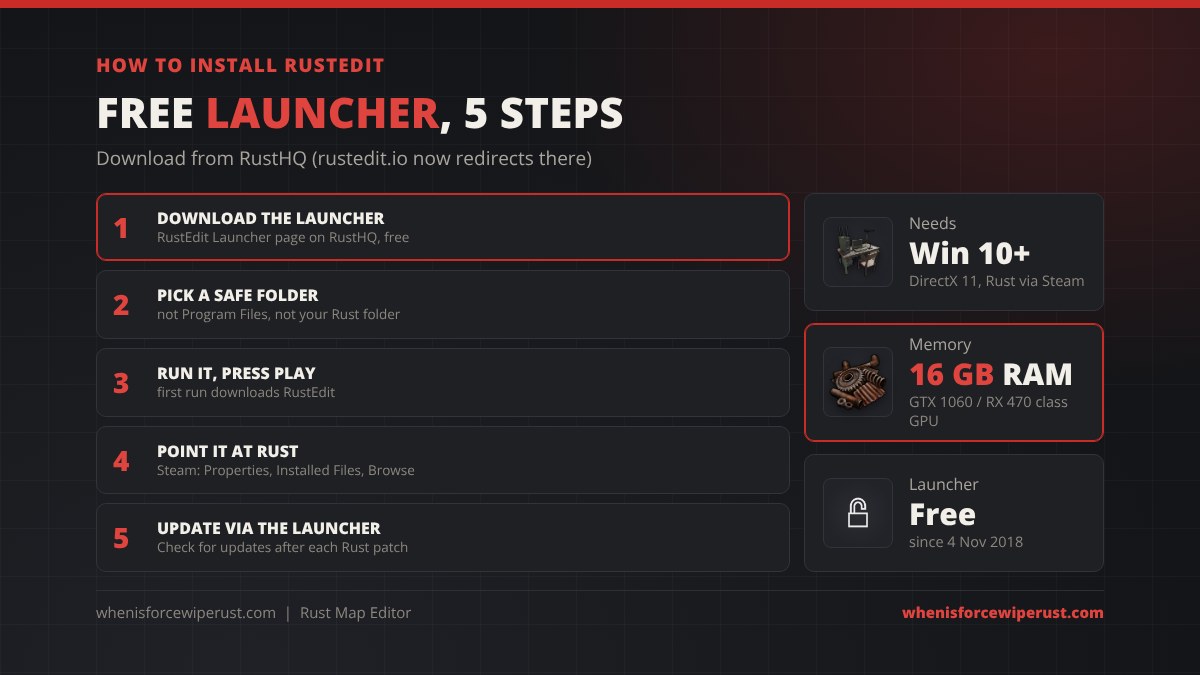
- Download the launcher from the RustEdit Launcher page on RustHQ.
- Pick an install folder. Avoid Windows system folders such as Program Files, and do not install into your Rust folder. Both cause permission problems later.
- Run the launcher. The first run downloads RustEdit. When it finishes, press Play.
- Point it at Rust. On first launch RustEdit asks for your Rust install folder, because it reads prefabs and textures straight from the game. In Steam, right-click Rust, open Properties, then Installed Files, then Browse. The folder that opens is the one RustEdit wants.
- Update through the launcher. Always start RustEdit from the launcher and use Check for updates, especially after each monthly force wipe patch, since new game files can change prefabs.
| RustEdit minimum spec | Requirement |
|---|---|
| OS | Windows 10 or newer |
| CPU | AMD Ryzen 5 1400 or Intel Core i5-6600 |
| RAM | 16 GB |
| GPU | AMD Radeon RX 470, NVIDIA GeForce GTX 1060 or Intel Arc A580 |
| DirectX | Version 11 |
| Game | Rust installed through Steam |
How to Make a Rust Map in RustEdit, Step by Step
A big hand-made island takes experienced mappers weeks. Your first one does not have to. This is the order most mappers work in, because each layer depends on the one before it.
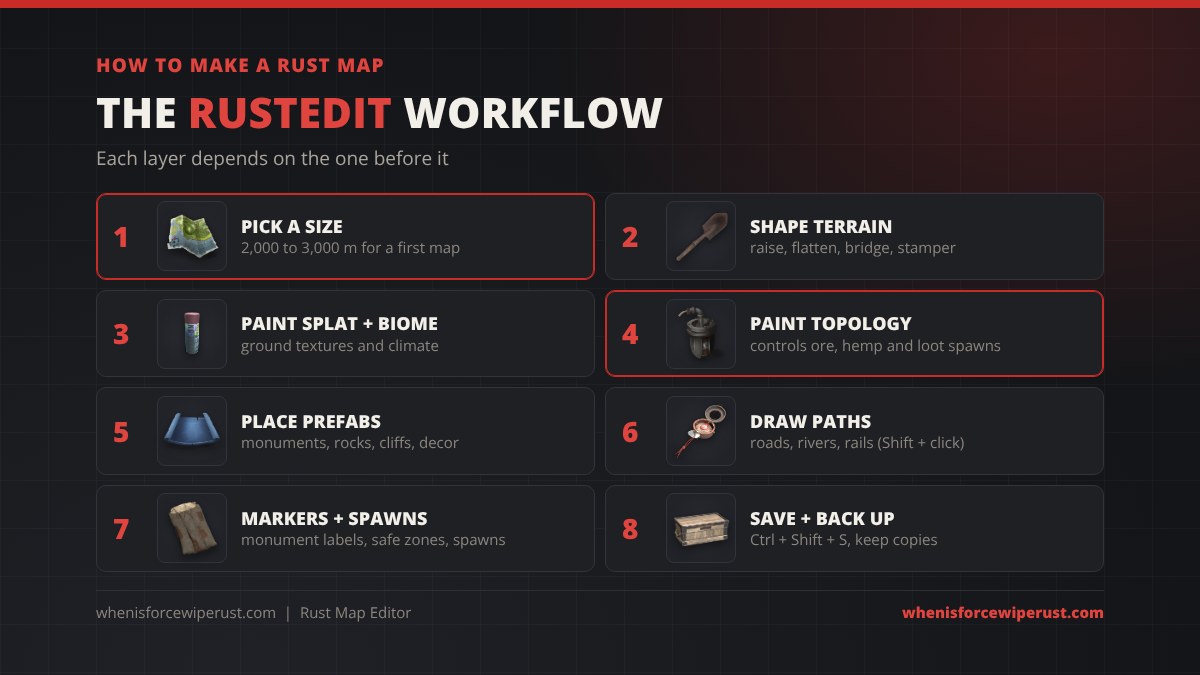
- Pick a size. Procedural maps run from 1,000 to 6,000 metres a side, and players are used to 3,000 to 4,500. A small 2,000 to 3,000 map is a much easier first project. See our Rust map sizes guide for what each size feels like. You can also open an existing .map, including a saved procedural one, and edit that instead of starting blank.
- Shape the terrain. Use the terrain tools: Raise Height (hold Alt to lower), Flatten (Ctrl + right-click picks the height), Bridge, Clone, Twist Height, Pinch and Stamper. Rough out coastlines and mountains first, then flatten pads where monuments will sit.
- Paint splat and biome. Splat is the ground texture (dirt, snow, sand, rock, grass, forest, stones, gravel). Biome sets arid, temperate, tundra, arctic, jungle or deep sea, which changes grass, trees and temperature.
- Paint topology. This is the step beginners skip and regret. Rust’s spawn system decides where resources and pickups appear by splat, biome and topology. RustHQ’s auto spawn guide lists 105 spawn populations. Hemp, for example, needs Field or Forest topology and never spawns on Road, River, Beach or Swamp. Wrong topology means empty fields and nodes in silly places.
- Place monuments and prefabs. Drop in Facepunch monuments, rocks, cliffs and decor, or custom monuments bought from creators. Prefab packs usually go into your RustEdit folder and then appear in the prefab list.
- Draw paths. Shift + left-click adds a node for roads, rivers and rails. Paths carve and paint the terrain for you, and the train network depends on clean rail paths.
- Add markers and spawns. Label custom monuments with monument markers, set safe zones, and make sure there is a valid beach spawn area or spawn point prefabs (see the prefabs section below).
- Save. Ctrl + Shift + S quick-saves, and Ctrl + Alt + S saves to new files. Keep numbered backups: one broken save can cost days.
RustEdit Controls and Hotkeys
RustEdit moves like a free camera in a game. These are the shortcuts from RustEdit’s own controls page that save the most time.
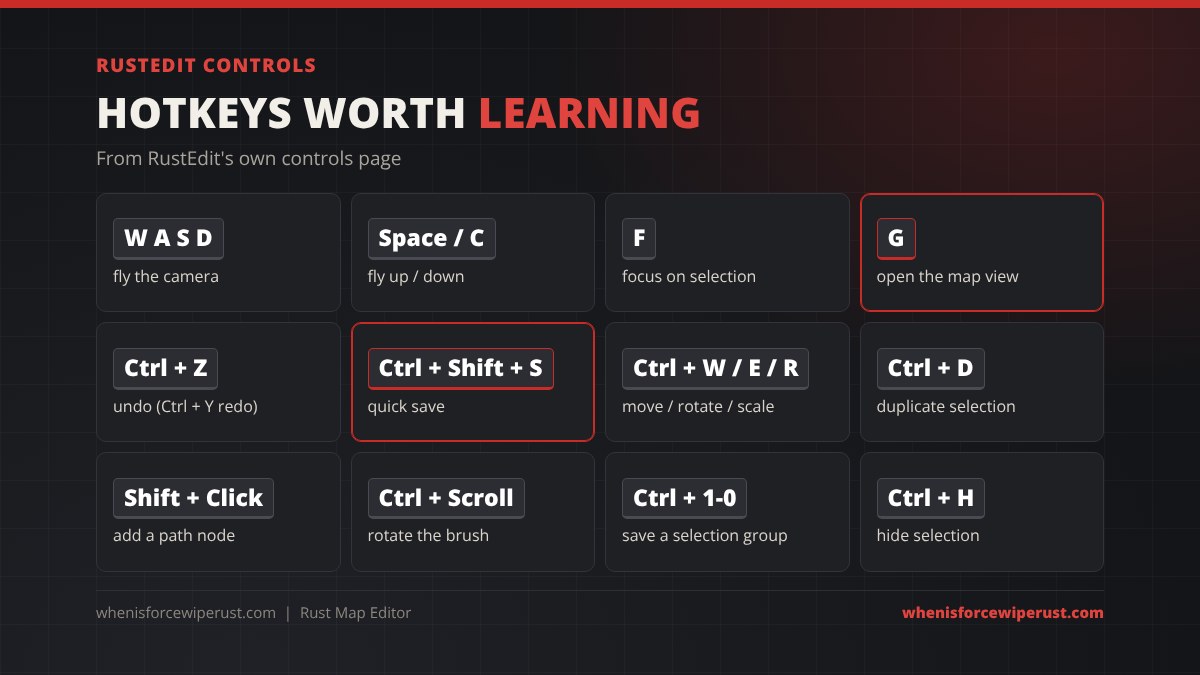
| Key | What it does |
|---|---|
| W A S D | Fly forward, left, back, right |
| Space / C | Fly up / down |
| F | Focus the camera on the selection |
| L | Toggle the camera light |
| G | Generate and open the map view (double-click to teleport) |
| H | Toggle the scene hierarchy |
| Ctrl + Z / Ctrl + Y | Undo / redo |
| Ctrl + Shift + S | Quick save the map |
| Ctrl + Alt + S | Save the map to new files |
| Ctrl + W / E / R | Move / rotate / scale gizmo |
| Ctrl + X | Switch between global and local space |
| Ctrl + D / Delete | Duplicate / delete the selection |
| Ctrl + L / Ctrl + H | Lock / hide the selection |
| Ctrl + 1 to 0 | Save the selection as a group, then press 1 to 0 to reselect it |
| Shift + left-click | Add a path node (roads, rivers, rails) |
| Ctrl + scroll | Rotate the brush |
| Ctrl + right-click (paint tools) | Show all texture data under the mouse |
| Hold Shift / Alt with a gizmo | Snap / slow down movement or rotation |
| F12 | Take a screenshot |
Prefabs Every Rust Map Maker Uses
Beyond monuments and rocks, Rust has a set of invisible utility and volume prefabs made for map makers. Facepunch’s wiki documents them, and these are the ones you will use on nearly every map.
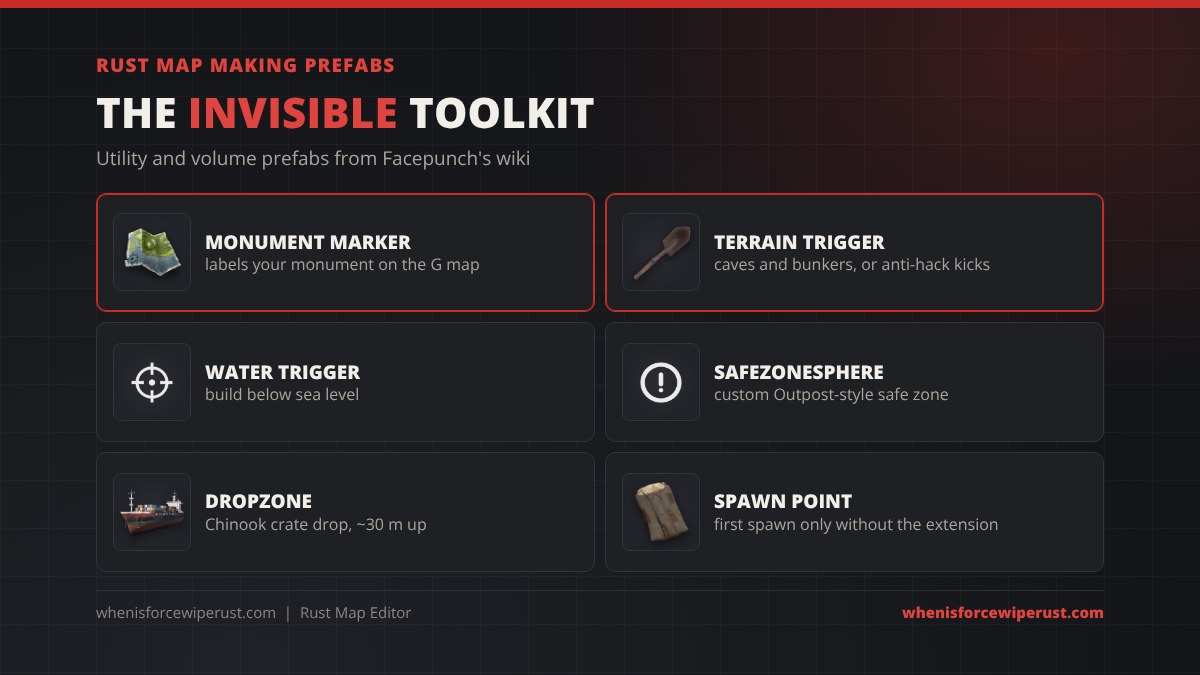
| Prefab | What it does | Watch out for |
|---|---|---|
Monument markerassets/bundled/prefabs/modding/monument_marker.prefab | Puts your own label on the in-game G map. The text comes from the prefab’s category field. | Rich text works: <size=50>, <color=red>, <b>. |
| Terrain Trigger | Players ignore terrain collision inside it, so you can make cave and bunker entrances (cut the hole with the Alpha tool). | Every underground area players reach must be inside it, or anti-hack kills and kicks them. |
| Water Trigger / Water Culling Volume | Removes or hides water so you can build below sea level. | Block sightlines to the sea at the entrance, or water vanishes in view. |
| Safezonesphere | A custom safe zone that works like Outpost or Bandit Camp. | Mixing custom and vanilla safe zones shows a hostile marker whenever you shoot. |
| Dropzone | A spot for the Chinook to drop the locked crate. | Place it near a monument marker about 30 m up. The Chinook still prefers vanilla monuments. |
| Spawn Point | Spawns players at an exact spot. | On its own it only works for the first spawn. The RustEdit extension fixes it. |
| Prevent Movment Volume | An invisible wall that only blocks players. | Yes, “Movment” is spelled that way in the game files. |
If you really cannot cover an underground area with a Terrain Trigger, the wiki mentions a server setting that turns terrain anti-hack off, antihack.terrain_protection 0, and also says it is not recommended. Fix the trigger instead. For the full list of prefab names and paths, use our searchable Rust prefab list.
The RustEdit Extension (Oxide or Carbon)
Some RustEdit features need help from the server to work in game. That is what the RustEdit extension is for. It requires a modded server running Oxide or Carbon, and it updates itself when a new version comes out.
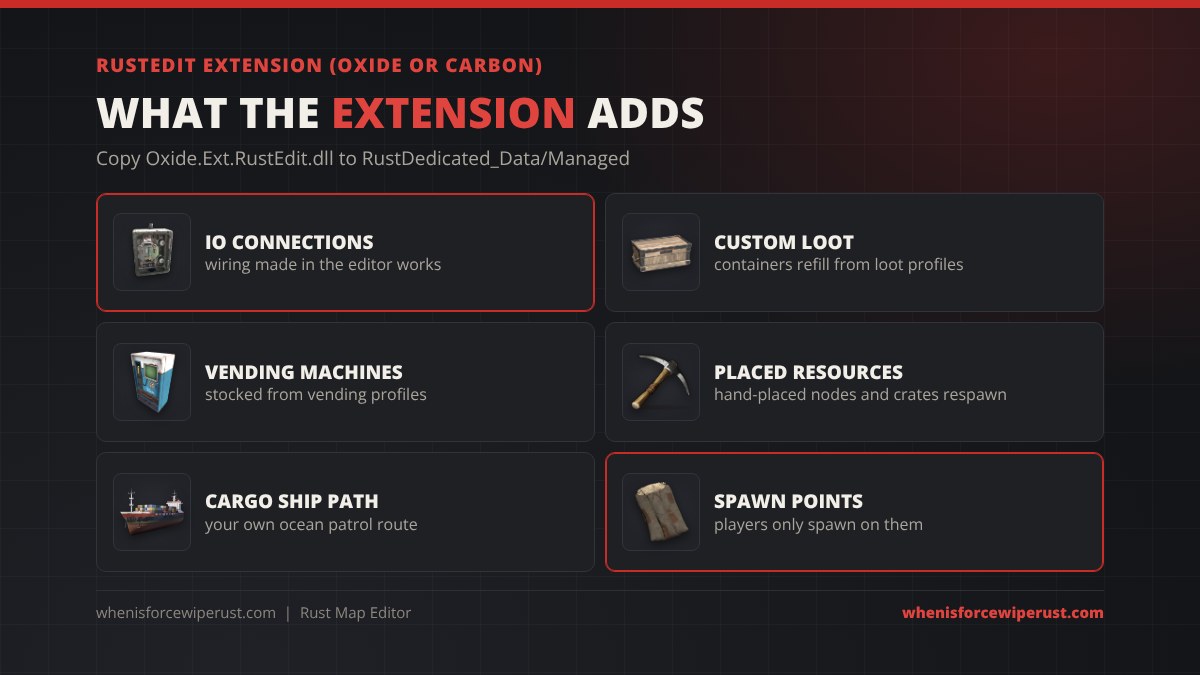
According to RustHQ’s extension page, it currently:
- Makes the IO connections you wired in the editor work (the same electricity system players use).
- Fills custom loot containers and refreshes them at the rates in their loot profile.
- Adds respawn handlers for crates and resources you placed by hand, which would otherwise never come back.
- Stocks custom vending machines from their vending profile.
- Replaces the Cargo Ship ocean patrol path with the one you drew.
- Fixes the spawn point prefab so players only spawn on them.
To install it, copy Oxide.Ext.RustEdit.dll into /serverroot/RustDedicated_Data/Managed/ and restart the server. If you only need custom IO and do not want Oxide, Facepunch’s wiki points to a free Harmony mod by bmgjet that handles IO only. Many maps on marketplaces say which one they need, so read the map page first.
Rust Map Editor (Unity)
Rust Map Editor, once called Rust Map Making Editor or RMME, is the other real editor. It is an open-source Unity project on GitHub, made by Adsito and the RustMapMaking community, and it grew out of JasonM97’s code for the very first community Rust editor. It is free under the MIT license.
- What it needs: the Unity Editor (the project is set to Unity 2022.3.39f1) and a Rust install to read prefabs from.
- Why use it: deeper terrain and splat editing, and because it lives in Unity you can import third-party tools from the Asset Store or code your own in C#.
- Why not: setup is harder, and the public repository’s last code update we found was July 2024, so test it against the current game before you commit to a big project.
Both editors write the same .map format, so some mappers sculpt in one and finish in the other.
RustMaps: Custom Maps Without Hand Editing
If you run a server and just want a custom layout, RustMaps may be enough. It is a generator, not an editor: you pick the size, biome percentages and which monuments to include or exclude, and it builds the map. Its free plan covers procedural generation and the map gallery (6,387 maps listed when we checked), while the custom map generator starts on the Premium plan.
| RustMaps plan | Price | Custom generator | Uploaded maps | Custom prefabs |
|---|---|---|---|---|
| Free | €0 | No | 5 | No |
| Supporter | €1.99 a month | No | 10 | No |
| Premium | €7.99 a month | Yes | 40 | 10 |
| Organization 1 | €14.99 a month | Yes | 100 | 25 |
| Organization 2 | €19.99 a month | Yes | 200 | 40 |
Prices from RustMaps.com on 7 November 2026, monthly billing.
A common workflow is to generate a map on RustMaps, then open the .map in RustEdit to add custom monuments, fix spots you dislike and paint topology. That is how many “custom” maps on big networks are made.
How to Test and Publish Your Map
Once the map is saved, run it on a test server before anyone else sees it.
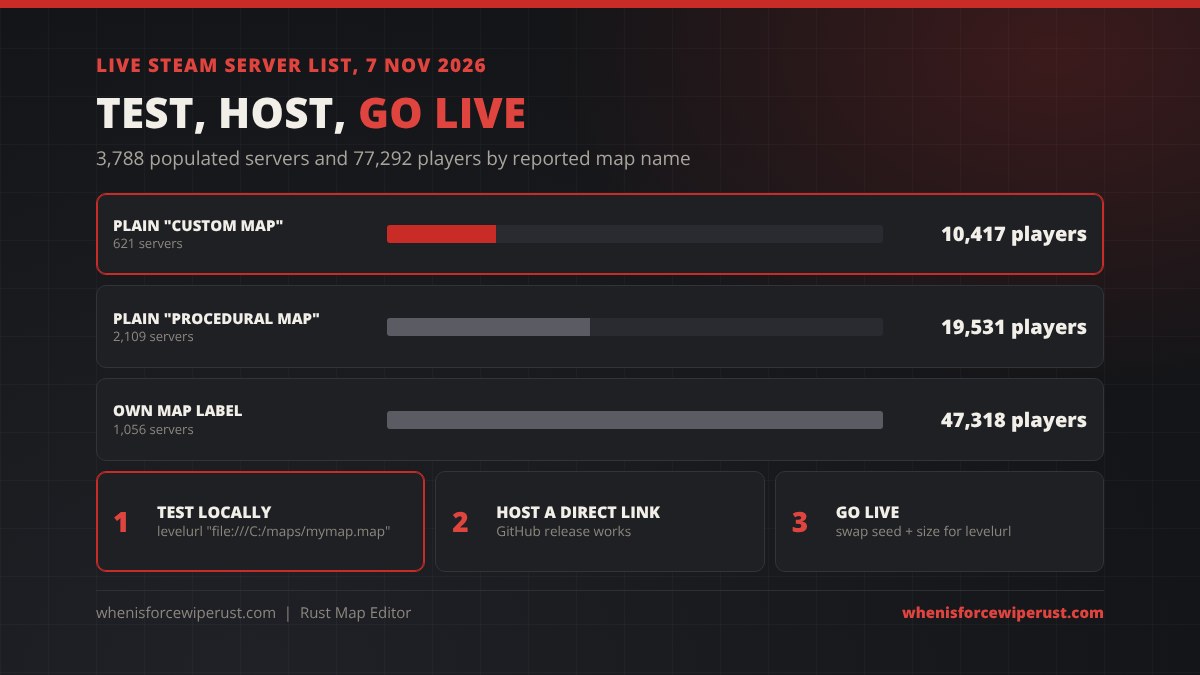
- Test locally. On a local server, point the level URL at the file on your PC. Nobody else can join a server that loads a local file, which is perfect for testing:
+server.levelurl "file:///C:/maps/mymap.map" - Walk the map. Check caves for anti-hack kicks, check that ore and hemp actually spawn, ride the rails, and look at the G map for marker labels.
- Host it. Upload the .map to a host that gives a direct download link. Facepunch’s wiki says a public GitHub release works. Players download from that link, not from your server, so keep it online for the whole wipe.
- Go live. Replace
+server.seedand+server.worldsizewith the level URL and restart:+server.levelurl "https://yourhost.com/mymap.map"
Our custom map install guide covers hosting, Dropbox links and every error in detail, and how to host a Rust server covers the server itself.
How many servers use custom maps? We pulled the live Steam server list the site uses for its Rust server browser on 7 November 2026, two days after the November force wipe. Of 3,788 populated servers with 77,292 players, 621 servers (10,417 players) showed the plain “Custom Map” name, 2,109 servers (19,531 players) showed “Procedural Map”, and 1,056 servers (47,318 players) used their own label, which many custom map networks do. On 27 October the plain “Custom Map” count was 560 servers and 6,867 players, so custom maps grew with the wipe.
Common Rust Map Editor Problems
| Problem | Likely cause | Fix |
|---|---|---|
| RustEdit folder picker is blank | Windows permissions | Move the RustEdit folder or run the launcher and editor as admin |
| Prefabs missing or pink after a Rust update | Editor or game files out of date | Update Rust in Steam, then update RustEdit through the launcher |
| Players die or get kicked in caves | No Terrain Trigger over the underground area | Cover every reachable underground spot with a Terrain Trigger |
| No ore, hemp or barrels in big areas | Topology not painted | Paint Field, Forest and other topology so spawn filters match |
| Wired IO, custom loot or vending does nothing | RustEdit extension missing | Install Oxide.Ext.RustEdit.dll (or the Harmony mod for IO) |
| Players respawn at 0,0,0 or a map corner | Spawn point prefab only works for the first spawn | Use the RustEdit extension or a valid beach spawn area |
| Locked crate never drops at your monument | Chinook prefers vanilla monuments | Add a dropzone near a marker, or use a plugin |
| Map does not load on the server | Link is not a direct download | Use a link that starts the download straight away |
Rust Map Editor FAQ
Does Rust have an official map editor?
No. Facepunch does not provide its own map editor. It publishes the Rust.World SDK, and the community built RustEdit and Rust Map Editor on top of it.
What is the best Rust map editor?
RustEdit is the best choice for most people. It is a free standalone program with tools for terrain, splat, biome, topology, alpha, prefabs and paths. Rust Map Editor in Unity is better only for advanced makers who want to write their own tools.
Is RustEdit free?
Yes, the RustEdit launcher is free to download from RustHQ and installs the editor. Some tools are limited to supporters of k1lly0u’s Patreon.
Where do I download RustEdit?
From the RustEdit Launcher page on RustHQ. The old rustedit.io address now redirects there. Install the launcher outside Windows system folders and outside your Rust folder, then let it download RustEdit.
What are RustEdit’s system requirements?
Windows 10 or newer, an AMD Ryzen 5 1400 or Intel Core i5-6600, 16 GB of RAM, an AMD RX 470, NVIDIA GTX 1060 or Intel Arc A580, DirectX 11, and Rust installed through Steam.
Do I need Oxide to run a RustEdit map?
Only if the map uses RustEdit features such as wired IO, custom loot or vending profiles, a custom Cargo Ship path or spawn points. Those need the RustEdit extension on Oxide or Carbon. A free Harmony mod covers custom IO only. Plain maps without those features run on a vanilla server.
Can I edit a procedural map in RustEdit?
Yes. Every Rust map, procedural ones included, uses the same .map format, so you can open a saved procedural or RustMaps-generated map in RustEdit, change it and save it as a custom map.
How do I test my Rust map before publishing?
Run a local server with +server.levelurl pointing at the file on your PC, such as file:///C:/maps/mymap.map. Nobody else can join while it loads a local file. When it works, host the file on a direct download link and switch the level URL to that link.
Can you make custom maps for Rust Console?
No. Rust Console Edition servers only run procedural maps, so map editors and custom maps are a PC feature.
Sources
- Facepunch Rust Wiki: Map Editors
- Facepunch Rust Wiki: Map Data
- Facepunch Rust Wiki: Utility Prefabs
- Facepunch Rust Wiki: Volume Prefabs
- Facepunch Rust Wiki: Hosting Custom Maps
- RustHQ: Installing RustEdit
- RustHQ: RustEdit Controls and Hotkeys
- RustHQ: RustEdit Extension
- RustHQ: RustEdit Auto Spawn Guide
- GitHub: Adsito/RustMapEditor
- RustMaps: Pricing
- Live Steam server list via whenisforcewiperust.com, 7 November 2026 08:18 UTC