Two numbers build every procedural island in Rust: the world size and the seed. The size decides how much land there is, how many grid squares you get, how many monuments fit and whether the map gets a rail ring. The seed decides what that land looks like. Pick the wrong pair and you get a dead map for 20 players or a crowded one where nobody can build.
This Rust map sizes guide puts every world size side by side with its real area, grid count and best player count, then explains how seeds work, how to change the map size and seed on your own server, and how to pick a seed worth wiping on. If you only need the next reset, our Rust force wipe countdown tracks it to the minute.
- Map Size Chart
- Real Area
- Grid Squares
- What Size Changes
- Size by Player Count
- Official, Community & Console
- How Seeds Work
- Change Size & Seed
- Find a Server’s Seed
- Pick a Good Seed
- FAQ
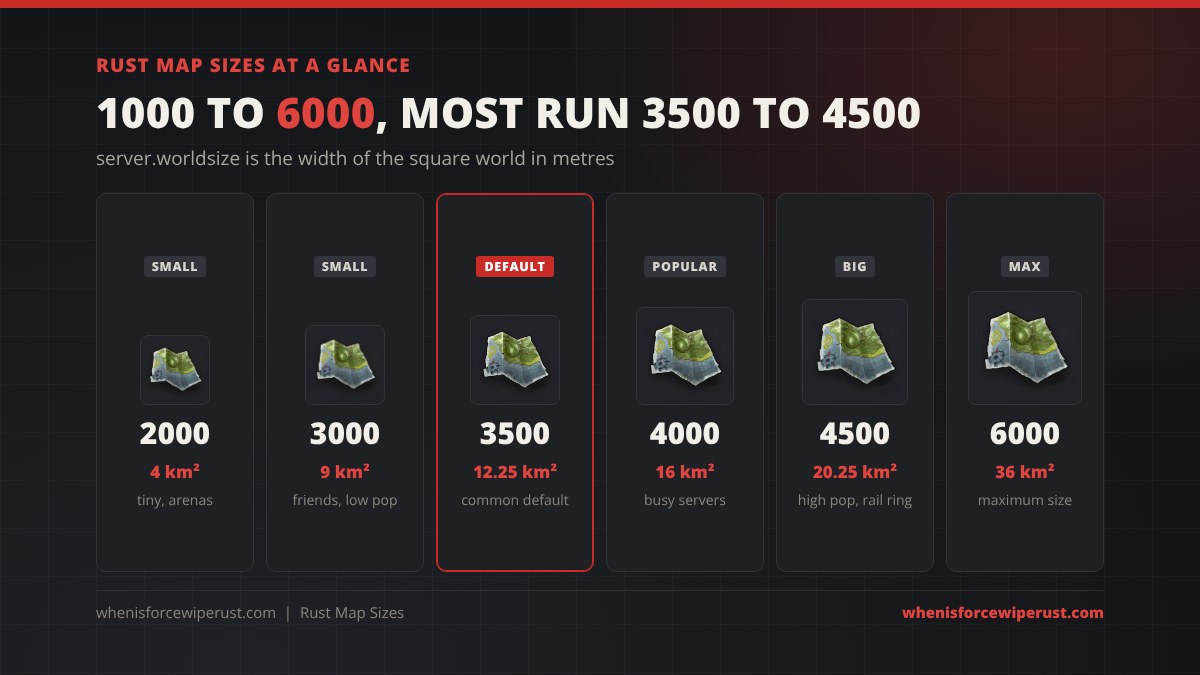
Rust Map Sizes Chart
World size is the width of the map in metres, and the map is always a square. The table below turns each common size into something you can picture: the area, the number of grid squares across, the grid letters you will see, and what kind of server normally runs it.
| World size | Width | Area | Grid across | Letters | Rail ring | Best for |
|---|---|---|---|---|---|---|
| 1000 | 1 km | 1 km² | ~6 | A to F | No | Arenas, aim and build tests |
| 2000 | 2 km | 4 km² | ~13 | A to M | No | Tiny PvP, 1v1 and small group fights |
| 2500 | 2.5 km | 6.25 km² | ~17 | A to Q | No | Friends servers |
| 3000 | 3 km | 9 km² | ~20 | A to T | No | Friends and low pop, console servers |
| 3500 | 3.5 km | 12.25 km² | ~23 | A to W | No | The usual default, 20 to 100 players |
| 4000 | 4 km | 16 km² | ~27 | A to AA | No | Busy community servers |
| 4250 | 4.25 km | 18 km² | ~29 | A to AC | Yes | Smallest size with the rail ring |
| 4500 | 4.5 km | 20.25 km² | ~30 | A to AD | Yes | High pop main servers |
| 5000 | 5 km | 25 km² | ~34 | A to AH | Yes | Very high pop, PvE, roleplay |
| 6000 | 6 km | 36 km² | ~41 | A to AO | Yes | The maximum, build and PvE servers |
The area includes the coastline and shallow sea inside the world border, so the land you can build on is always a bit less than the full square. Grid counts are rounded, because the in-game grid uses squares of about 146 metres and the last row or column is often a partial square.
Rust Map Size vs Real Area

The number on the server is a width, but you play on an area, and area grows much faster than the number suggests. That is why small steps in world size feel so different in game:
- 3500 to 4000 sounds like a small bump, but it adds about 31% more space.
- 3500 to 4500 adds about 65% more space, which is why 4500 servers can hold far more players before they feel crowded.
- 2000 to 4000 is four times the land, not twice.
- 6000 is 36 km², nearly three times a 3500 map.
More space means more room to hide a base, more monuments and longer travel. It also means more work for the server: bigger maps take longer to generate on first boot, use more RAM and save larger files. Our guide to hosting a Rust server has the hardware numbers for each size.
Rust Map Grid Size: How Many Squares You Get
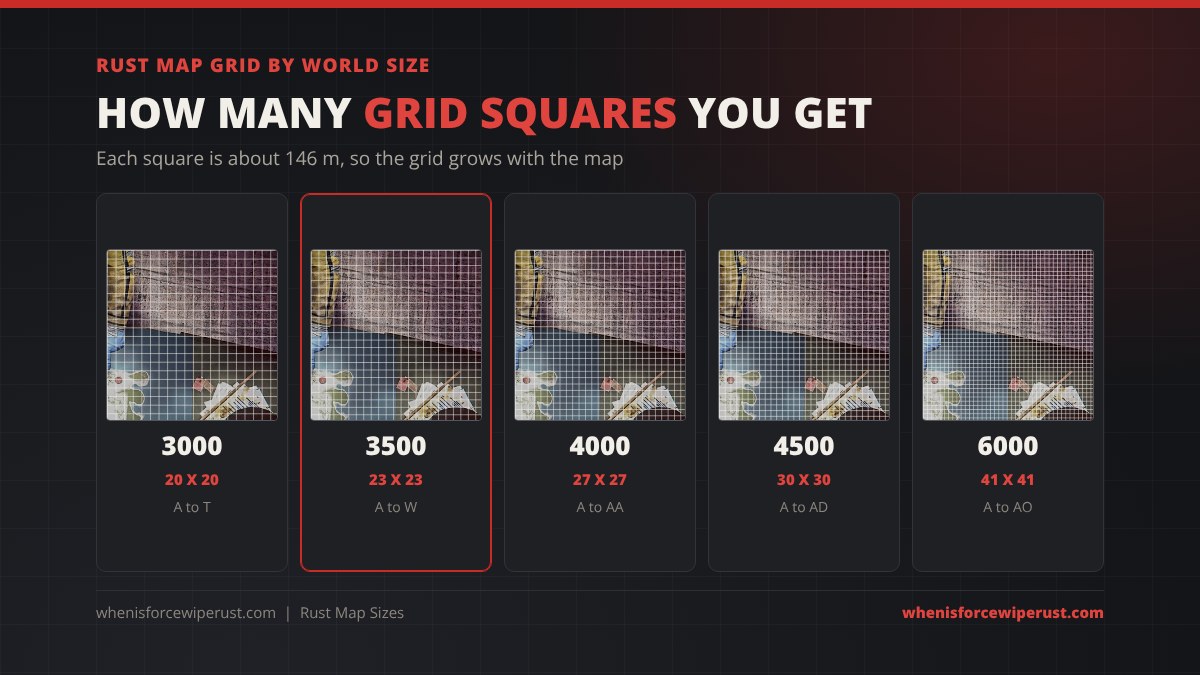
Open your map (G by default) and the island is split into a grid, lettered across the top and numbered down the side. Rust draws each square at about 146 metres, which most players round to 150. The square size stays the same on every map, so a bigger world just has more of them:
- A 3000 map is about 20 squares across, so the letters stop at T.
- A 3500 map is about 23 across, letters A to W.
- A 4000 map runs past Z into AA.
- A 4500 map reaches AD, and a 6000 map goes all the way to AO.
That is why a callout like “R24” or “AB3” tells you a lot about the server you are on. On small maps, the grid lines can sit slightly off the real squares at the edges, so treat the last row and column as a rough guide.
What Changes With Map Size in Rust
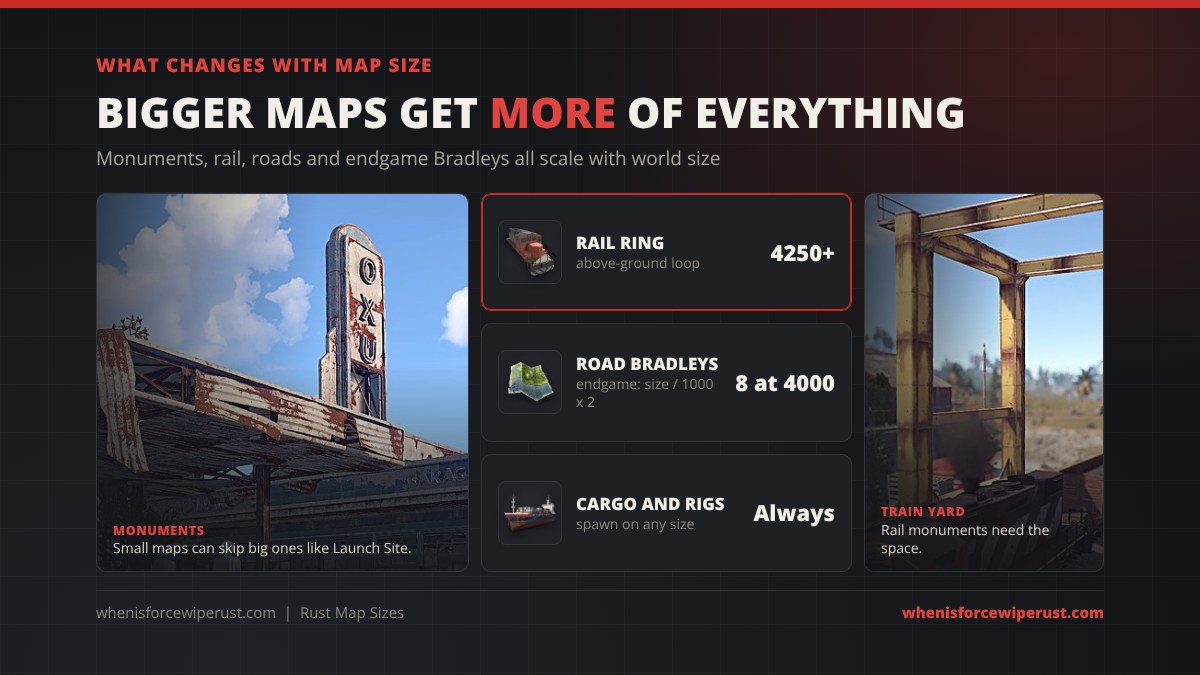
The generator places as much as it can fit, so world size changes far more than just distance:
| Feature | How map size affects it |
|---|---|
| Monuments | Bigger maps fit more of them. Small maps often skip big ones such as Launch Site, Military Tunnels or the Giant Excavator, and get fewer duplicates of small ones. |
| Rail ring | Procedural maps of 4250 and larger get an above-ground railway that loops the island. Smaller maps still have the underground train network. |
| Ring road | Every procedural map gets roads, but bigger maps get longer roads and more roadside monuments and loot. |
| Road Bradleys | In the endgame event near the end of a wipe, the number of road Bradleys is the map size divided by 1000, times two. A 4000 map gets eight. |
| Biomes | Larger maps have more room for arctic and desert areas (see our Rust biomes guide). The Arctic Research Base only spawns where there is enough snow. |
| Ocean events | The Oil Rigs and Cargo Ship appear on maps of any normal size. |
| Server load | More land, more entities and bigger save files. Large maps need more RAM and take longer to boot. |
Want a full list of what can spawn? Our Rust monuments guide covers every monument and its tier.
Best Rust Map Size by Player Count
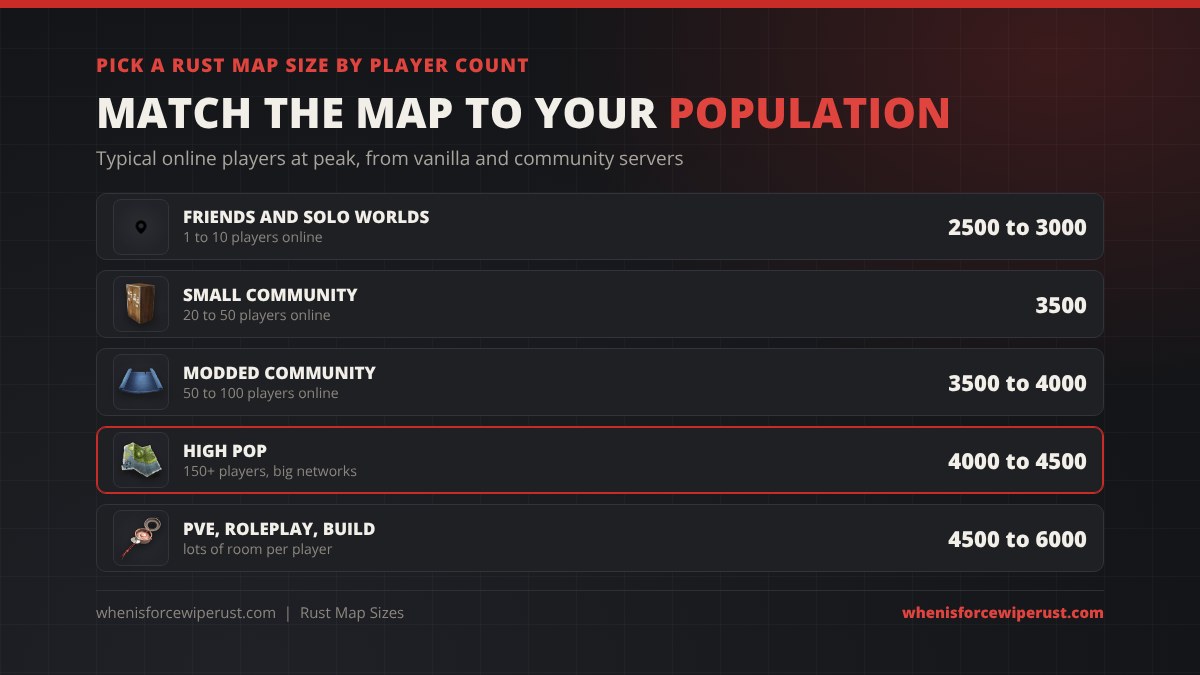
There is no perfect size, but the number of players online at peak is the biggest factor. Too big and the island feels empty. Too small and nobody can build without getting raided on night one. These ranges match what most vanilla and community servers run:
| Players online at peak | Map size | Why |
|---|---|---|
| 1 to 10 (friends, solo worlds) | 2500 to 3000 | Enough monuments to farm, short trips, you still bump into each other |
| 20 to 50 (small community) | 3500 | The safe default, room for clans and solos |
| 50 to 100 (modded or busy community) | 3500 to 4000 | More base spots without the map feeling dead |
| 150+ (big networks) | 4000 to 4500 | Room for large clans, the rail ring from 4250 |
| PvE, roleplay and build servers | 4500 to 6000 | Space matters more than finding fights |
Running PvP for a big group? Lean smaller. Fights come faster and the map feels alive. Running PvE or a build server? Lean bigger. Players want room for big bases and quiet farming. If you are renting a box, the best Rust server hosts compared shows how much RAM to buy for each size.
Map Sizes on Official, Community and Console Servers
Official and community PC servers choose their own size, and most sit between 3500 and 4500. Big networks often swap the plain “Procedural Map” name for their own label or a custom map. In our live Steam server list snapshot on October 23, 2026, 1,131 of 2,601 populated servers (43%) still showed the plain “Procedural Map” name, and 525 more showed “Custom Map”. You can browse them on our live Rust server browser.
Custom maps are pre-built map files (hand-made in an editor or generated on sites like RustMaps) loaded with server.levelurl instead of a seed, so their size is whatever the map maker built. Our Rust custom maps guide covers where to get them and how to install one. See our Rust procedural map guide for how procedural and custom maps compare, plus tiers and biomes.
Rust Console Edition community servers use smaller maps. On G-Portal, the console host, the world size can be set from 1000 to 3000. Our Rust console servers guide covers renting and setting one up.
How Rust Map Seeds Work
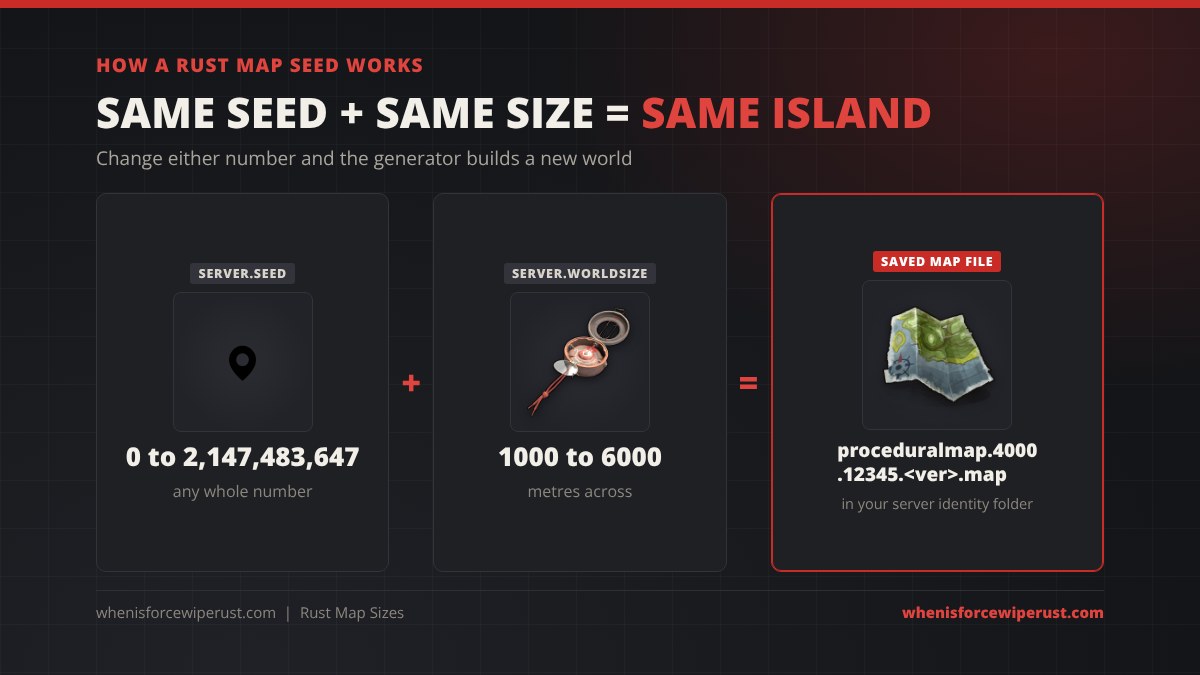
The seed (server.seed) is any whole number from 0 to 2,147,483,647. It drives every random choice the world generator makes: terrain, coastline, rivers, roads, biomes and where every monument lands.
- Same seed, same size, same island. That is how map preview sites can show you a server’s map before wipe.
- Same seed, different size, different island. Seed 12345 at 3500 looks nothing like seed 12345 at 4500.
- Big updates can change a seed. When Facepunch adds a biome or monument to the generator, an old seed can come out a little different. Always preview it on the current game version.
Once the server builds the island it saves it as a map file in the server identity folder, named after the size and seed, for example proceduralmap.4000.12345.<version>.map. Next to it sits the .sav file that holds every base, box and entity on the map.
How to Change Map Size and Seed in Rust
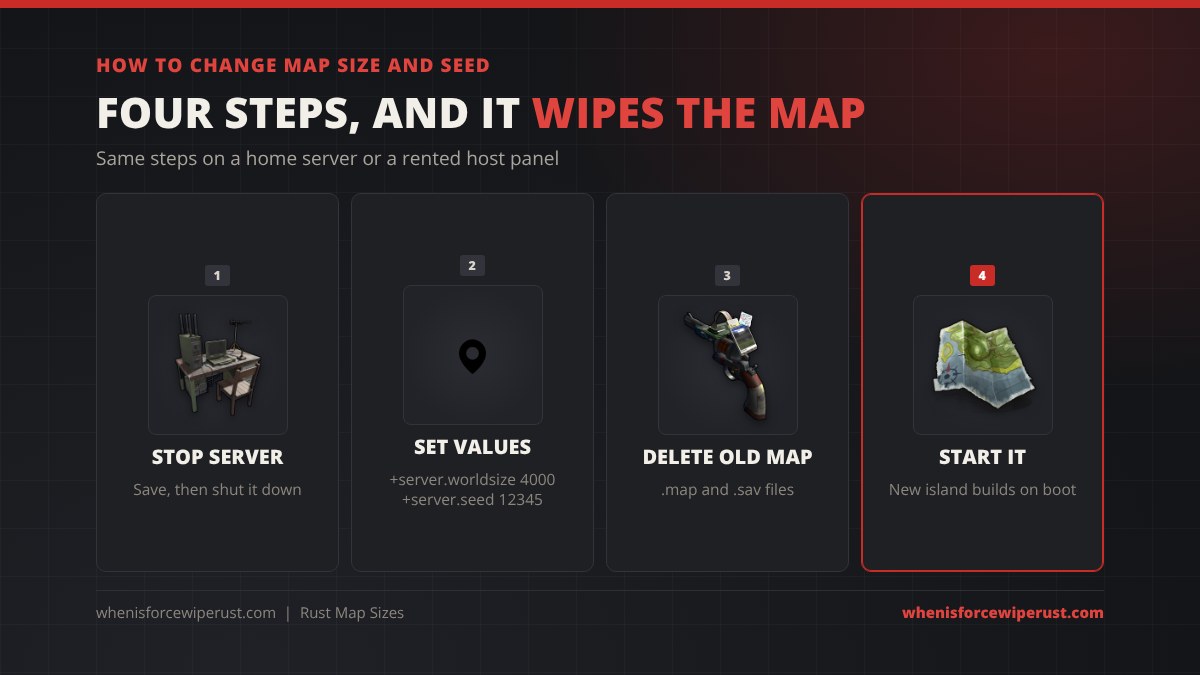
On your own server (start file):
- Stop the server cleanly so it saves.
- Set the new values in your start file or launch line:
+server.level "Procedural Map" +server.worldsize 4000 +server.seed 12345 - Delete the old map: remove the
.mapand.savfiles fromserver/<identity>/. Deleteplayer.blueprints.*too if you want a blueprint wipe. - Start the server. It generates the new island on first boot. Big sizes can take a few minutes, which is normal.
On a rented server: most host panels have World Size and Seed fields in the server settings. Stop the server, change both values, use the host’s wipe or reset option to clear the old map, and start it again. If the old map is not cleared, the server just loads the saved world and ignores the new numbers.
Set the seed and size as launch parameters rather than with a console command on a running server. The world is built when the server starts, so changing server.worldsize mid-wipe does nothing until the next map wipe. Want more server tools? See our Rust admin commands list.
How to Find a Server’s Map Size and Seed
- Server description and Discord. Most servers post the size, the seed or a map preview link on wipe day.
- Map preview sites. RustMaps and similar sites list the seed and size for thousands of servers and let you browse the island, monuments and terrain before you join.
- In game. Open your map with G and count the grid: if the letters run to W, you are on roughly a 3500 map, and AA or more means 4000 plus.
How to Pick a Good Rust Seed
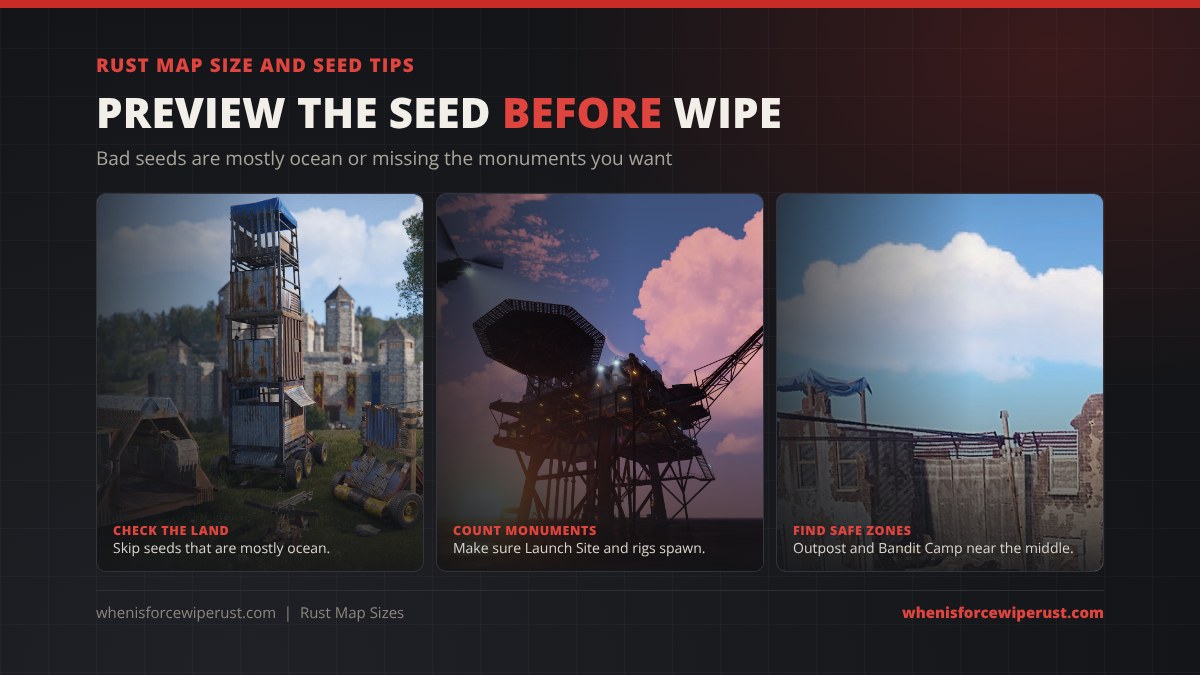
- Preview before you commit. Load the seed and size on a map preview site and look at the whole island.
- Check the land to ocean ratio. Some seeds are mostly water or split into thin islands. Skip them unless you want a boat-heavy wipe.
- Count the big monuments. Make sure Launch Site, Military Tunnels and the other tier 2 monuments actually spawned. Small sizes often miss one.
- Find the safe zones. Outpost and Bandit Camp near the middle of the map are fair for everyone. One stuck in a corner makes the map lopsided.
- Check biomes. Want the Arctic Research Base? You need a decent arctic area. Want calm early game? A large temperate and jungle area helps.
- Avoid huge mountain clusters near the centre. They block roads and make travel painful.
- Keep a list of good seeds for the sizes you run, and rotate them each wipe so regulars do not memorise the map.
Before you pick base spots on the new island, our Rust base designs guide helps you plan the build.
Rust Map Sizes FAQ
What are the Rust map sizes?
Rust map size is set with server.worldsize and can be anything from 1000 to 6000. It is the width of the square world in metres. Common sizes are 3000, 3500, 4000 and 4500, and 3500 is the usual default.
What is the most common Rust map size?
Most servers run between 3500 and 4500. 3500 is the usual default for normal populations, while busy servers with 150 or more players tend to pick 4000 to 4500.
How big is a 4500 map in Rust?
A 4500 map is 4.5 km across and about 20.25 square kilometres, around 65% more space than a 3500 map. It has about 30 grid squares across, lettered A to AD, and it gets the above-ground rail ring.
What is the biggest map size in Rust?
The biggest procedural map size is 6000, which is 36 square kilometres with about 41 grid squares across. The smallest is 1000.
How big is a grid square on a Rust map?
Each grid square on the Rust map is about 146 metres, which most players round to 150. The square size stays the same on every map, so bigger maps simply have more rows and columns.
What map size has the train in Rust?
Procedural maps of size 4250 and larger get the above-ground rail ring that loops the island. Smaller maps still have the underground train tunnels.
How do I change the map seed in Rust?
Stop the server, set +server.seed and +server.worldsize in your start file or host panel, delete the old .map and .sav files from the server identity folder, then start the server. It builds the new island on boot. This wipes the map.
Does the same seed make the same map in Rust?
Yes. The same seed at the same world size always builds the same island on the same game version. Change the size and the island changes completely. Big world generation updates can also shift an old seed a little.