
BattleMetrics is the biggest third-party tracker for Rust servers and players. It lists almost every public Rust server with its live player count, rank, uptime and population history, and it keeps a public page for every player it has seen, with their name history and the servers they played on. Rust players use it to pick a server before a wipe, check how full a server gets at peak, and see where a raider or teammate has been playing.
This guide shows you how to use BattleMetrics for Rust step by step: how to find a server, how to read a server page, how to find a player, what the free account does and what costs money, and what changed in July 2026 when the BattleMetrics API went paid. If you just want a free, live list of Rust servers with wipe filters, use our own Rust server browser, and for the next monthly reset check the Rust force wipe countdown.
- What Is BattleMetrics
- Find a Server
- Read a Server Page
- Find a Player
- Player Tracking
- Free vs Paid
- API Change 2026
- For Server Owners
- Privacy
- Tips
- FAQ

What Is BattleMetrics?
BattleMetrics is an independent website that tracks game servers and players for Rust, DayZ, ARK, Squad, Arma and many other games. It is not made by Facepunch. It works by regularly querying every public Rust server for the information the server broadcasts anyway: its name, map, player count, and the names of the players who are connected. Over time that builds up a history for every server and every player.
For Rust that history is what makes it useful. The in-game server browser only tells you who is on a server right now. BattleMetrics tells you how many players a server had at the same time last week, how its population drops after a wipe, and which servers a player has spent the most time on.
BattleMetrics also has a second side for server owners: a paid RCON tool for running a Rust server, with chat logs, player notes, kicks and bans, and shared ban lists across servers. Many of the big community servers are run through it.
How to Find a Rust Server on BattleMetrics

- Open battlemetrics.com and click Servers in the top menu.
- Choose Rust from the game list. You now see every tracked Rust server, sorted by rank.
- Search by server name (for example “Rustoria” or “Rusty Moose”; our Rusty Moose, Rustafied and Rustoria wipe schedule page shows their live stats too) or by IP address.
- Filter by country, and sort by players or rank to see the busiest servers first. Servers that are offline or empty sink to the bottom.
- Open the server page, copy the address (IP and port) and connect in Rust with
client.connect IP:PORTin the F1 console, or find the server by name in the in-game browser.
A good habit before a wipe is to check two or three servers and compare their population graphs. A server that shows 300 players at the weekend but 40 on a Tuesday night will feel empty if you play on weekdays. If you want filters for wipe day, team size, vanilla or modded, our Rust servers list shows the same live player counts from Steam with those filters built in, and our Rust player count page shows how busy Rust is overall.
How to Read a Rust Server Page
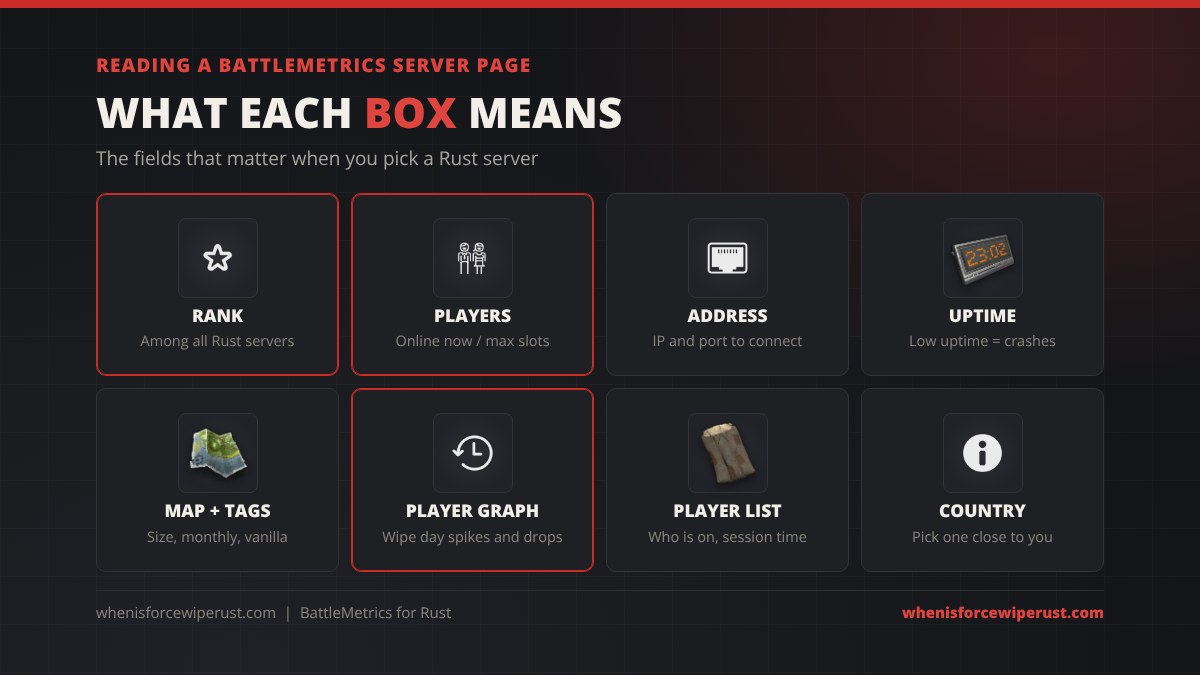
| Field | What it means for you |
|---|---|
| Rank | Where the server sits among all tracked Rust servers, based on player numbers. A rank in the top 100 means it is reliably busy. |
| Player count | Players online now out of the max slots, plus the queue if the server reports one. |
| Address | The IP and port to paste into client.connect. |
| Status and uptime | Online or offline, and how much of the time the server has been reachable. Low uptime means crashes or lag. |
| Country | Where the server is hosted. Pick one close to you for a lower ping. |
| Player graph | Population over the last day, week or month. The best way to see wipe day spikes and when the server dies. |
| Player list | Who is on right now and how long they have played this session. Click a name to open their player page. |
| Rust info | Map type and size, the server description, website and tags such as monthly, weekly, vanilla or modded. |
The graph is the most useful part. Look at the last 30 days: a healthy server climbs on wipe day, stays busy for the first few days, then settles. A server that drops to almost nothing two days after each wipe is mostly played by groups who quit once they’re raided. Our Rust server hosting guide covers what makes a server keep its players.
How to Find a Player on BattleMetrics
- Click Players in the BattleMetrics menu and pick Rust.
- Search by name. Rust names aren’t unique, so you may get many results. Open the one that was seen on the right server.
- The easiest way is the other direction: open a server page, find the player in the current player list and click their name.
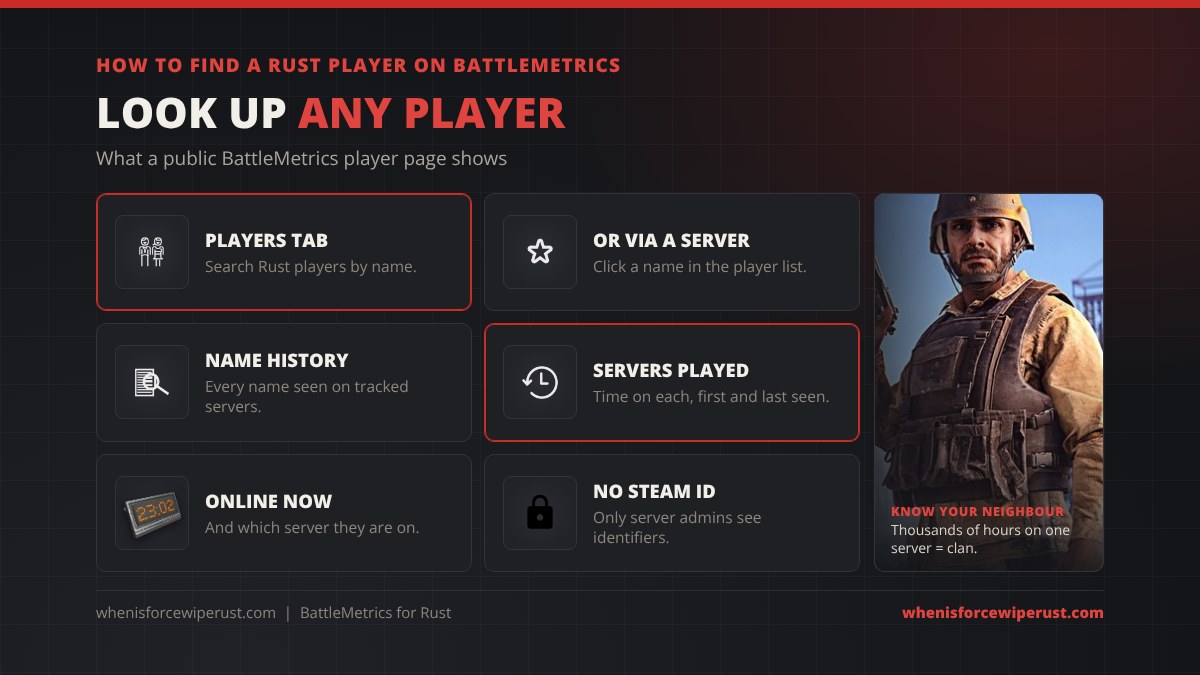
A player page shows:
- Online status and which server they are on now, if any.
- Name history: every name BattleMetrics has seen them use on a tracked server.
- Servers played and time played on each, with first and last seen dates.
Players use this to check whether a neighbour is a big clan player, see if a teammate is online, or find out where a streamer is playing tonight. Server admins use it to check a new player’s history. A player page doesn’t show a Steam ID, real name or location to the public. Steam IDs and other identifiers are only visible to the admins of servers that player joined, through RCON.
Tracking Players and Alerts
With a BattleMetrics account you can save favourite servers and set up alerts, for example when a server goes offline, when it drops below a player count, or when a player you follow comes online. Free accounts get a few basic options. The paid plans raise the number of alerts, add SMS alerts and unlock longer player history.
Many Rust players never touch these settings and use other tools built on BattleMetrics instead:
- Discord bots like rustplusplus, which can post when tracked players join or leave a server.
- Browser extensions that add Rust hours, first seen dates and top servers to BattleMetrics player pages.
- Rust+, the official companion app, for your own team’s status and alarms. See our storage monitor guide for what Rust+ can do.
Most of those bots read BattleMetrics data through its API, and that is exactly what changed in July 2026.
BattleMetrics Free vs Paid Plans
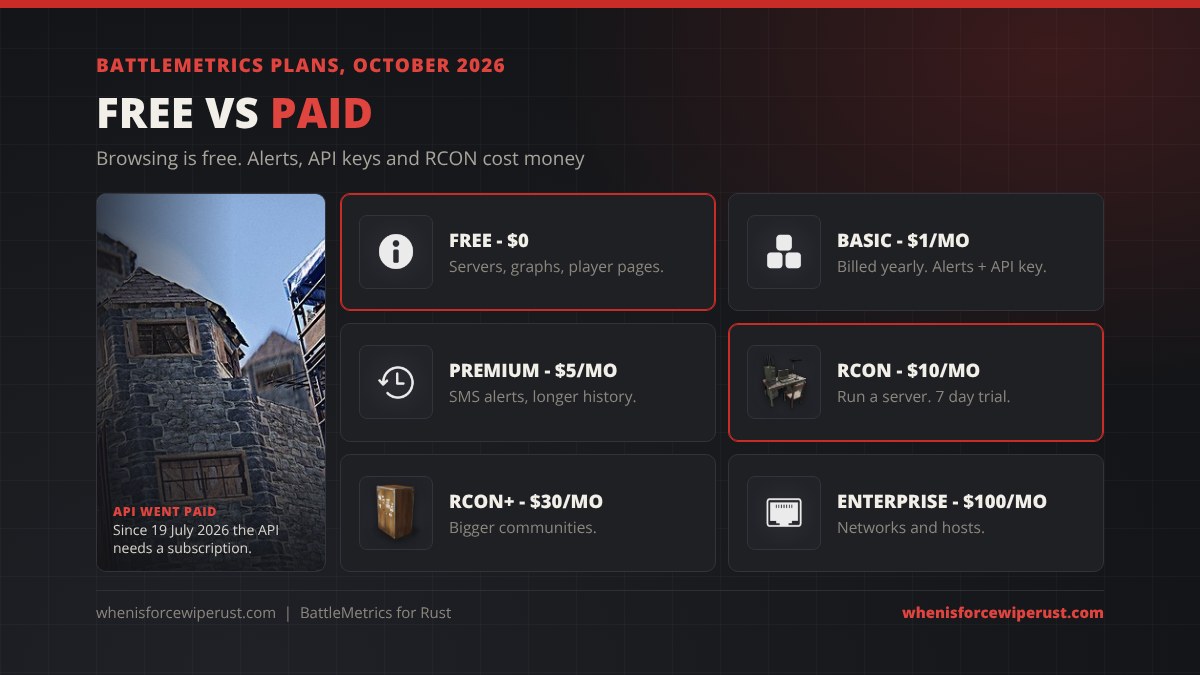
| Plan | Price | Who it’s for |
|---|---|---|
| Free | $0 | Browse servers, server graphs and player pages, basic account features. |
| Basic | $1/month, billed yearly | Players who want more alerts, and an API key for bots and trackers. |
| Premium | $5/month | SMS alerts and extended player history. |
| RCON | $10/month (7 day free trial) | Running your own Rust server: console, chat, bans, player notes. |
| RCON+ | $30/month | Bigger communities with several servers and more automation. |
| Enterprise | $100/month | Large networks and hosting companies. |
Prices are from the BattleMetrics subscription page and can change, so check it before you pay. Some server hosts also sell a cheap per-server BattleMetrics RCON add-on with their Rust servers.
The July 2026 API Change
On 19 July 2026 BattleMetrics ended free use of its API. Any program that reads BattleMetrics data now needs an API token from an account with an active subscription. Without one, the API answers “A subscription is required”.
For normal players browsing the website nothing changed: server and player pages are still free to look at. What broke were free tools that used the API in the background:
- Discord bots and player trackers such as rustplusplus, whose developer says the Basic plan is enough to switch trackers back on.
- Server banners and widgets on community websites that pulled live player counts.
- Server lists on other sites that used BattleMetrics as their data source.
We hit this ourselves: our Rust server browser now reads live server data straight from Steam, so it stays free and needs no BattleMetrics subscription.
BattleMetrics for Rust Server Owners
If you run a Rust server, BattleMetrics is mainly an RCON tool. Once your server is added to an organisation, you get a web console, live chat and kill logs, player notes that carry across all your servers, ban lists you can share with other communities, scheduled commands like wipe announcements and restarts, and triggers that react to events, for example flagging a player’s first join.
Adding a server is free and makes it show up on BattleMetrics with its graph and rank. The RCON features need the RCON plan after a 7 day trial. For the commands you’ll type in that console, see our Rust admin commands and Rust server mods guides.
Can You Hide From BattleMetrics?
Not completely. BattleMetrics only records what Rust servers broadcast publicly, and every Rust server broadcasts the names of connected players. That means your name and time on a server will show up as long as you play on servers it tracks. BattleMetrics has a help article on hiding a player profile, and server owners can turn on the censorplayerlist setting, which hides player names in the public list.
What you can do as a player:
- Change your name before a wipe. Old names stay in your history, but new players searching your current name won’t find the old ones straight away.
- Play on servers that hide the player list, which many big community servers do.
- Keep your Steam profile private if you don’t want people to see your Rust hours.
BattleMetrics Tips for Rust Players
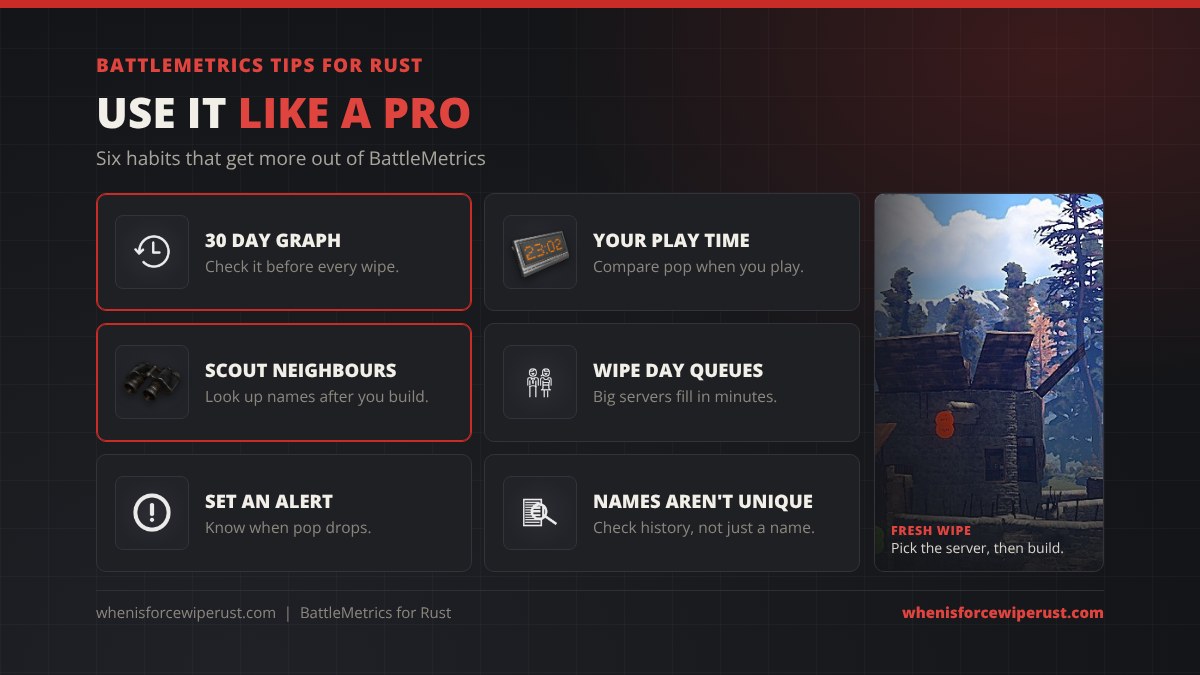
- Check the 30 day graph before you commit to a server for a wipe.
- Compare at your own play time. A server’s peak doesn’t matter if you play when it’s empty.
- Look up your neighbours after you build. A name with thousands of hours on one server is a clan to avoid poking.
- Plan for queues on wipe day. Big servers fill within minutes of a force wipe.
- Use an alert to know when a busy server drops to a joinable population.
- Don’t trust a name alone. Rust names aren’t unique, so check the server history before you decide who someone is.
BattleMetrics Rust FAQ
What is BattleMetrics in Rust?
BattleMetrics is a third-party website that tracks Rust servers and players. It shows every public Rust server’s rank, live player count, uptime and population history, and keeps a page for each player with their name history and the servers they played on. It isn’t run by Facepunch.
Is BattleMetrics free?
Yes, browsing servers and player pages is free. Paid plans start at $1 a month billed yearly and add more alerts, SMS alerts, longer history and an API key. RCON for server owners is $10 a month after a 7 day trial.
How do I find a player on BattleMetrics?
Open Players on battlemetrics.com, choose Rust and search their in-game name. Because names aren’t unique, the quickest way is to open the server they play on and click their name in the current player list.
Can I see someone’s Steam ID on BattleMetrics?
No, not as a normal user. Public player pages show names, servers and time played. Steam IDs are only visible to the admins of servers that player joined, through BattleMetrics RCON.
Why did my BattleMetrics Discord bot stop working?
Since 19 July 2026 the BattleMetrics API needs a token from an account with an active subscription. Bots like rustplusplus need a paid key, and the Basic plan is enough for trackers.
Can I remove myself from BattleMetrics?
Not fully. BattleMetrics records what Rust servers broadcast publicly, including connected player names. You can change your name, play on servers that hide the player list, and check the BattleMetrics help article on hiding a player profile.
Does BattleMetrics show when a Rust server wipes?
It shows the server’s details, tags like monthly or weekly, and you can see wipe day spikes on the player graph, but it isn’t a wipe calendar. Monthly force wipe is the first Thursday of every month.
Is there a free alternative to BattleMetrics for Rust servers?
Yes. Our Rust server browser at whenisforcewiperust.com/rust-servers shows live Rust servers and player counts from Steam with filters for wipe schedule, team size and server type, and it is free with no account.