
The storage monitor is the small yellow screen you stick on a Tool Cupboard or a Large Wood Box so you can check it from your phone. Pair it with the Rust+ app and you can see how long your base is protected for, what is inside the box, and, with one extra wire, get a ping when someone starts taking things out.
This storage monitor Rust guide covers what it does, the crafting cost, how to place, power and pair it, what it shows in Rust+, how to turn it into a raid alarm, how it compares to the other Rust+ devices and the tips that make it worth the 3 HQM.
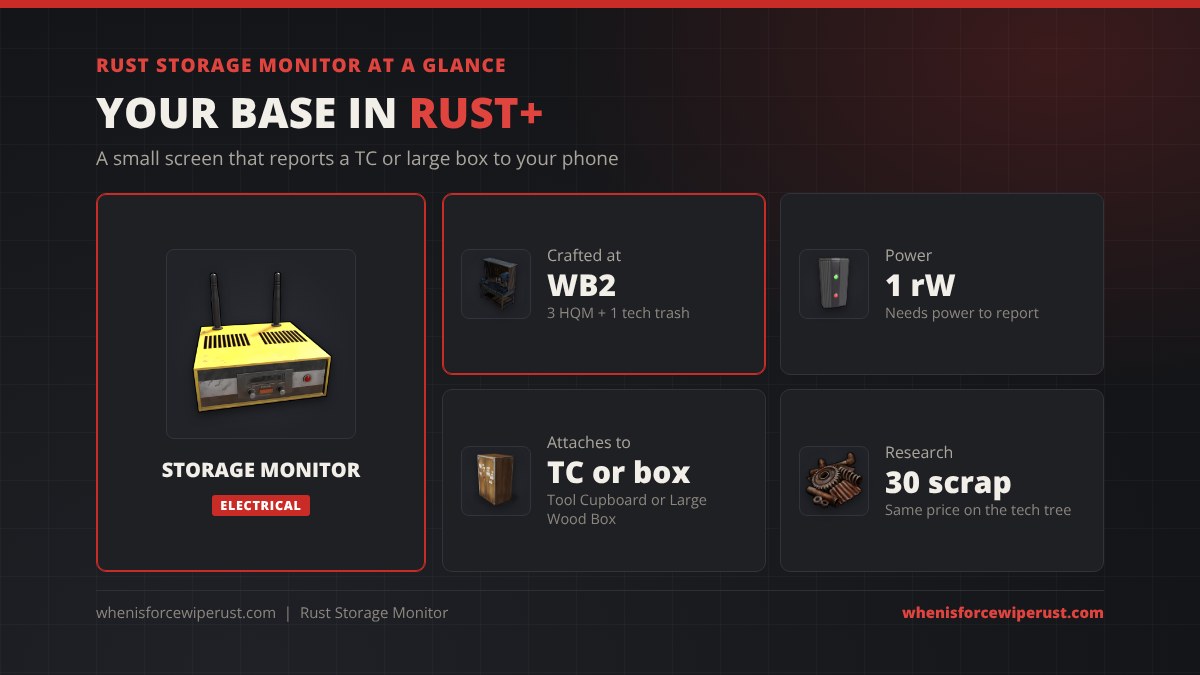
What Is the Storage Monitor in Rust?
The storage monitor is a deployable electrical item that clips onto a container and reports what is in it. In game its description is simple: it attaches to the Tool Cupboard and Large Storage Box to monitor the container contents, and its output sends a pulse when the container is updated.
It is one of the Rust+ smart devices, next to the Smart Alarm and the Smart Switch. On its own it does nothing you can see in game. The value is all in the app: once it is paired, your phone can read the container any time, from anywhere.
| Stat | Storage Monitor |
|---|---|
| Shortname | storage.monitor |
| Item ID | 1149964039 |
| Category | Electrical |
| Recipe | 3 high quality metal, 1 tech trash |
| Workbench | Level 2 (30 s), Level 3 (15 s) |
| Research / tech tree | 30 scrap / 30 scrap |
| Power use | 1 rW |
| Attaches to | Tool Cupboard, Large Wood Box |
| Health | 200 HP |
| Stack size | 1 |
| Despawn time | 20 minutes when dropped |
| Recycles into | 2 HQM, 60% chance of 1 tech trash |
Storage Monitor Crafting Cost
The storage monitor is cheap. It takes 3 high quality metal and 1 tech trash at a Workbench Level 2, with a 30 second craft time that drops to 15 seconds at a Workbench Level 3.

To learn it, put one in a research table for 30 scrap, or unlock its node on the tech tree for the same 30 scrap. That is the uncommon price since the November 2025 scrap rework; older guides that say 75 scrap are out of date.
Tech trash is the only part you may need to hunt for. The tech trash guide lists the best places to get it.
If you recycle a storage monitor in a recycler, you get 2 high quality metal and a 60% chance of 1 tech trash back (40% in a safe zone recycler).
How to Set Up a Storage Monitor
Before you can pair any smart device, you need to pair the server itself. Open the Escape menu in game, pick the Rust+ option and accept the pairing on your phone. Then set up the monitor:
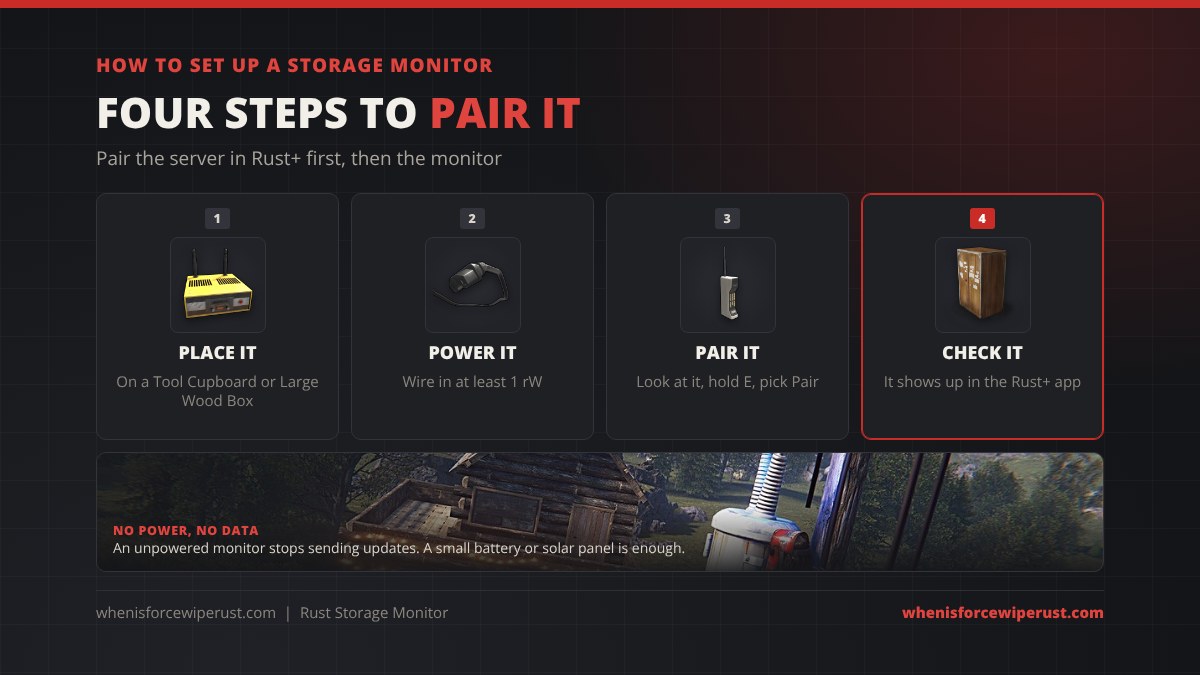
- Place it. Hold the monitor and aim at a Tool Cupboard or a Large Wood Box. It snaps onto the container. It will not go on small boxes or other containers in vanilla.
- Power it. Use a wire tool to run at least 1 rW into the power input. A small battery or a solar panel setup is plenty.
- Pair it. Look at the monitor, hold E and pick Pair. A notification pops up on your phone; accept it.
- Check it. The monitor now shows up in the Rust+ app under your paired devices.
What the Storage Monitor Shows in Rust+
What you see depends on the container it sits on.
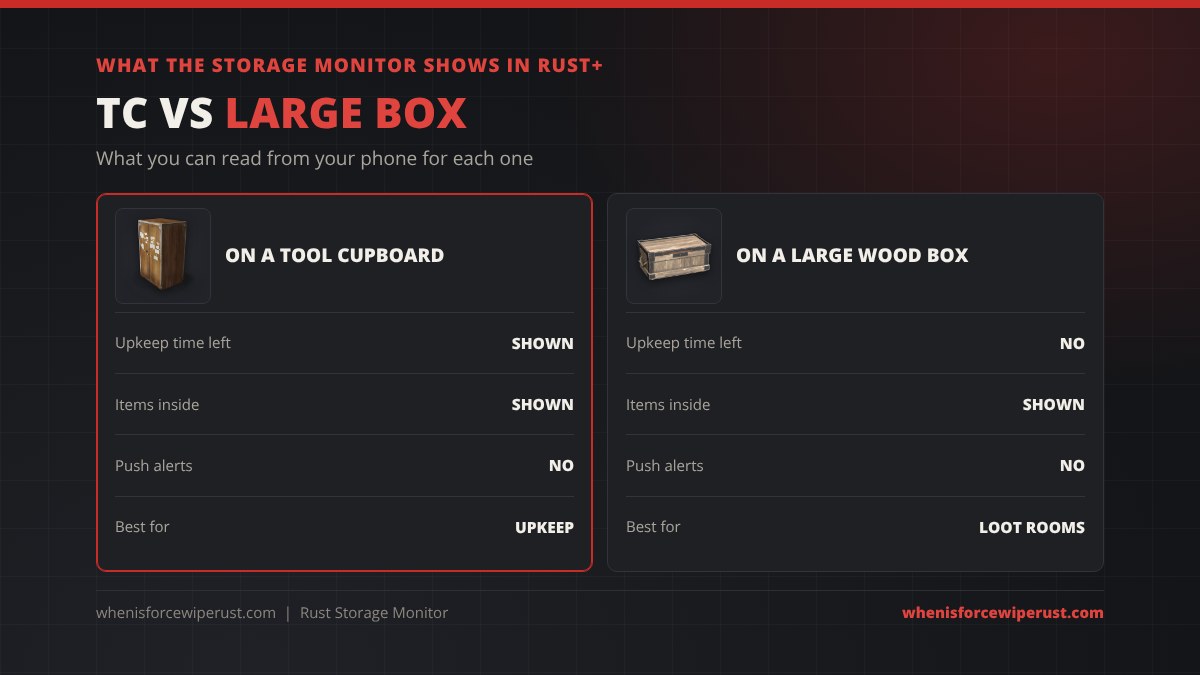
| Shown in Rust+ | On a Tool Cupboard | On a Large Wood Box |
|---|---|---|
| Items inside | Yes | Yes |
| Upkeep / protected time left | Yes | No |
| Push notifications | No (add a Smart Alarm) | No (add a Smart Alarm) |
| Best use | Keeping upkeep topped up | Watching a loot room |
The TC version is the one most players build. Being able to see “protected for 14 hours” from your phone tells you exactly when you need to log in and add more wood, stone or metal fragments before your base starts to decay.
How to Make a Storage Monitor Raid Alarm
The storage monitor does not send notifications by itself. Its output does something more useful: it sends a short pulse every time the container changes. Wire that output into a Smart Alarm and your phone gets a push notification whenever someone touches your TC or loot box.

- Power the storage monitor with a battery or any other source.
- Run a wire from the monitor’s output to a Smart Alarm.
- Pair the Smart Alarm too, and set the message it sends.
Know what fires the pulse. It triggers when a slot goes from empty to holding something, or from holding something to empty. Taking 100 wood out of a stack of 1,000 does not fire it, but taking the whole stack does. That means raiders emptying your TC will trigger it, while upkeep slowly eating a stack will not spam you.
Storage Monitor vs Other Rust+ Devices
Three items do most of the work in Rust+, and each one does a different job.
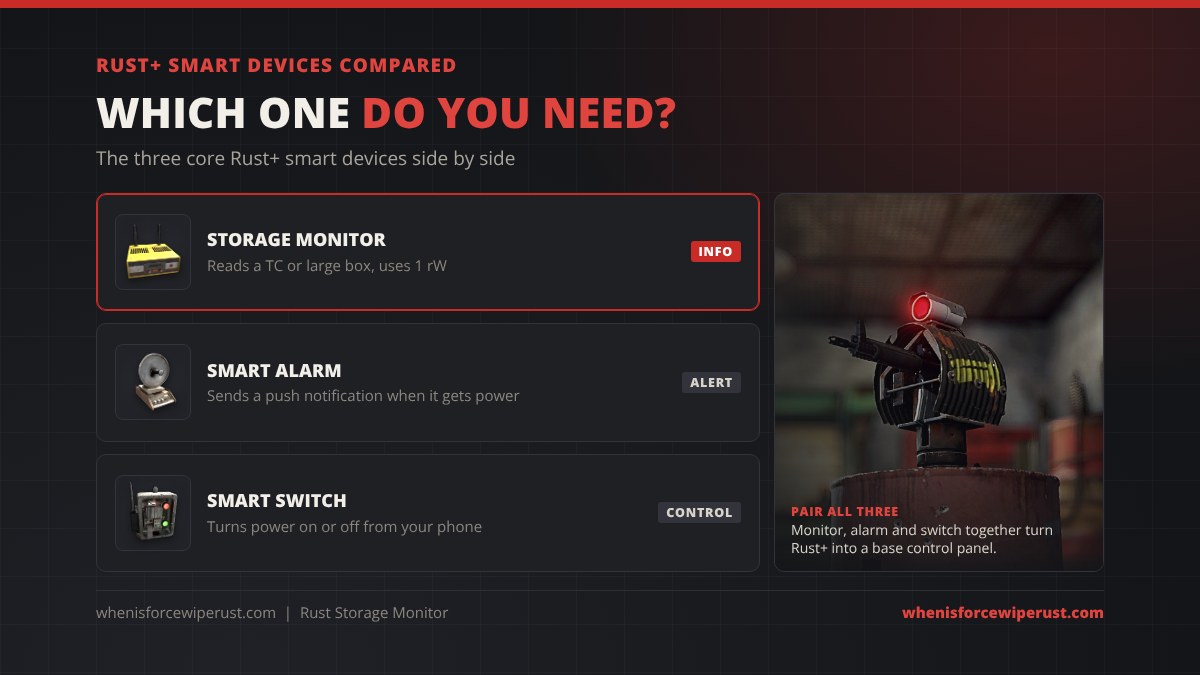
| Device | What it does | Use it for |
|---|---|---|
| Storage Monitor | Reads a TC or Large Wood Box | Upkeep and loot checks |
| Smart Alarm | Sends a phone notification when powered | Raid alerts |
| Smart Switch | Turns a circuit on or off from the app | Lights, turrets, doors, traps |
Used together they turn the app into a remote control for your base: the monitor tells you what is happening, the alarm wakes you up, and the switch lets you react. Pair a switch with your auto turrets or a tesla coil and you can arm them from your phone.
Rust Storage Monitor Tips
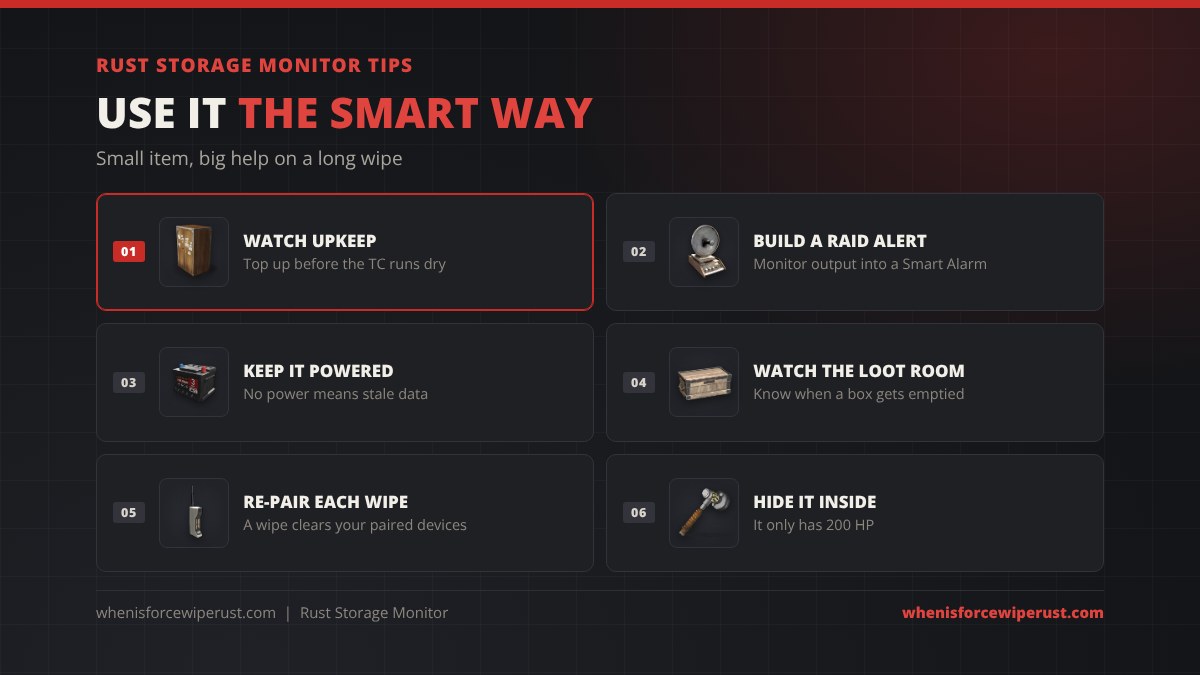
- Watch your upkeep. A TC monitor is the easiest way to never lose a base to decay. Check it before bed and top up if it is low.
- Build a raid alert. Monitor output into a Smart Alarm costs very little and tells you the moment your TC is being emptied.
- Keep it powered. No power means no updates. A battery covers you through the night if you run on solar.
- Watch the loot room. Put one on the Large Wood Box that holds your sulfur or guns.
- Re-pair every wipe. A wipe clears your paired devices, so set them up again on the new map. The force wipe countdown tells you when that is.
- Keep it deep inside. With only 200 HP it breaks fast, so it belongs behind your TC walls, not near a window.
Want a server to try it on? Check the Rust servers list, and look up any other item in the Rust item IDs list.
Rust Storage Monitor FAQ
What does a storage monitor do in Rust?
A storage monitor attaches to a Tool Cupboard or Large Wood Box and lets you see the container from the Rust+ app. On a TC it also shows how long your base is protected from decay. Its output pulses when the contents change.
How do you craft a storage monitor in Rust?
Craft it at a Workbench Level 2 with 3 high quality metal and 1 tech trash. It takes 30 seconds, or 15 seconds at a Workbench Level 3.
How much scrap is a storage monitor to research?
It costs 30 scrap at a research table, and the tech tree node also costs 30 scrap.
Does a storage monitor need power?
Yes. It uses 1 rW. Without power it stops sending updates to Rust+.
How do you pair a storage monitor with Rust+?
Pair the server with Rust+ first from the Escape menu. Then look at the powered storage monitor, hold E and pick Pair, and accept the notification on your phone.
Does a storage monitor send raid alerts?
Not on its own. Wire its output into a Smart Alarm and pair the alarm; the alarm then sends a phone notification whenever a slot in the TC or box is emptied or filled.
What can you put a storage monitor on?
In vanilla Rust it goes on a Tool Cupboard or a Large Wood Box. Some modded servers use plugins that allow it on more containers.
What is the storage monitor item ID?
The storage monitor item ID is 1149964039 and its shortname is storage.monitor.
Sources and Further Reading
- Recipe, recycling and despawn numbers: rustlabs item data
- Facepunch Rust Wiki, Storage Monitor
- Facepunch, Rust+ companion app update
- RustClash Wiki, Storage Monitor
- RustHelp, Storage Monitor