
Rust chat is not just plain text anymore. Since the summer of 2023 you can drop emojis into global and team chat, and you can also use the icon of any item in the game as an emoji, so a trade offer can show a real pile of scrap instead of the word “scrap”. Server owners can even upload their own custom emojis for their community.
This Rust emojis guide covers how to open the emoji menu, how the colon autocomplete works, the full item emoji system with the most useful codes, how to add custom emojis to your own server, how to turn emojis off, and how chat emojis differ from gestures. If you are lining up a fresh start, our Rust force wipe countdown shows exactly when the next wipe lands.
- What They Are
- How to Use Them
- Autocomplete
- Item Emojis
- Emoji Code List
- Callouts
- Custom Server Emojis
- Turning Them Off
- Emojis vs Gestures
- Tips
- FAQ

What Are Rust Chat Emojis?
Chat emojis are small images you can put inside a Rust chat message. They arrived with the monthly Wounded update on 3 August 2023, the same patch that brought the Brick building skin and tugboat improvements. They had been on the staging branch for a few weeks before that, where you had to type the codes by hand because the menu was not clickable yet.
There are three kinds of emoji in Rust chat:
- Standard emojis. The usual faces, hands and symbols, picked from the emoji menu.
- Item emojis. The real in-game icon of any item, called by its short name, like
:sulfur:or:explosive.timed:. - Server emojis. Custom images a server owner uploads, such as a clan logo or a server mascot. They only show on that server.
Emojis work in both global chat and team chat. They are a PC feature of the main game; the separate Rust Console Edition runs its own chat and update schedule.
How to Use Emojis in Rust Chat
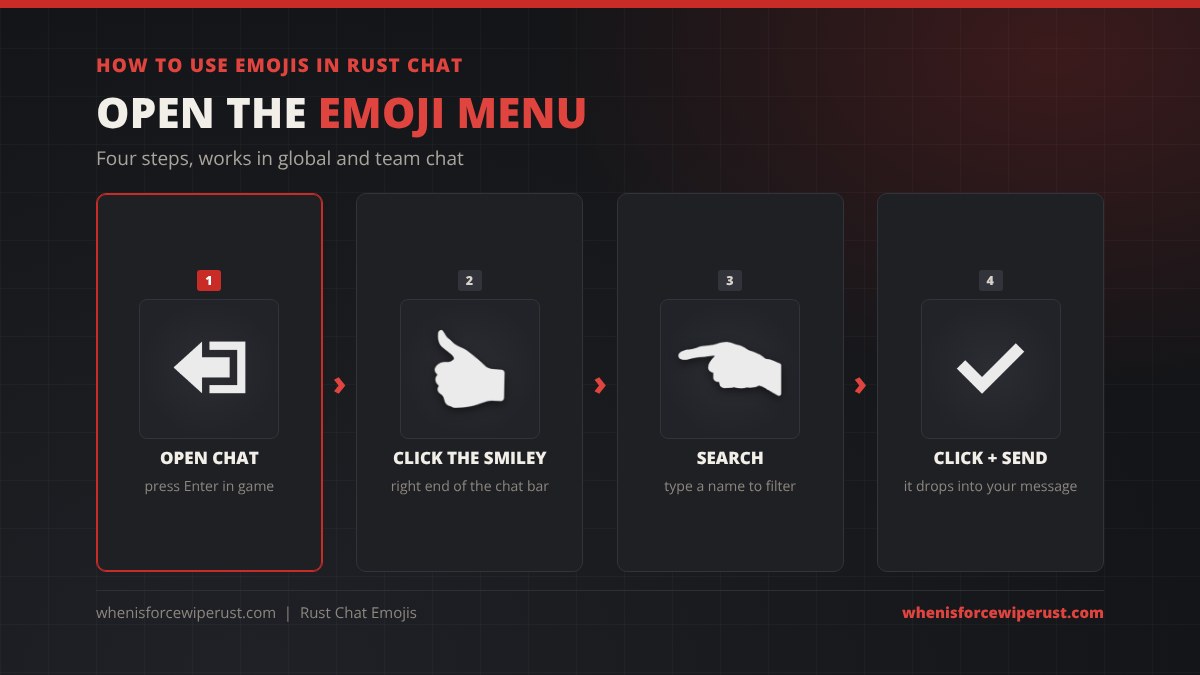
- Open chat in game. Enter opens it by default; use your team chat bind to talk only to your group.
- Click the smiley face at the right side of the chat bar. The emoji menu opens.
- Search by typing part of a name in the menu’s search box, or scroll through the list.
- Click an emoji to insert it into your message, then send it as normal.
You can mix emojis and text freely in one message, and add as many as you like as long as the message stays within the normal chat length limit.
Rust Emoji Autocomplete: Type a Colon
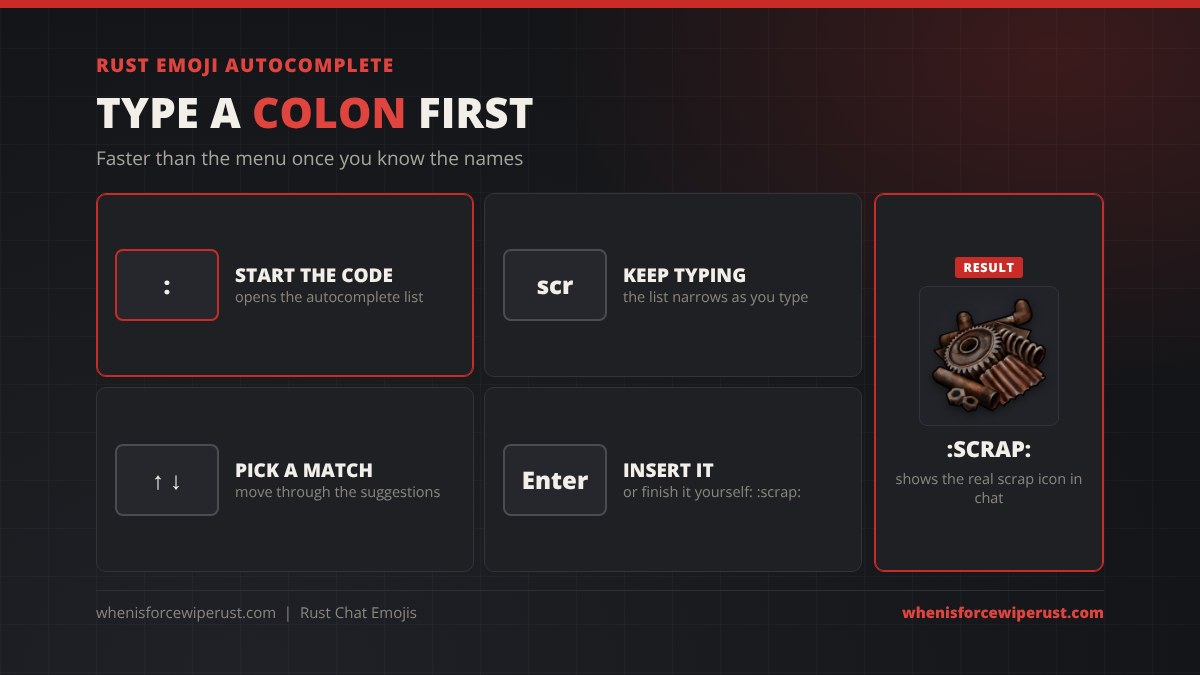
Once you know a few names the menu is slower than typing. Type a colon (:) in the chat box and start typing a name. An autocomplete list pops up above the chat bar and narrows as you type. Move through it with the up and down arrow keys and press Enter to drop the emoji in.
You can also skip the list and type the full code yourself with a colon on each side, like :scrap:. When the message is sent, Rust swaps the code for the image.
Rust Item Emojis
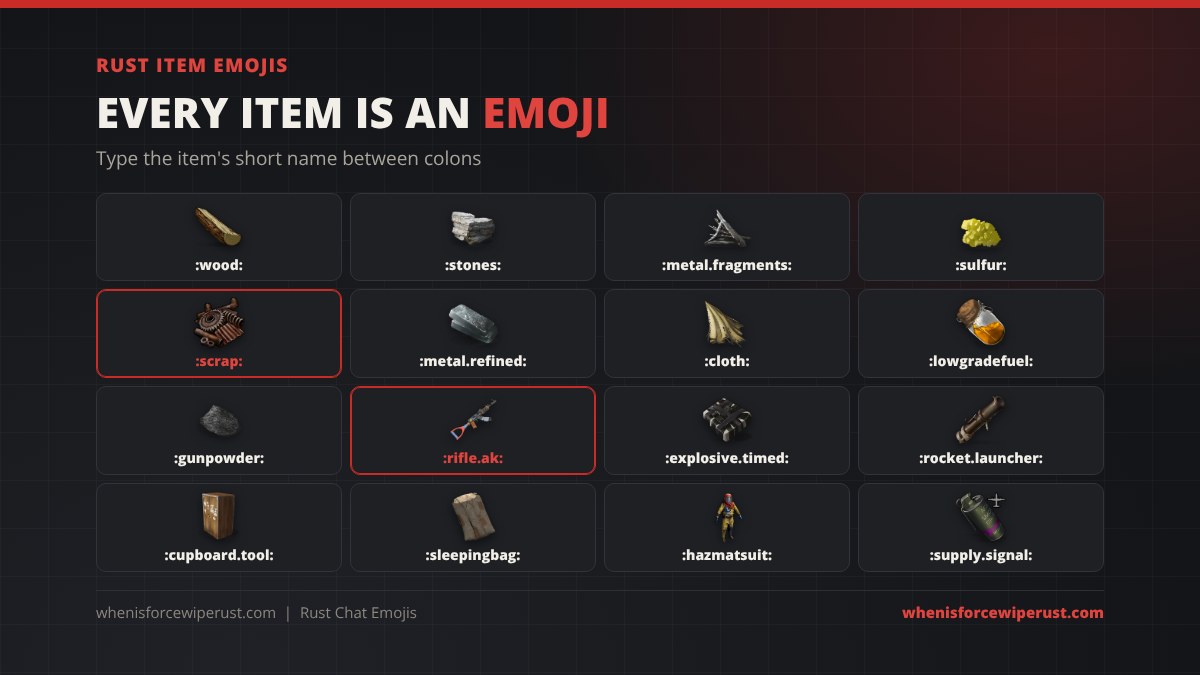
This is the part most players miss. Every item in Rust has an internal short name, and putting that short name between colons turns it into an emoji of the item’s real icon. :wood: shows wood, :rifle.ak: shows the Assault Rifle and :explosive.timed: shows a C4.
Short names are not always the display name. The Assault Rifle is rifle.ak, High Quality Metal is metal.refined, C4 is explosive.timed and Tech Trash is techparts. The autocomplete helps here, and our Rust item IDs and short names list has every one of them in a searchable table.
Rust Emoji Code List (Most Used Items)
These are the item emoji codes players use the most, checked against the current game item files:
| Emoji code | Item | Good for |
|---|---|---|
:wood: | Wood | Trades, upkeep |
:stones: | Stones | Trades, upkeep |
:metal.fragments: | Metal Fragments | Trades, upkeep |
:metal.refined: | High Quality Metal | Trades, upkeep |
:sulfur: | Sulfur | Raid farming, trades |
:sulfur.ore: | Sulfur Ore | Farming callouts |
:scrap: | Scrap | Prices, trades |
:cloth: | Cloth | Trades |
:lowgradefuel: | Low Grade Fuel | Trades |
:gunpowder: | Gun Powder | Raid prep |
:explosives: | Explosives | Raid prep |
:explosive.timed: | Timed Explosive Charge (C4) | Raid callouts |
:explosive.satchel: | Satchel Charge | Raid callouts |
:rocket.launcher: | Rocket Launcher | Raid callouts |
:ammo.rocket.basic: | Rocket | Raid callouts |
:rifle.ak: | Assault Rifle | Enemy loadouts |
:rifle.bolt: | Bolt Action Rifle | Sniper warnings |
:lmg.m249: | M249 | Enemy loadouts |
:cupboard.tool: | Tool Cupboard | Base talk |
:lock.code: | Code Lock | Base talk |
:sleepingbag: | Sleeping Bag | Spawn points |
:keycard_red: | Red Keycard | Monument runs |
:supply.signal: | Supply Signal | Airdrop calls |
:syringe.medical: | Medical Syringe | Heal requests |
:horsedung: | Dung | Banter |
Using Item Emojis for Callouts
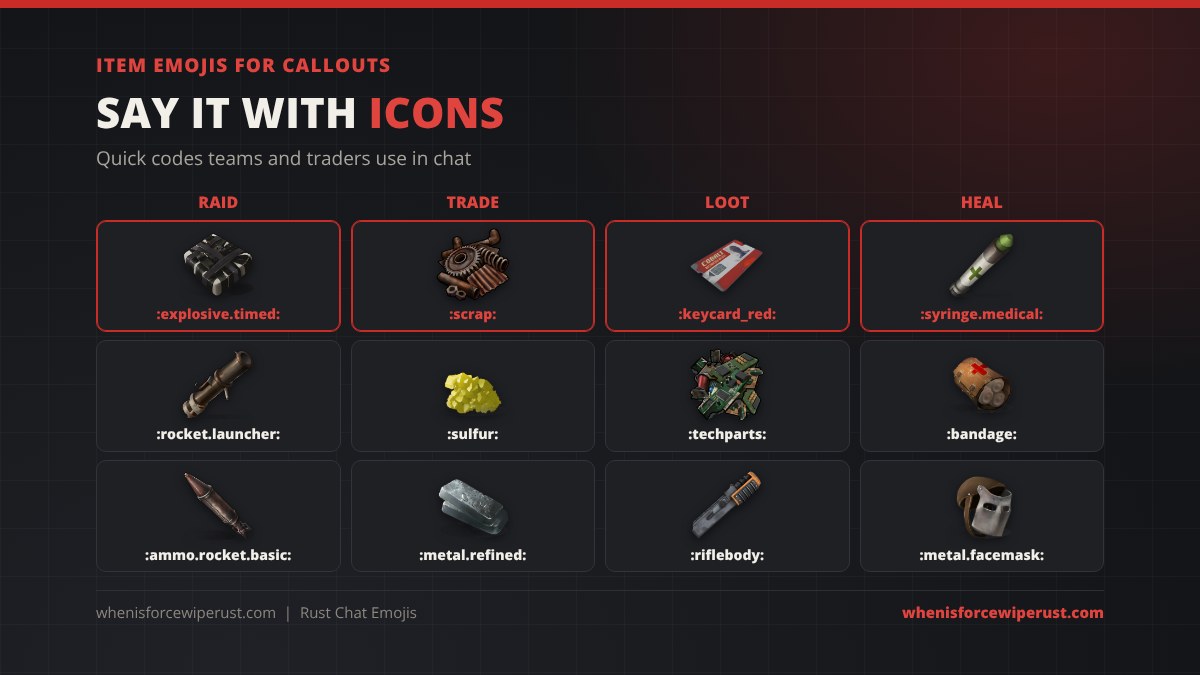
Item emojis are quick to read in the middle of a fight or a long farm run. A few ways teams and traders use them:
- Raids: “need 4 :explosive.timed: at the north wall” or “:rocket.launcher: on the roof” tells the team exactly what to bring. Our Rust raid calculator gives you the exact count.
- Trades: “selling 5k :sulfur: for 1k :scrap:” in global chat is clearer than any spelling of sulfur.
- Loot: “:keycard_red: run at Launch” or “got 3 :riflebody:” keeps the team up to date.
- Healing: “:syringe.medical: please” is the fastest heal request there is.
How to Add Custom Emojis to a Rust Server
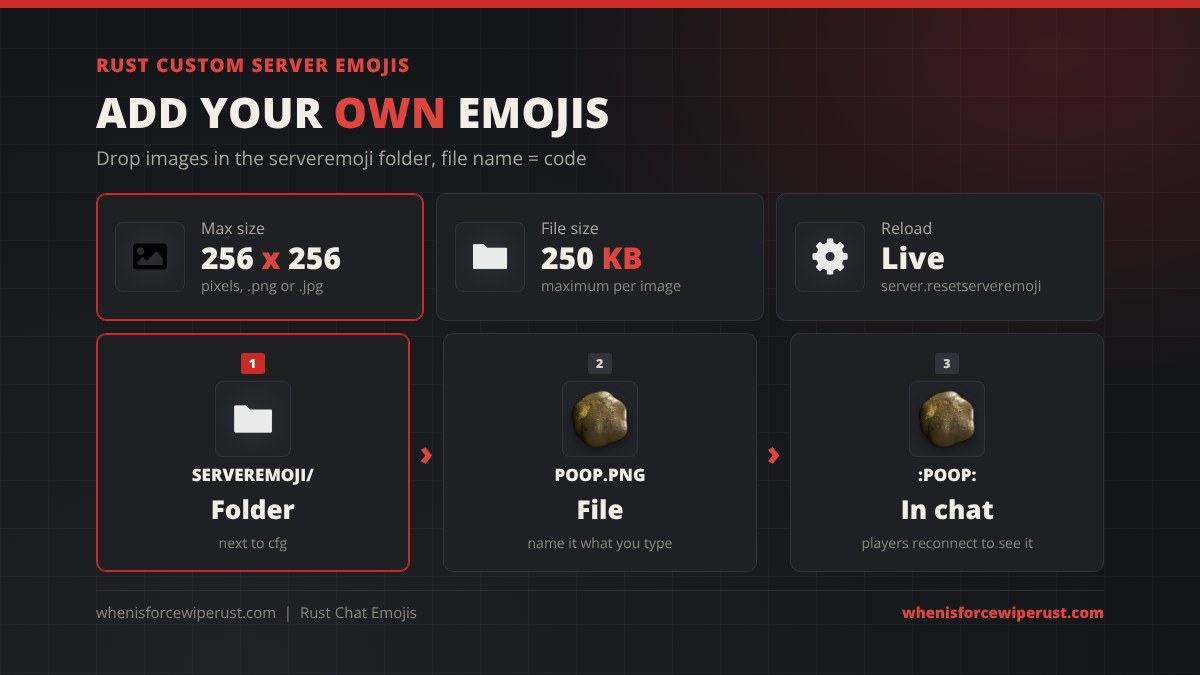
Server owners can add their own emojis without any plugin. Facepunch’s rules for custom server emojis are simple:
- Create a folder called
serveremojiin your server’s identity directory, next to thecfgfolder and the player data. - Put your images in it. Each one must be .png or .jpg, no bigger than 256 x 256 pixels and under 250 KB.
- Name each file what players should type.
poop.pngbecomes:poop:in game. - Restart the server, or run
server.resetserveremojito rescan the folder live. Players who are already connected need to reconnect to get the new emojis.
| Custom emoji rule | Value |
|---|---|
| Folder | serveremoji, next to cfg |
| File types | .png or .jpg |
| Max image size | 256 x 256 pixels |
| Max file size | 250 KB |
| Emoji code | The file name, e.g. logo.png = :logo: |
| Reload command | server.resetserveremoji (clients must reconnect) |
On a hosted server the serveremoji folder goes in the same place as your cfg folder, which you reach through your host’s file manager. See our guide to hosting a Rust server for the folder layout and our Rust admin commands list for the rest of the console tools.
How to Turn Off Emojis in Rust
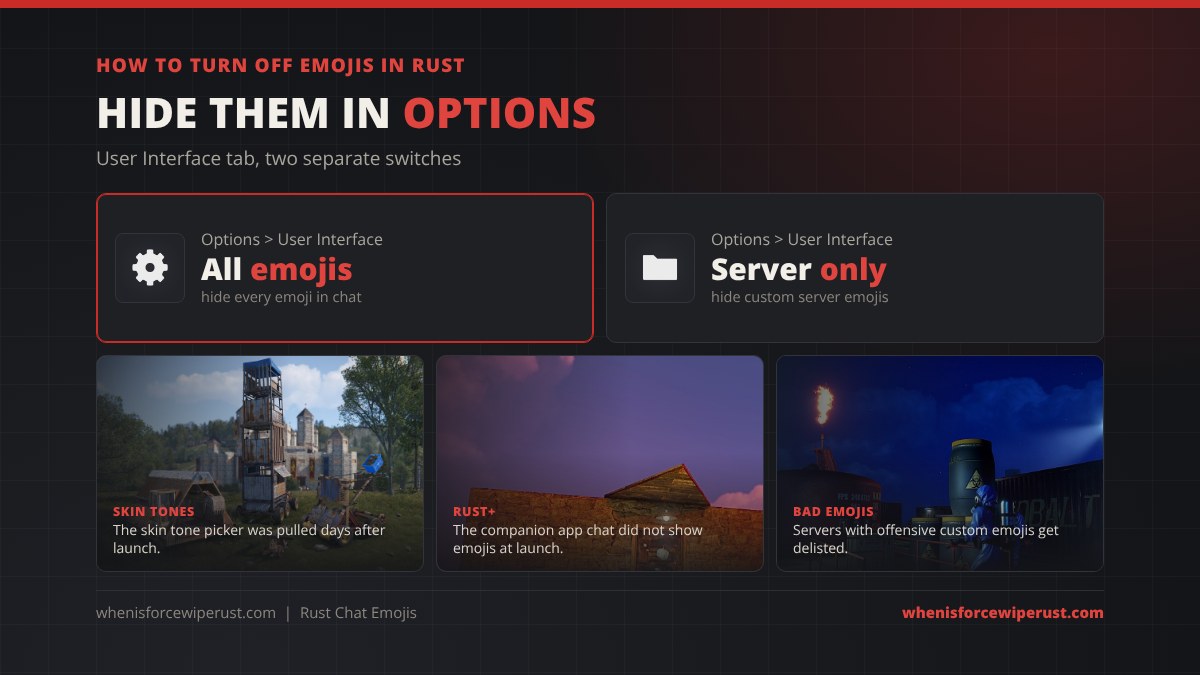
Not everyone wants pictures in chat. Open Options, go to the User Interface tab and you will find two switches: one hides all emojis, the other hides only the custom emojis a server provides, so you keep the standard and item ones.
Two more things changed after launch:
- Skin tones. At launch you could pick a skin tone for the standard emojis. Facepunch removed skin tone support within days, on 7 August 2023, because it was being used for racist and derogatory messages.
- Rust+. Facepunch said at launch that emojis were not supported in the Rust+ companion app’s team chat, so a code may show as plain text there.
Rust Emojis vs Gestures
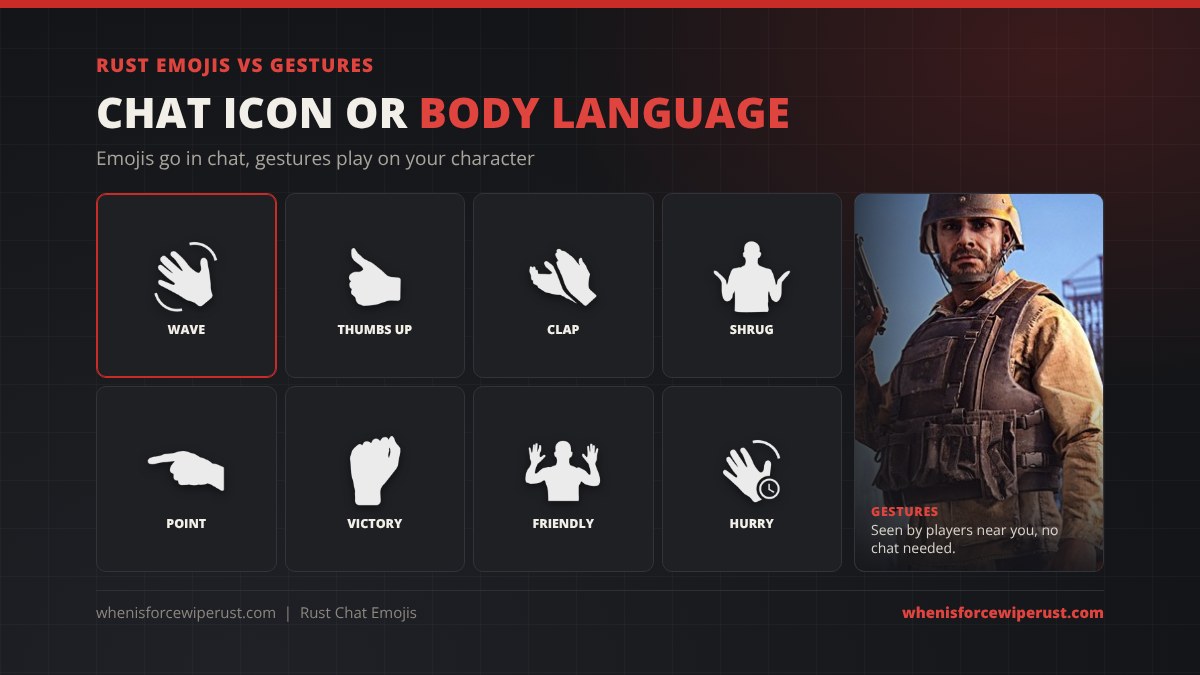
People searching for “Rust emotes” usually mean one of two things. Chat emojis are images in a text message that anyone reading chat sees, wherever they are on the map. Gestures are animations your character plays, like a wave, a thumbs up or a shrug, from the gesture wheel. Only players who can see you will notice them, which makes them the better choice for saying “friendly” to a stranger at Outpost without typing.
Rust Emoji Tips
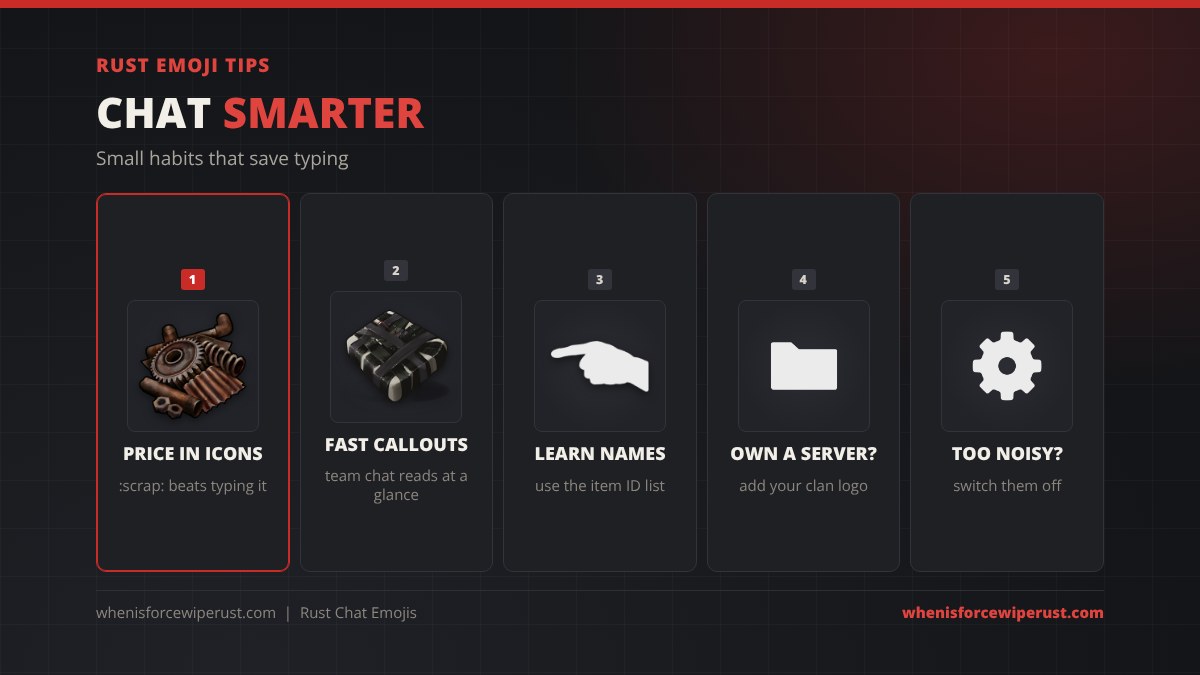
- Price trades in icons. “:scrap:” is shorter than “scrap” in any language, which helps on international servers.
- Learn ten short names. Wood, stones, metal.fragments, metal.refined, sulfur, scrap, explosive.timed, rocket.launcher, rifle.ak and cupboard.tool cover most chat.
- Server owners: add your clan or server logo as an emoji. It costs nothing and players use it in global chat.
- Too much spam? Hide server emojis only, and keep item emojis for trades.
- Check the name before you complain about a broken code. Most “missing” emojis are just the wrong short name, like
:ak:instead of:rifle.ak:.
Want a name that looks good next to all those emojis? Try our Rust name generator, and if you like decorating the world as well as chat, our Rust graffiti and spray can guide covers sprays and decals.
Want to know what people mean in chat, beyond the emojis? Our Rust slang and jargon glossary covers calls like inc, KOS, gg and more.
Rust Emojis FAQ
How do you use emojis in Rust chat?
Open chat, then click the smiley face button on the right of the chat bar to search and pick an emoji. Or type a colon and start typing a name to get an autocomplete list, then use the arrow keys and Enter to insert one.
When were emojis added to Rust?
Chat emojis were added in the Wounded update on 3 August 2023, together with custom server emojis and item icon emojis.
How do you use item icons as emojis in Rust?
Type the item’s short name between colons, for example :wood:, :scrap:, :sulfur: or :rifle.ak:. The autocomplete shows matching items as you type. Short names are often different from display names, so check an item ID list if one does not work.
How do you add custom emojis to a Rust server?
Put .png or .jpg images no bigger than 256 x 256 pixels and under 250 KB in a folder called serveremoji next to your server’s cfg folder. The file name becomes the code, so poop.png is :poop:. Run server.resetserveremoji to reload them; players must reconnect to see new ones.
How do you turn off emojis in Rust?
Open Options and go to the User Interface tab. One setting hides all emojis and another hides only the custom emojis that the server provides.
Can you change emoji skin tone in Rust?
Not anymore. A skin tone picker came with the emoji update in August 2023, but Facepunch removed skin tone support a few days later because it was being abused for racist and derogatory messages.
Do Rust emojis work in team chat?
Yes. Emojis work in both global chat and team chat in the game. Facepunch said at launch that they were not supported in the Rust+ companion app’s chat.