
The Spray Can is the cheapest tool in Rust and one of the most useful. For 100 metal fragments it lets you change the skin on a door, box or furnace that is already placed in your base, without picking it up. Add the Graffiti Pack and the same can sprays tags, decals and freehand art onto walls, rocks and monuments all over the map.
This Rust graffiti guide covers how to craft a spray can, how to reskin placed items with it, what the Graffiti Pack adds and what it costs, every spray can control, how long sprays last, how to wash graffiti off, and the server commands admins use to clear it. If you want a clean map to tag, our Rust force wipe countdown shows exactly when the next wipe lands.
- What It Does
- Crafting
- Reskinning
- What You Can Reskin
- Graffiti Pack
- Controls
- How Long Sprays Last
- Removing Graffiti
- Admin Commands
- Tips
- FAQ

What Does the Spray Can Do in Rust?
The Spray Can came into Rust with the Arctic Update in February 2022 as a reskin tool. Before it existed, changing the skin on a placed door meant picking the door up, carrying it to a Repair Bench, reskinning it and placing it again, which costs condition and leaves a gap in your base. The can removed all of that.
Today it has two jobs:
- Reskin (right click). Free for every player. Look at a placed item, right click and pick any skin you own for it. The item stays where it is, keeps its health and stays connected if it is an electrical part.
- Spray (left click). This is the graffiti side, unlocked by the Graffiti Pack DLC. It places one of eight decals, or switches to free paint so you can draw whatever you want.
The in-game description says it plainly: use the Spray Can to leave tags or reskin your items, attack to spray and attack2 to reskin. Facepunch confirmed when the pack launched that the reskin ability stays free for everyone, so you never need the DLC just to change a skin. For everything about getting skins in the first place, see our Rust skins guide.
How to Craft a Spray Can in Rust
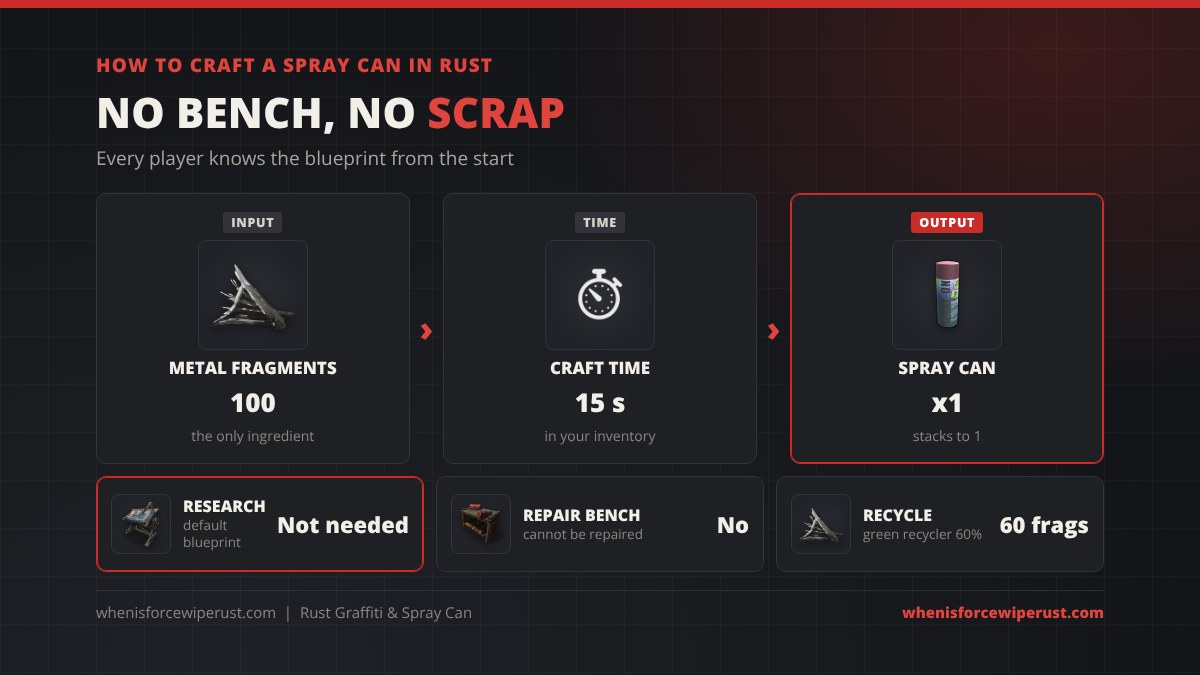
The Spray Can is a default blueprint, so there is nothing to research and no tech tree node to buy. Open the crafting menu, find it under Tools and craft it anywhere.
| Spray Can | Value |
|---|---|
| Recipe | 100 Metal Fragments |
| Workbench | None |
| Craft time | 15 seconds |
| Blueprint | Default (known by everyone) |
| Stack size | 1 |
| Uses | About 20 reskins, sprays also wear it down |
| Recycles into | 50 frags at a monument, 60 powered green, 75 Power Plant red, 40 safe zone |
| Short name / item ID | spraycan / -596876839 |
Each reskin or spray uses up some of the can’s condition, and Facepunch’s wiki lists it as not repairable, so when it breaks you simply craft another. At 100 frags it is one of the cheapest tools in the game, so keep one in your base box next to your spare doors. The recycle numbers follow the normal recycler rates, so a can you no longer need gives most of its fragments back.
How to Reskin With a Spray Can
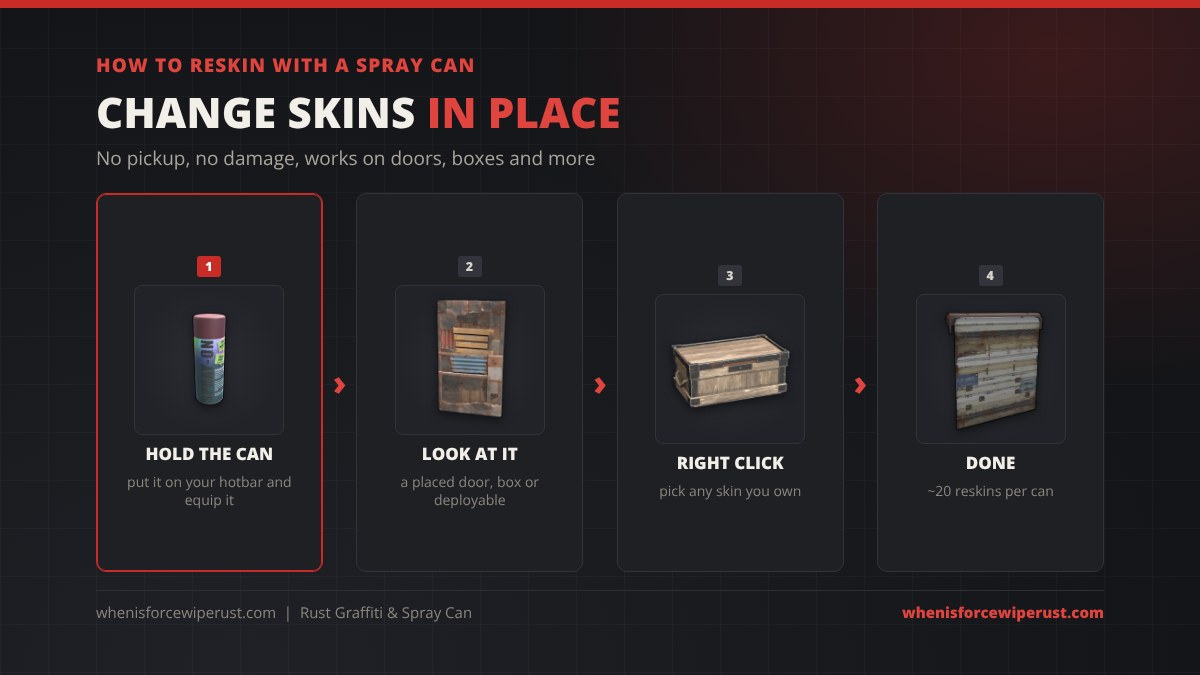
- Put the Spray Can on your hotbar and equip it.
- Look at a placed item you have permission to change, like a door, box, furnace or sleeping bag inside your building privilege.
- Right click to open the skin menu. It shows the default look plus every skin you own for that item in your Steam inventory, plus any free item store or Twitch drop skins on your account.
- Click a skin. The item changes instantly and keeps its health, lock and contents.
You can only apply skins you own. If the menu is empty, you do not own any skins for that item yet. Skins bought in the Rust Item Store show up right away, and Twitch drops appear once they are claimed to your Steam inventory.
What Can You Reskin With a Spray Can?
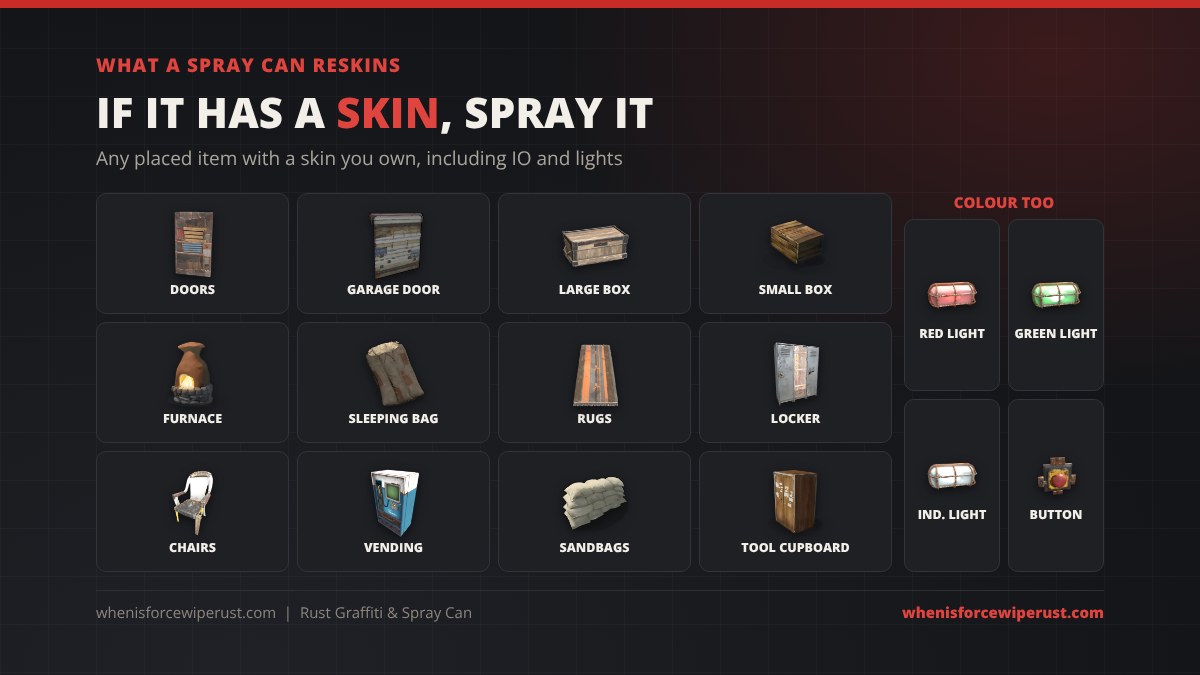
Almost any placed deployable with skins works. The common ones:
- Doors: wooden, sheet metal, garage doors, double doors and armored doors.
- Storage: large and small wood boxes, lockers and the tool cupboard (Retro and Shockbyte skins).
- Base deployables: furnaces, sleeping bags, rugs, chairs, sandbags, vending machines and wallpaper.
- Electrical parts: Facepunch changed the can so it reskins IO deployables without disconnecting their wires.
- Colours: the red and green industrial wall lights are now skins of one item, so the can switches their colour, and deployable buttons now change colour with the spray can too, the same as other colour changing items.
Some items need a specific DLC skin to swap to, for example the barrel and wall skins from paid packs. The can only changes an item to a look you own.
What Is the Rust Graffiti Pack?
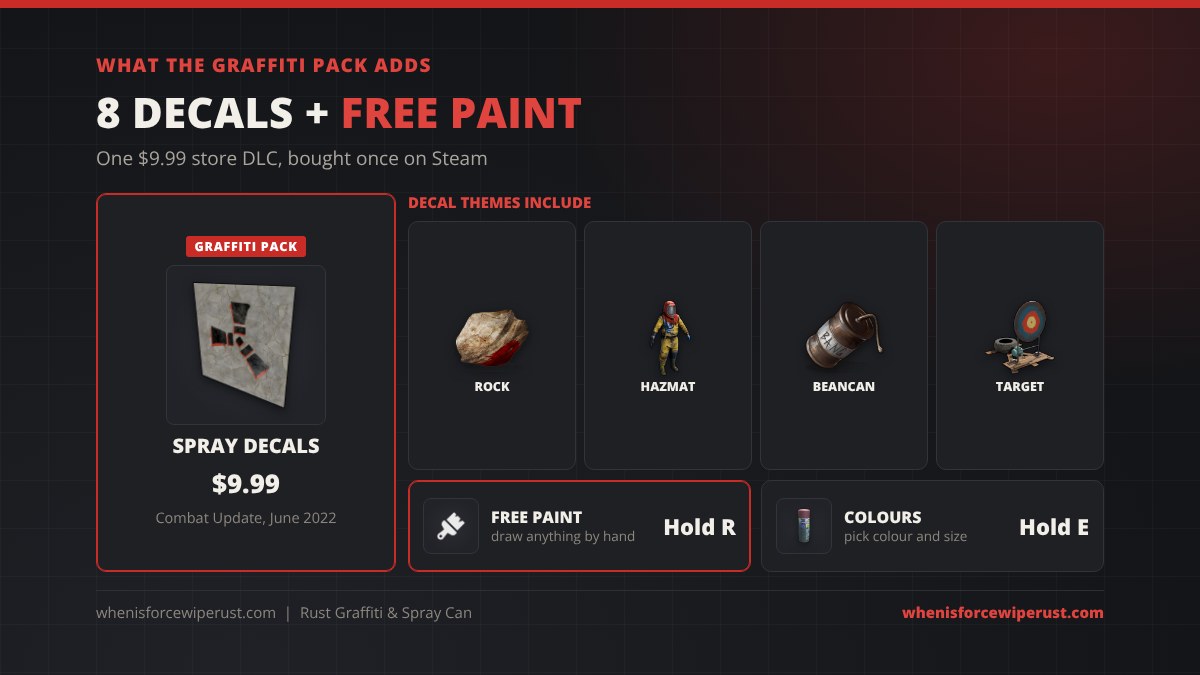
The Graffiti Pack is a permanent item in the Rust store, added with the Combat Update in June 2022 for $9.99. It is a one time purchase on Steam, and once you own it every Spray Can you craft can spray. It adds:
Want to decorate chat as well as walls? Rust chat supports emojis and item icons too, covered in our Rust emojis guide.
- 8 spray decals. Ready made graffiti you stamp onto a surface with one click. The set includes a bloody rock, a red hazmat helmet with a cracked visor, a beancan grenade going off with a “BANG!”, a classic target, and a “when wipe?” tag that every Rust player will recognise.
- Free paint mode. Draw anything by hand. You can change the spray size and the colour, so names, arrows, clan tags and full murals are all possible.
Sprays stick to most surfaces: building walls, doors, rocks, cliffs, roads and monument walls. Your sprays are visible to everyone on the server until they fade or someone washes them off.
Rust Spray Can Controls
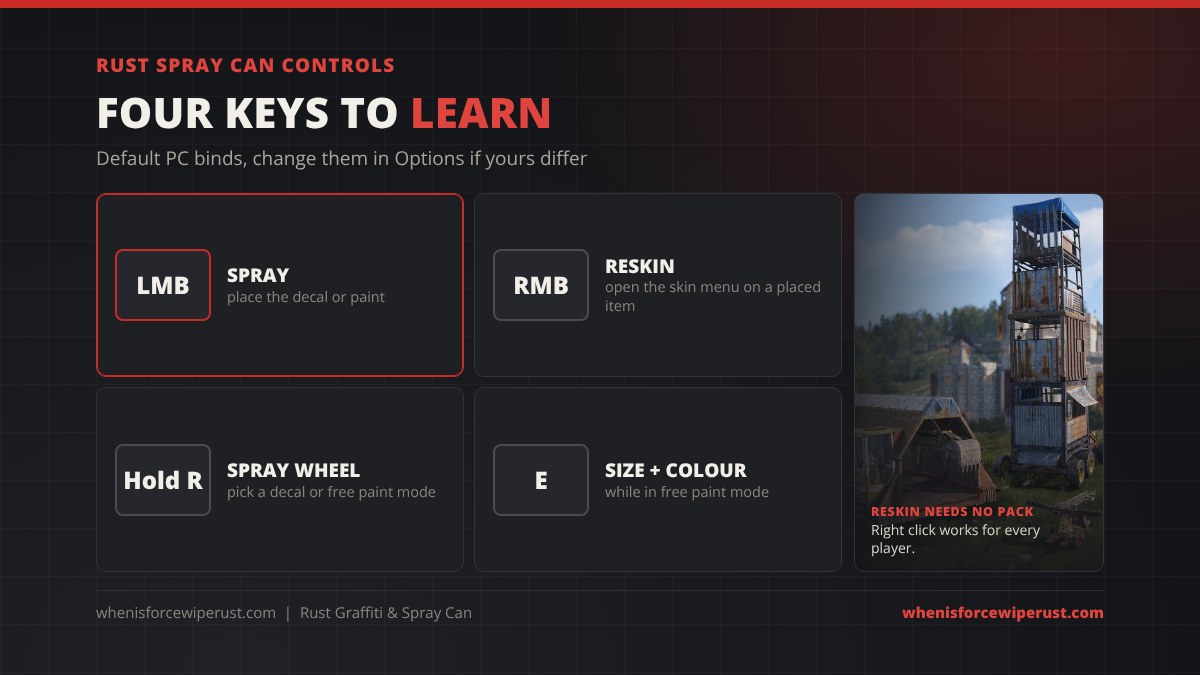
| Key | What it does | Needs the pack? |
|---|---|---|
| Left mouse (attack) | Spray the selected decal or paint | Yes |
| Right mouse (attack2) | Open the reskin menu on a placed item | No |
| Hold R (reload) | Open the spray wheel: pick a decal or free paint mode | Yes |
| E (use), in free paint | Change spray size and colour | Yes |
| E (use) with water | Wash a spray off (hold a water item, not the can) | No |
These are the default binds. If you moved reload or use to other keys in Options, the spray can follows your binds. For other key and console tricks, see our Rust console commands and best settings guide.
How Long Does Graffiti Last in Rust?
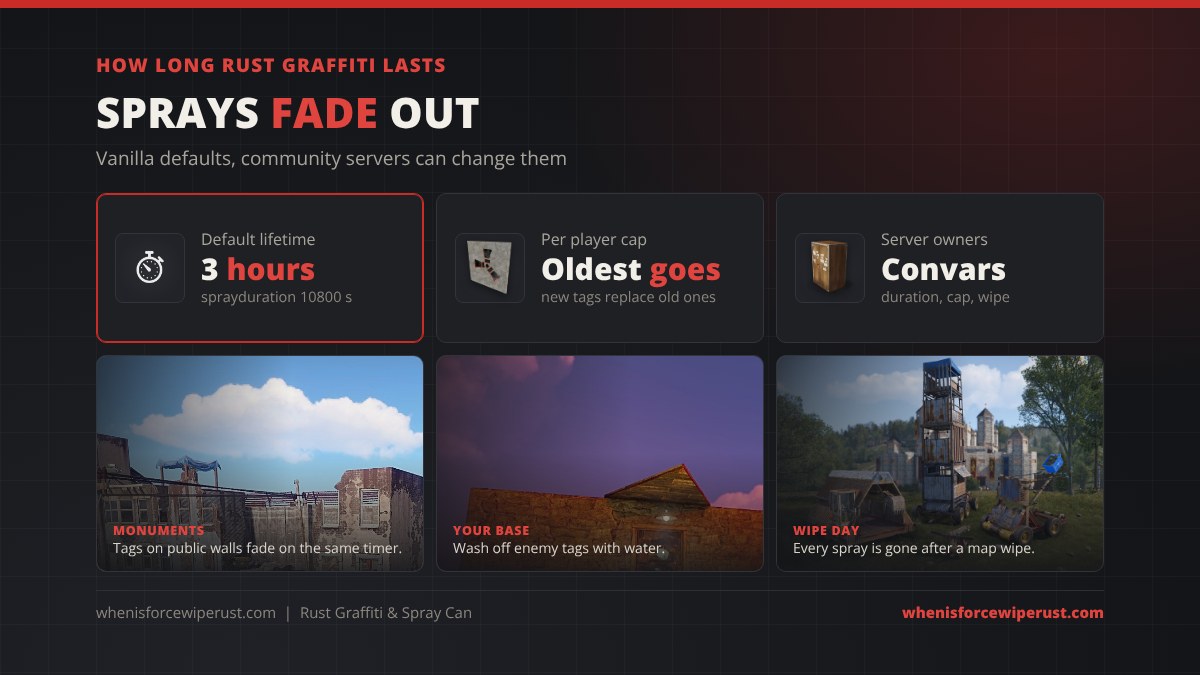
Graffiti is not permanent. Facepunch’s Combat Update notes set the rules:
- 3 hours by default. A spray fades on its own after about three hours. On a server this is the
global.spraydurationsetting, 10800 seconds in vanilla, and newer builds also let sprays inside building privilege last longer than ones outside it. - A per player cap. Each player can only have so many sprays on the map at once. The pack launched with a cap of 25, and Facepunch said they would raise it when they could. When you go over the cap, your oldest spray disappears to make room.
- Wipes clear everything. A map wipe removes every spray along with every base. Our server wipe schedules page shows when the big servers reset.
Community servers can set any duration and cap they like, so the same tag might last ten minutes on one server and a full day on another.
How to Remove Graffiti in Rust
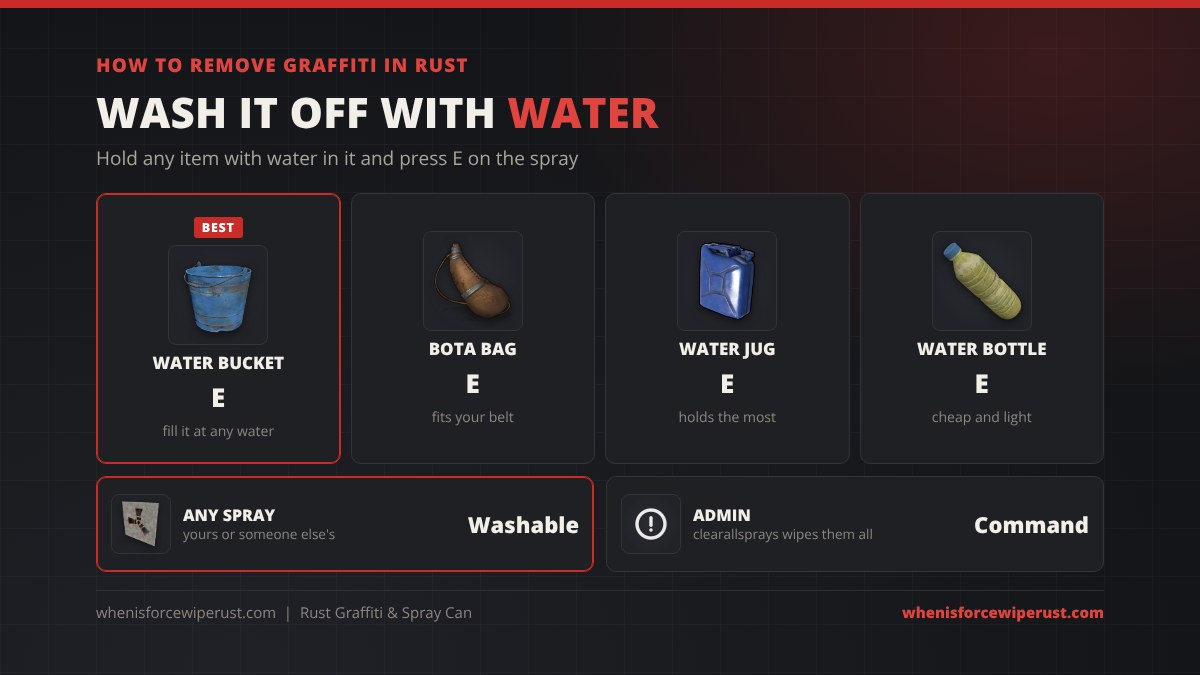
Anyone can clean a spray off, not only the person who made it. Fill a water bucket, bota bag, water jug or water bottle at a lake, river, water barrel or water source, hold it, look at the spray and press E. The spray is gone at once.
This is the quickest way to remove an enemy clan’s tag from your walls, or to clean up your own mistakes in free paint mode.
Rust Graffiti Admin Commands
Server owners have a few console commands and convars for sprays. Run them in the F1 console as an admin or through RCON:
| Command / convar | What it does |
|---|---|
clearallsprays | Removes every spray on the server at once. Cannot be undone. |
clearallspraysbyplayer | Removes every spray from one player (by SteamID). |
clearspraysinradius | Removes sprays in a radius around you. |
global.sprayduration | How long sprays last in seconds (vanilla 10800 = 3 hours). |
global.maxspraysperplayer | How many sprays one player can have before the oldest is removed. |
Type a convar on its own in the console to see its current value on your build, since Facepunch has renamed some spray settings over time. Our full Rust admin commands list covers the rest, and server mods like custom graffiti plugins can go further.
Rust Spray Can Tips
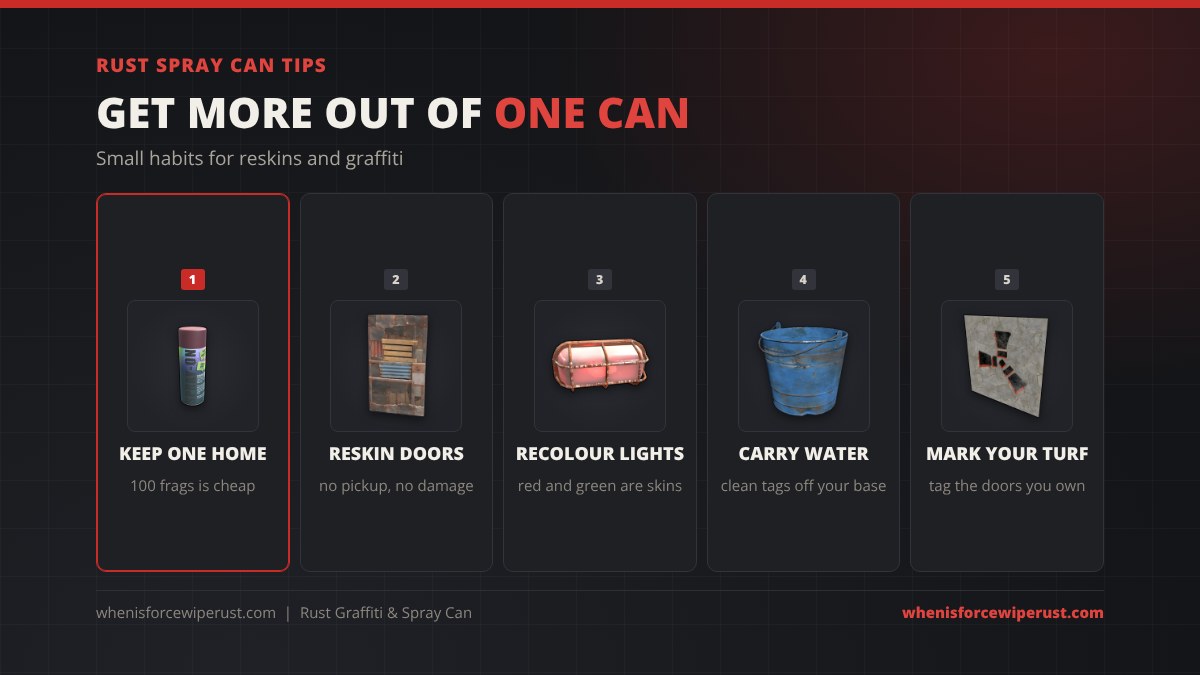
- Keep one at home. It costs 100 frags, so there is no reason not to have one in a box near your TC.
- Reskin doors in place. Picking up a door to reskin it opens your base for a moment. The can does it with the door shut and locked.
- Recolour lights and buttons. Red and green industrial lights and button colours are changed with the can now, handy for colour coding electrical builds.
- Carry water. A bota bag on your belt cleans enemy tags off your walls on the way past.
- Tag with care. Sprays are public. Servers can and do ban players for offensive graffiti, and admins can clear every spray a player made with one command.
Rust Graffiti and Spray Can FAQ
How do you get a spray can in Rust?
Craft it. The Spray Can is a default blueprint that costs 100 metal fragments, needs no workbench and takes 15 seconds to craft. Every player knows it from the start of a wipe.
Do you need the Graffiti Pack to use a spray can in Rust?
Not for reskinning. Every player can right click a placed item with a spray can to change its skin. The Graffiti Pack is only needed to spray decals and use free paint mode.
How much is the Rust Graffiti Pack?
The Graffiti Pack costs 9.99 US dollars. It was added to the permanent Rust store with the Combat Update in June 2022 and unlocks 8 spray decals and free paint mode for the spray can.
How do you spray graffiti in Rust?
Own the Graffiti Pack, equip a spray can, hold R to open the spray wheel and pick a decal or free paint mode, then left click on a surface. In free paint mode press E to change the size and colour.
How long do sprays last in Rust?
Sprays last about 3 hours by default (the sprayduration setting is 10800 seconds). There is also a cap on sprays per player, and your oldest spray is removed when you go over it. Community servers can change both.
How do you remove graffiti in Rust?
Hold any item with water in it, like a water bucket, bota bag, water jug or water bottle, look at the spray and press E. Anyone can remove any spray this way. Admins can also use clearallsprays.
How many times can you use a spray can in Rust?
A spray can lasts about 20 reskins. Each reskin and each spray wears it down a little, and it cannot be repaired, so you craft a new one for 100 metal fragments when it breaks.
What can you reskin with a spray can in Rust?
Any placed item that has skins you own: doors, garage doors, boxes, lockers, furnaces, sleeping bags, rugs, chairs, vending machines, sandbags, the tool cupboard, wallpaper and electrical parts. It also changes the colour of industrial lights and buttons.