Every fresh spawn in Rust starts with nothing on, and on PC the game can show naked players fully uncensored. That surprises a lot of new players, and it is a real problem for anyone streaming or recording, because Twitch and YouTube can flag a clip for nudity even if it was on screen for a second. The fix is one setting: Censor Nudity.
This Rust nudity guide shows where the setting is, what the three censor modes look like, the console command that sets it in one line, how the underwear option works, the settings streamers use, and why your character looks the way it does.
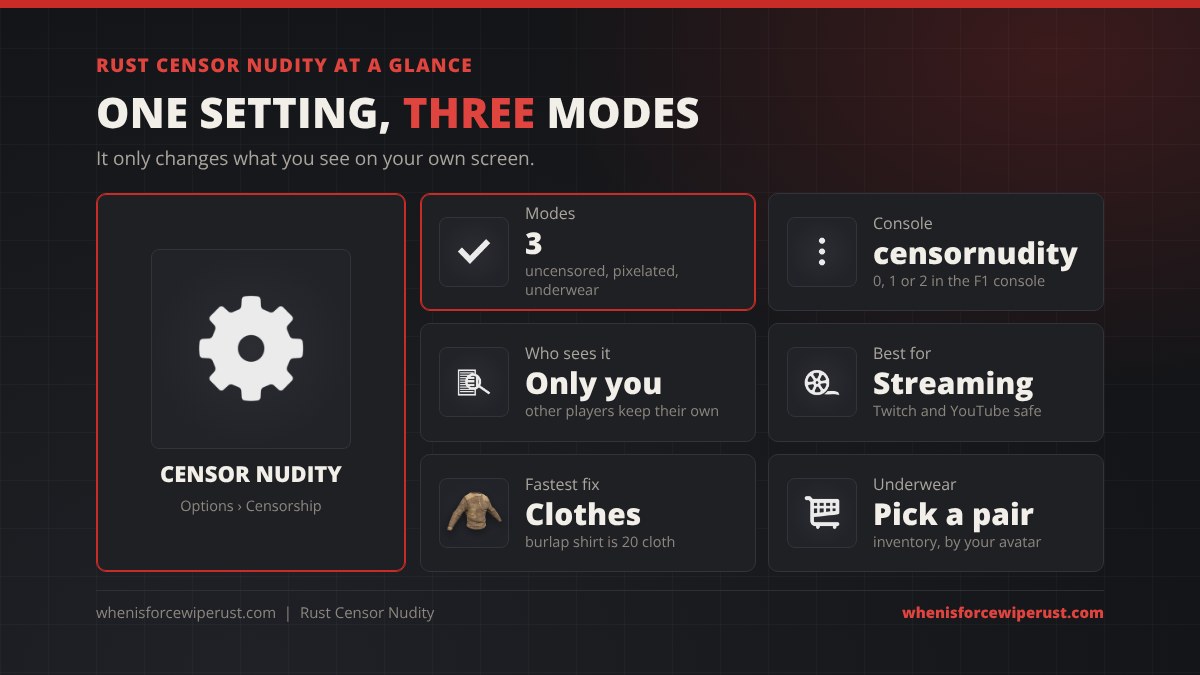
censornudity 0, 1 or 2. It only changes what you see, so every player picks their own. The fastest way to stop being naked yourself is a burlap shirt (20 cloth) and trousers (20 cloth), no workbench needed.
- What It Is
- Modes
- How to Censor
- Console Command
- Underwear
- Streamers
- Get Dressed
- Your Character
- Tips
- FAQ
Is There Nudity in Rust?
Yes. Rust is a survival game where you wake up on the beach with a rock, a torch and no clothes. Player models are anatomically complete, so with censoring switched off you will see naked players at spawn, at the beach and running around outposts on day one of every wipe.
Facepunch has always treated this as a player choice, which is why there is a dedicated Censor Nudity setting. It is a client-side option: it changes how naked players look on your own screen and nothing else. It does not change what other people see, it does not affect gameplay and it gives no advantage in a fight.
Rust Censor Nudity Modes
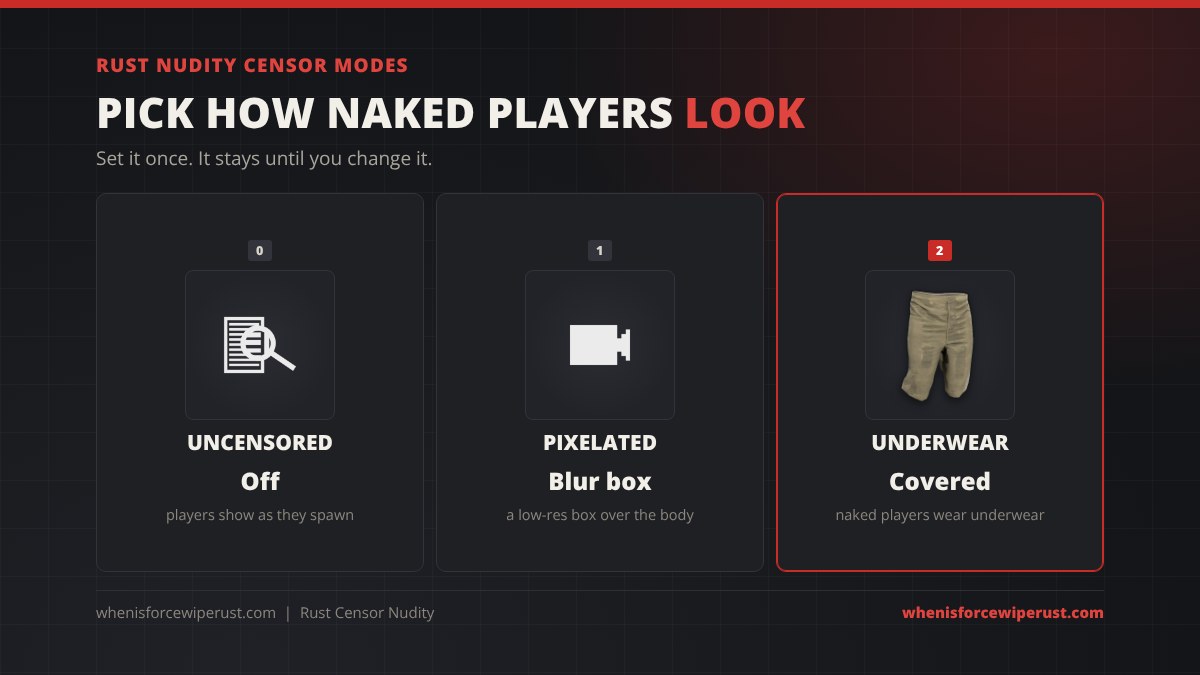
| Mode | Console value | What naked players look like | Best for |
|---|---|---|---|
| Uncensored | 0 | Exactly as they spawn, nothing hidden | Players who do not mind |
| Pixelated | 1 | A blocky, low-resolution box over the body | The classic censor look |
| Underwear | 2 | Every naked player wears underwear | Streaming, recording, playing with family around |
Pixelated is the original censor and has been in Rust since its early access days. It works, but a moving pixel box still draws the eye, and some content creators found their videos were flagged anyway. Underwear was added for exactly that reason: it replaces the body with a real clothing mesh, so there is nothing to blur.
How to Censor Nudity in Rust
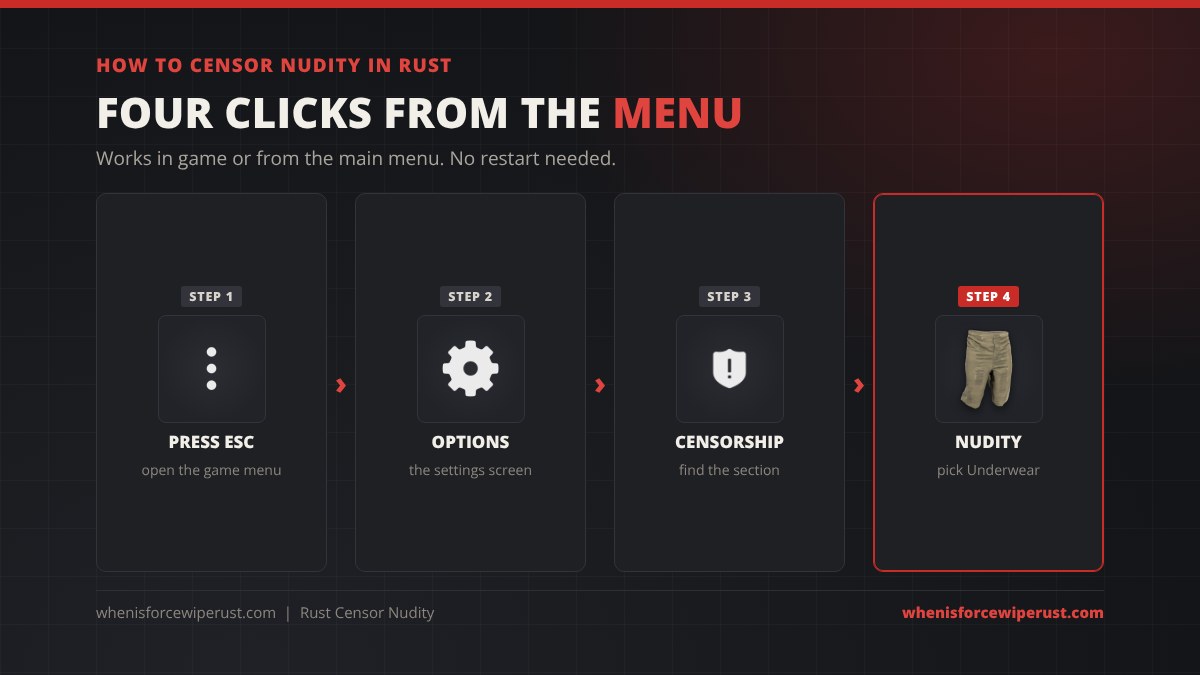
- Press Esc. This works in game or from the main menu.
- Open Options. This is the main settings screen.
- Find the Censorship section. It holds the nudity option and the blood option.
- Set Nudity to Underwear (or Pixelated). The change applies straight away, no restart or rejoin needed.
To turn censoring off again, set the same option back to Uncensored. Older guides tell you to press F2 for a settings overlay, which is how it worked in early versions. In the current game, the Options menu or the console command below is the way to do it.
Rust Censor Nudity Console Command
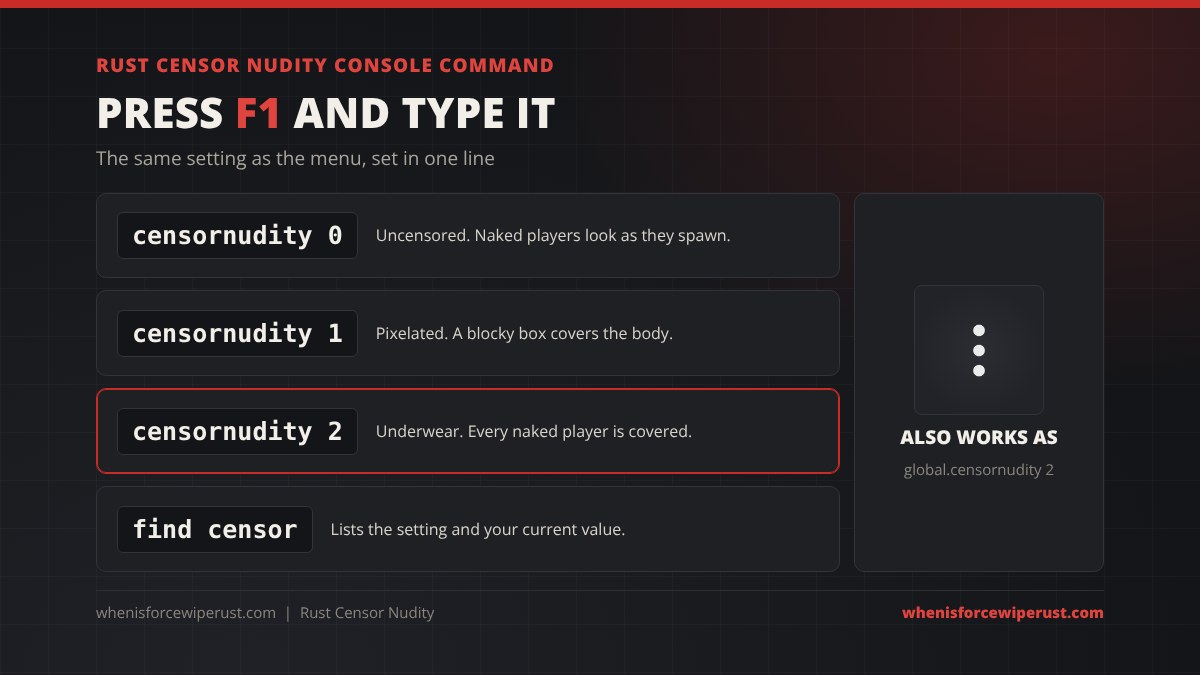
Press F1 to open the console and type one of these:
| Command | Result |
|---|---|
censornudity 0 | Uncensored |
censornudity 1 | Pixelated |
censornudity 2 | Underwear |
find censor | Lists the setting with its full name and your current value |
The full name of the variable is global.censornudity, and either form works. If a future update renames it, find censor will always show you the current name. For the rest of the useful F1 commands, see our Rust console commands and best settings guide.
censor.nudity false. That is from legacy-era Rust and does nothing in the current game.
How Underwear Works in Rust
Facepunch first talked about an underwear option in early 2018, after content creators said their Rust videos were being flagged for nudity even with the pixel censor on. It shipped in the game’s anniversary update in February 2018. The first version was a texture painted on the body; it was then rebuilt as a proper clothing mesh before release. It has always been a censorship option, not a craftable item, so it gives no protection and you cannot loot it off anyone.
- You pick your own pair. Open your inventory and use the underwear button next to your player avatar to choose from the underwear you own. Your choice is remembered when you die.
- Extra designs. More underwear styles have been handed out as Twitch drops (the first in November 2020) and sold in the in-game store (from November 2021). Our Rust item store guide covers what is on sale each week.
- Who sees it. Underwear only shows on naked players for people who have the Underwear mode on. Anyone on Uncensored still sees the body as normal.
Best Rust Settings for Streamers
| Setting | Where | Console | Why |
|---|---|---|---|
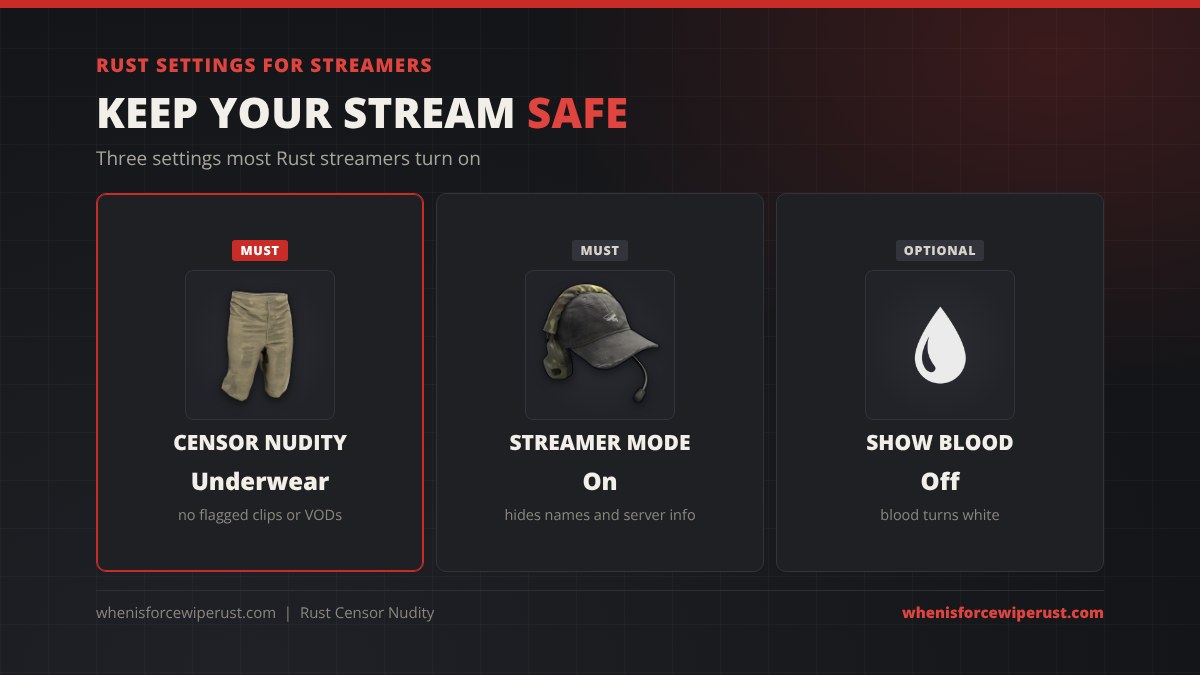
| Censor Nudity: Underwear | Options, Censorship | censornudity 2 | Stops nudity flags on Twitch and YouTube |
| Streamer Mode: On | Options | global.streamermode 1 | Hides player names and server details so viewers cannot find or snipe you |
| Show Blood: Off (optional) | Options, Censorship | graphics.blood false | Turns blood white, see our Rust blood guide |
Censoring only covers your own screen, so it protects your stream no matter what anyone else on the server has set. Set it before you go live, not halfway through a beach fight. If you also play on console, our Rust crossplay guide explains how the PC and console versions differ.
Get Dressed Fast: Skip the Naked Phase
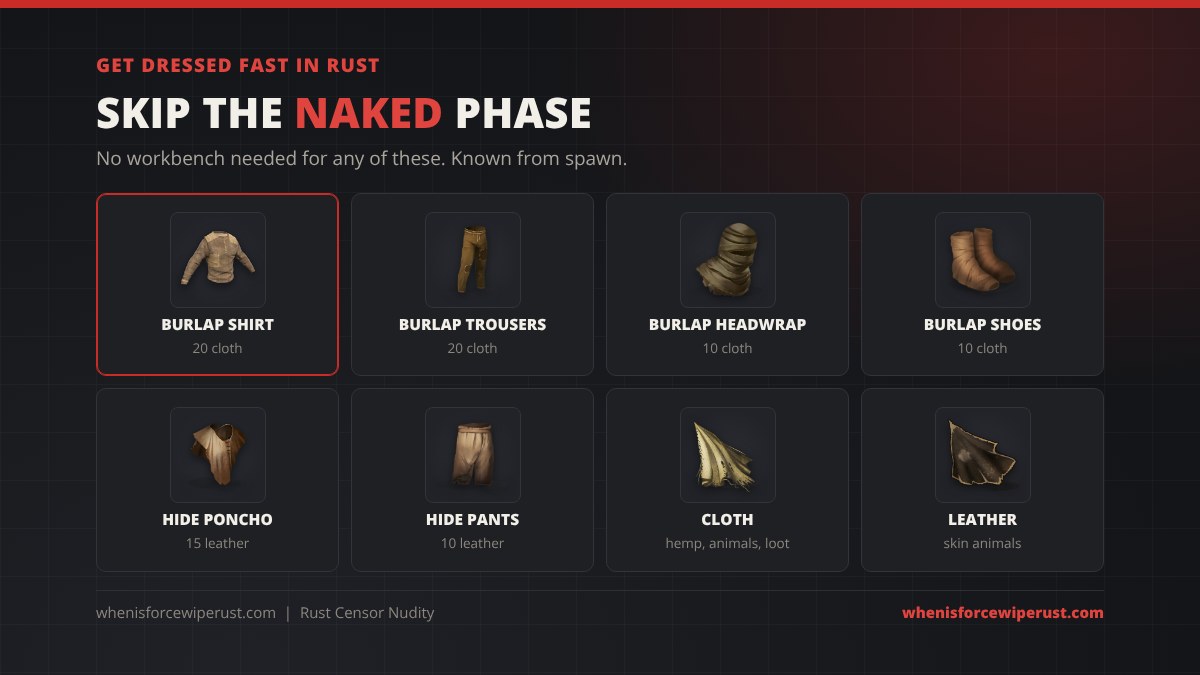
The censor setting changes how other players look to you. To stop being naked yourself, you just need clothes, and the first set is cheap:
- Burlap Shirt 20 cloth and Burlap Trousers 20 cloth. Punch a few hemp plants on the walk inland and you have both.
- Burlap Headwrap 10 cloth and Burlap Shoes 10 cloth to finish the set.
- Hide Poncho 15 leather and Hide Pants 10 leather if you kill an animal first.
All of these are known from spawn and craft with no workbench. Our Rust clothing guide has the full protection numbers, and the Rust cloth guide shows the fastest ways to farm cloth.
Why Your Rust Character Looks the Way It Does
You cannot pick your character’s body in Rust. Your face, skin tone, height, build and gender are generated from your Steam ID, so the same account always gets the same character on every server. Female player models arrived in 2016, and since then gender has been assigned the same way, with no option to change it.
The Built Different update on 4 June 2026 rebuilt the player model from the ground up, with new heads, hair, beards and animations. Your face changed with it, but Facepunch kept the race and gender seeds, so you are still the same kind of character. The same update also fixed a bug where the female censor effect could appear even when a player was wearing clothes. Our Rust release date and history page covers the other big updates.
The only way to change how you look is clothing and skins.
Rust Nudity Setting Tips
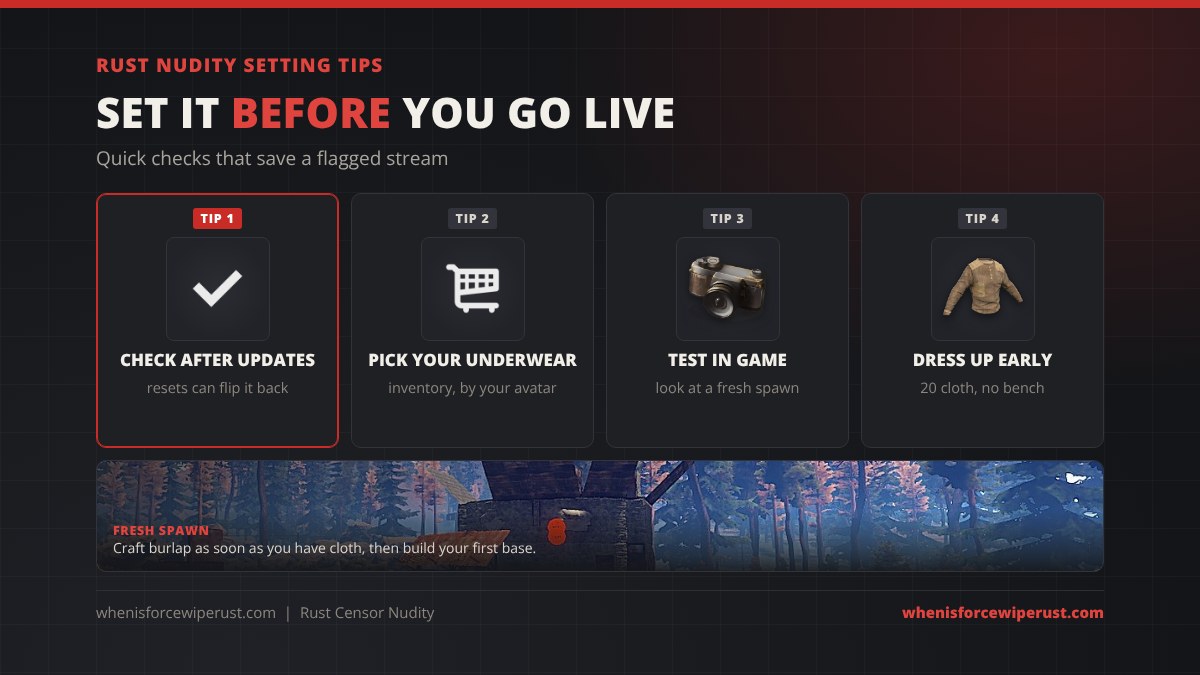
- Check it after big updates. A settings reset or a fresh install can put it back to a mode you did not choose.
- Test it before you go live. Walk to the beach and look at a fresh spawn. If they are in underwear, you are set.
- Use the console for speed.
censornudity 2is faster than digging through menus, and you can put it in your keybinds or launch routine. - Get dressed on day one. Burlap costs almost nothing, adds a little protection and keeps you warm at night.
- Know when the beach fills up. Fresh wipes mean hundreds of naked spawns. Check when the next force wipe is so you can set things up before it.
Rust Nudity FAQ
How do you turn off nudity in Rust?
Press Esc, open Options, find the Censorship section and set Nudity to Underwear or Pixelated. You can also press F1 and type censornudity 2 for underwear or censornudity 1 for pixelated.
What is the censor nudity console command in Rust?
Press F1 and type censornudity followed by 0 for uncensored, 1 for pixelated or 2 for underwear. The full variable name is global.censornudity, and either form works.
Does censoring nudity in Rust change what other players see?
No. Censor Nudity is a client-side setting. It only changes how naked players look on your own screen, and every player chooses their own mode.
How do you get underwear in Rust?
Set the Censor Nudity option to Underwear, then pick the pair you want with the underwear button next to your player avatar in the inventory. Extra underwear designs have come from Twitch drops and the in-game store. Underwear is a censorship option, not a craftable item.
Is Rust safe to stream on Twitch?
Yes, as long as you censor nudity. Most streamers set Censor Nudity to Underwear and turn on Streamer Mode with global.streamermode 1 to hide player names and server details.
Can you choose your character’s body in Rust?
No. Your face, skin tone, build and gender are generated from your Steam ID and cannot be changed. The Built Different update in June 2026 rebuilt the player model but kept the same race and gender seeds.
Why does censor.nudity not work in Rust?
censor.nudity is an old legacy-era command. The current command is censornudity (global.censornudity) with a value of 0, 1 or 2.
Sources and Further Reading
- Underwear censor option and why it was added: Facepunch, Devblog 193 and Devblog 194
- Underwear release: PC Gamer, Rust finally gives its naked citizens underwear
- Player model rebuild and censor fix: Facepunch, Built Different
- Steam ID seeded characters: PC Gamer, characters are seeded by Steam ID
- Setting overview: Rust Wiki, Censor Nudity (setting)