Looking for a Rust wallpaper or a Rust PFP? This page has 35 free Rust desktop wallpapers, most of them in 4K (3840 x 2160), plus 6 phone wallpapers and 24 profile pictures. You get 9 wallpapers cut from Facepunch’s own update art (the Oil Rig, siege castle and C4 raid shots), 18 collection wallpapers built from Rust’s high-resolution item art (every hazmat skin, every scientist suit, AK-47 skins, raid kit, Halloween, Christmas, vehicles and more), and 8 minimal 4K wallpapers with one iconic item each.
Below the downloads you will find the right profile picture size for Steam, Discord, Xbox, PlayStation and Twitch, how to set each one, how to shoot your own Rust PFP in game, and what Facepunch’s fan content rules say about using Rust art. Tap any image to open the full-size file, then save it.
- 4K Wallpapers
- Minimal Wallpapers
- Official Art
- Phone Wallpapers
- Rust PFPs
- PFP Sizes
- How to Set a PFP
- Make Your Own
- Using Rust Art
- FAQ
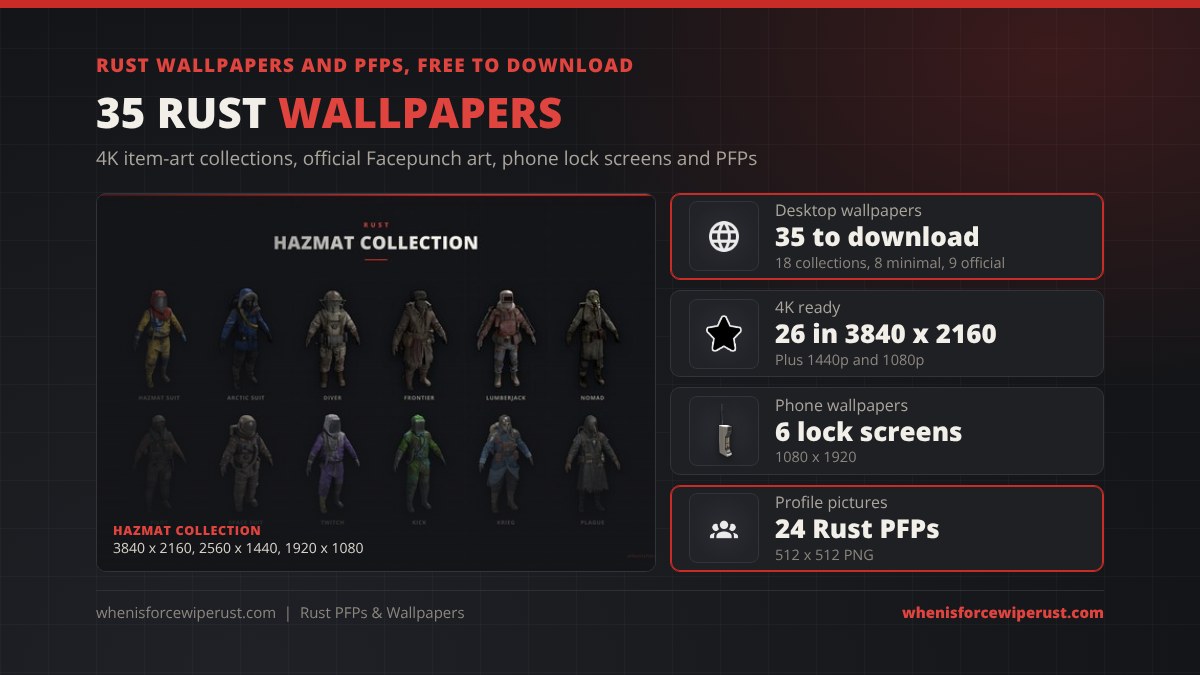
Rust 4K Wallpapers: 18 Collections

Each collection wallpaper lines up a full set of real Rust items on a flat charcoal background, taken from the game’s own high-resolution item art. They come in three sizes: 1920 x 1080, 2560 x 1440 and 3840 x 2160 (4K). Pick the size that matches your monitor, or take the 4K file and let your PC scale it down. The art sits in the middle, so desktop icons on the left never cover it.
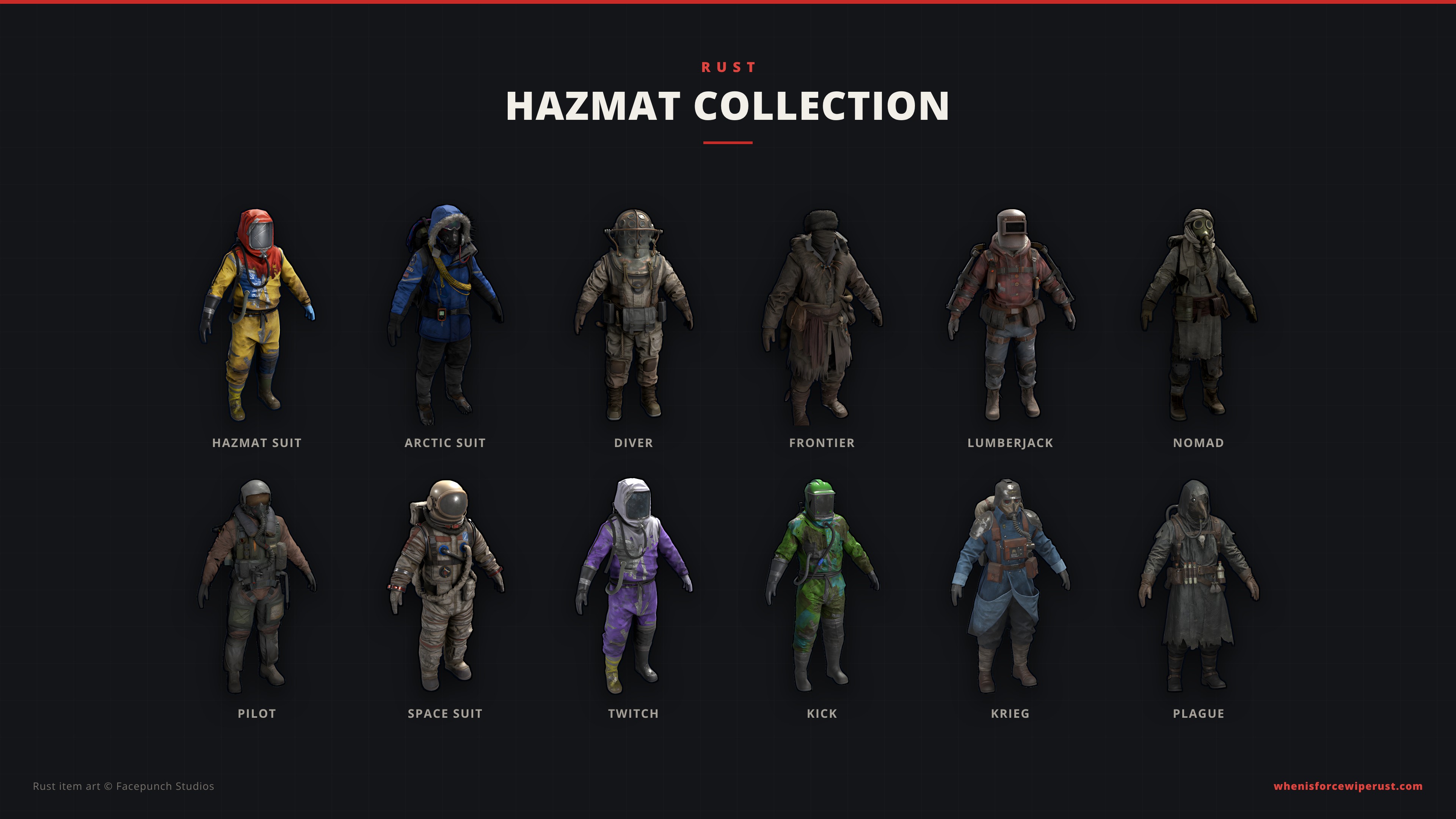
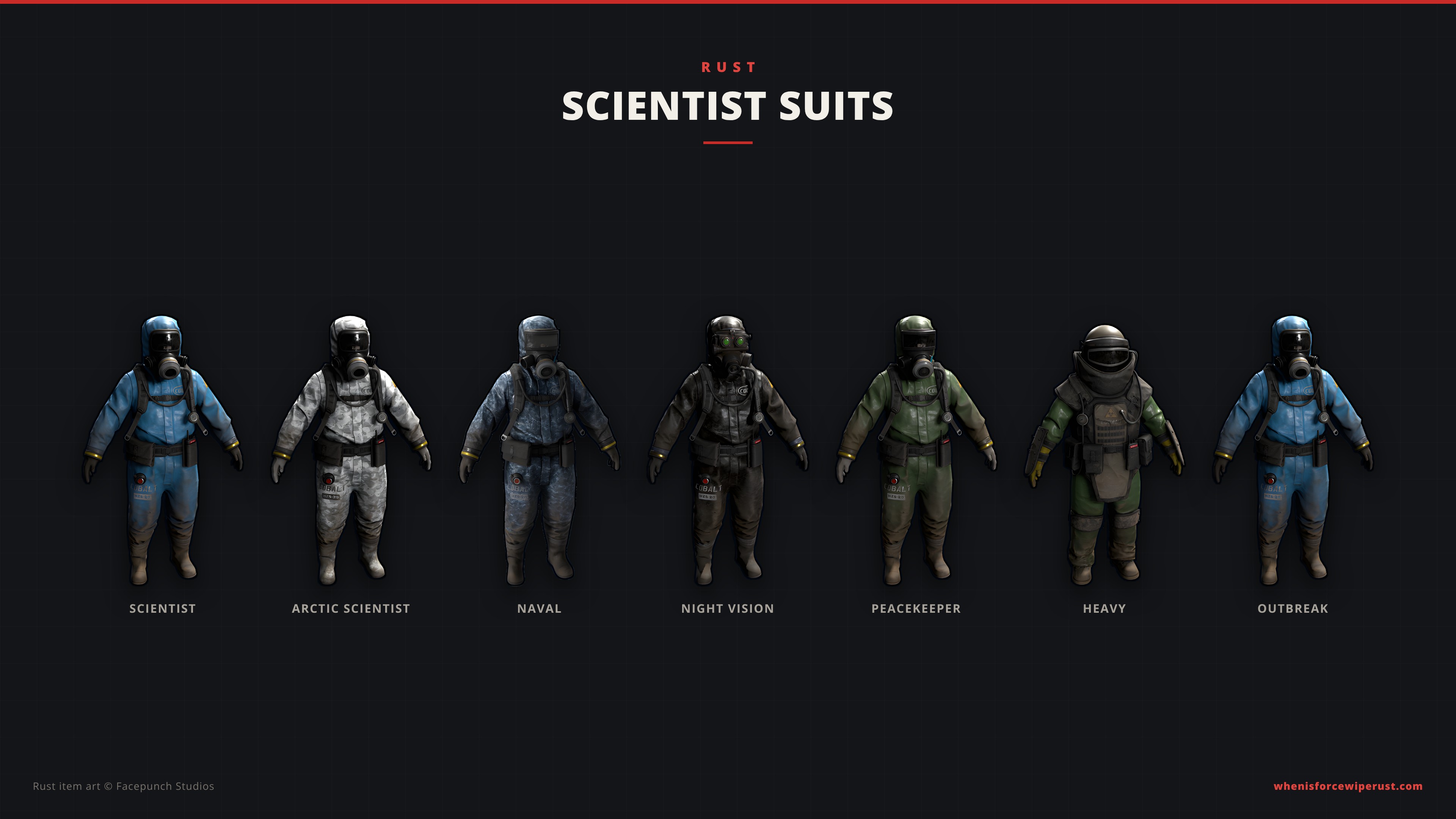
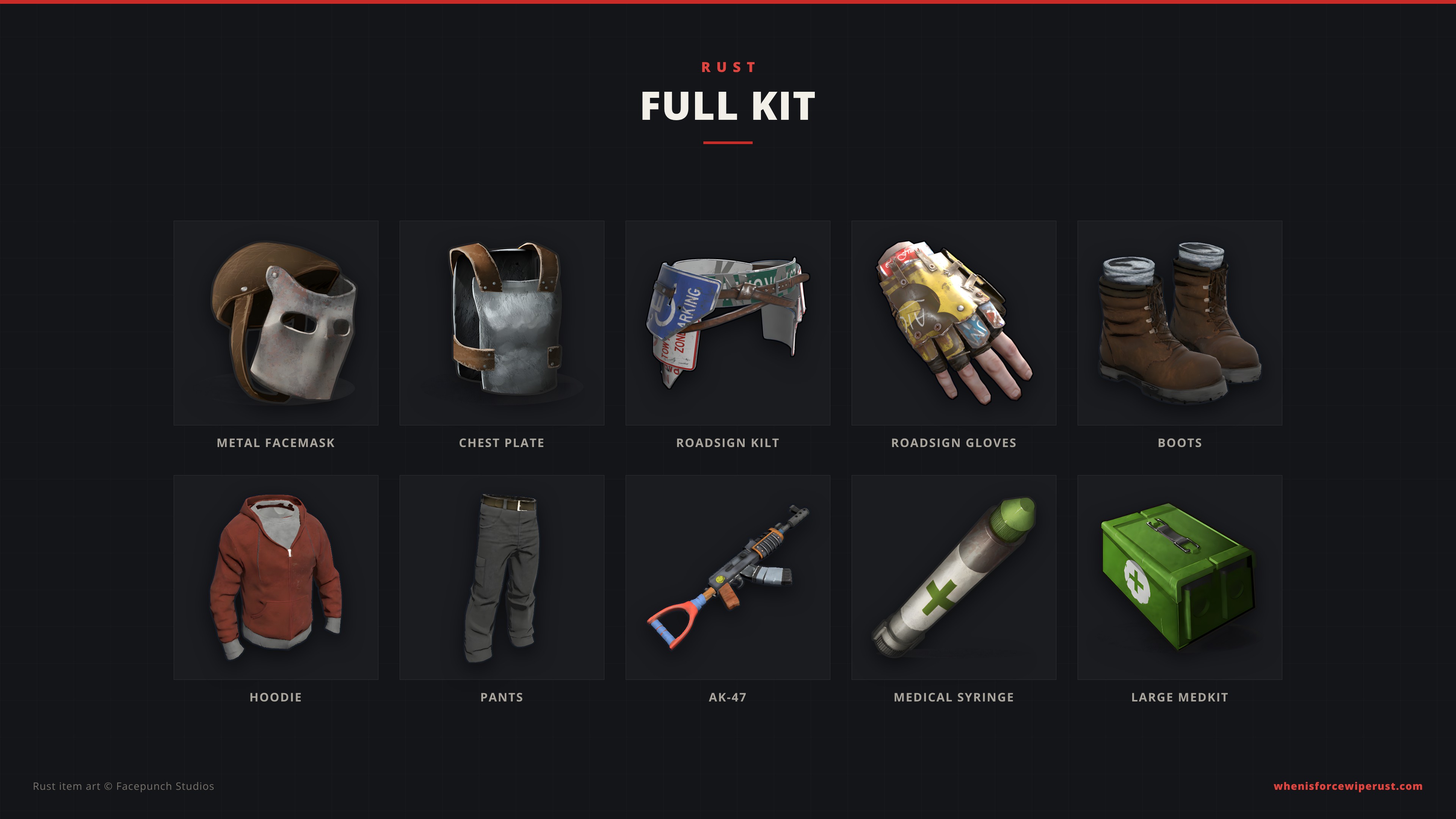
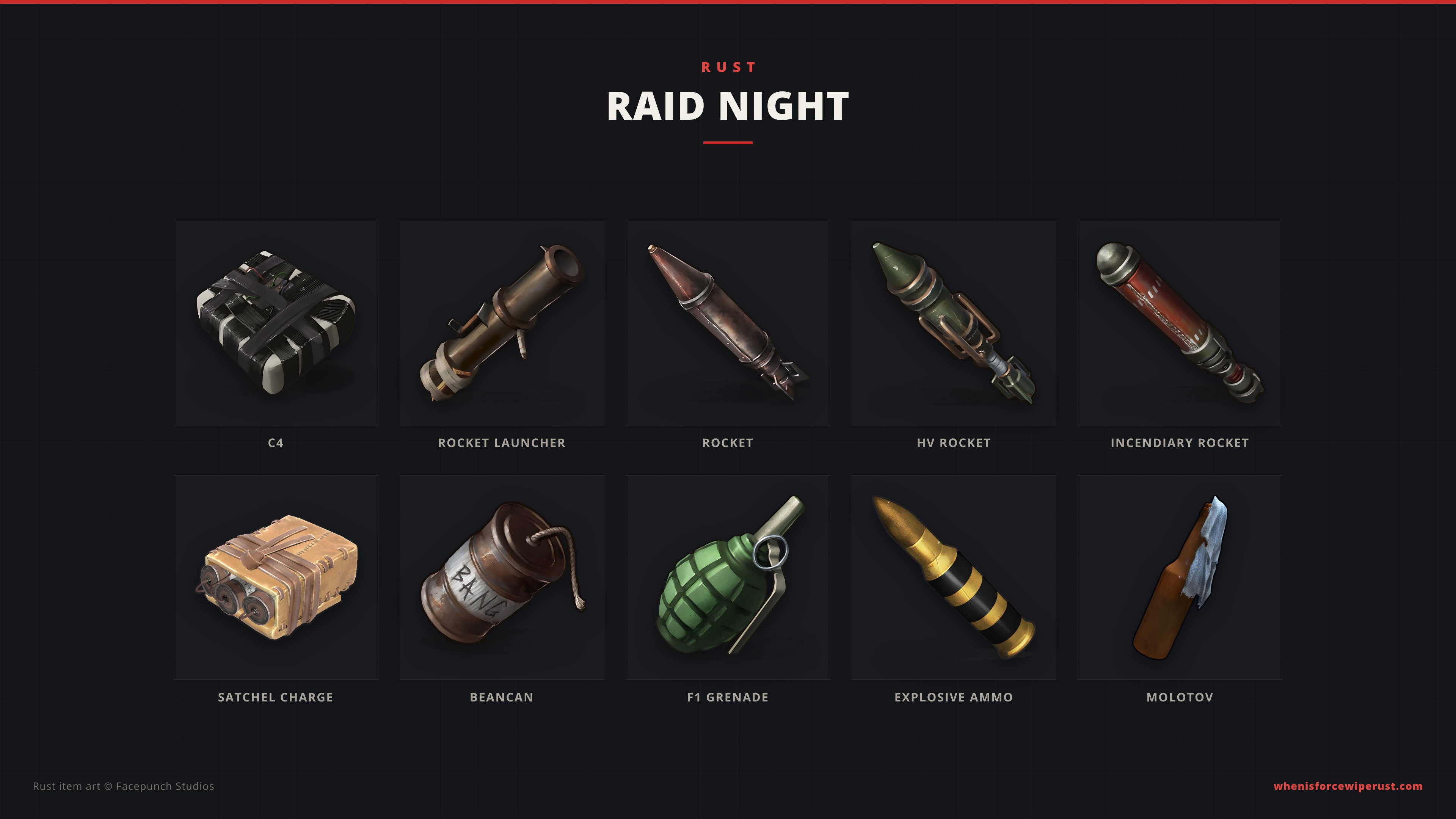
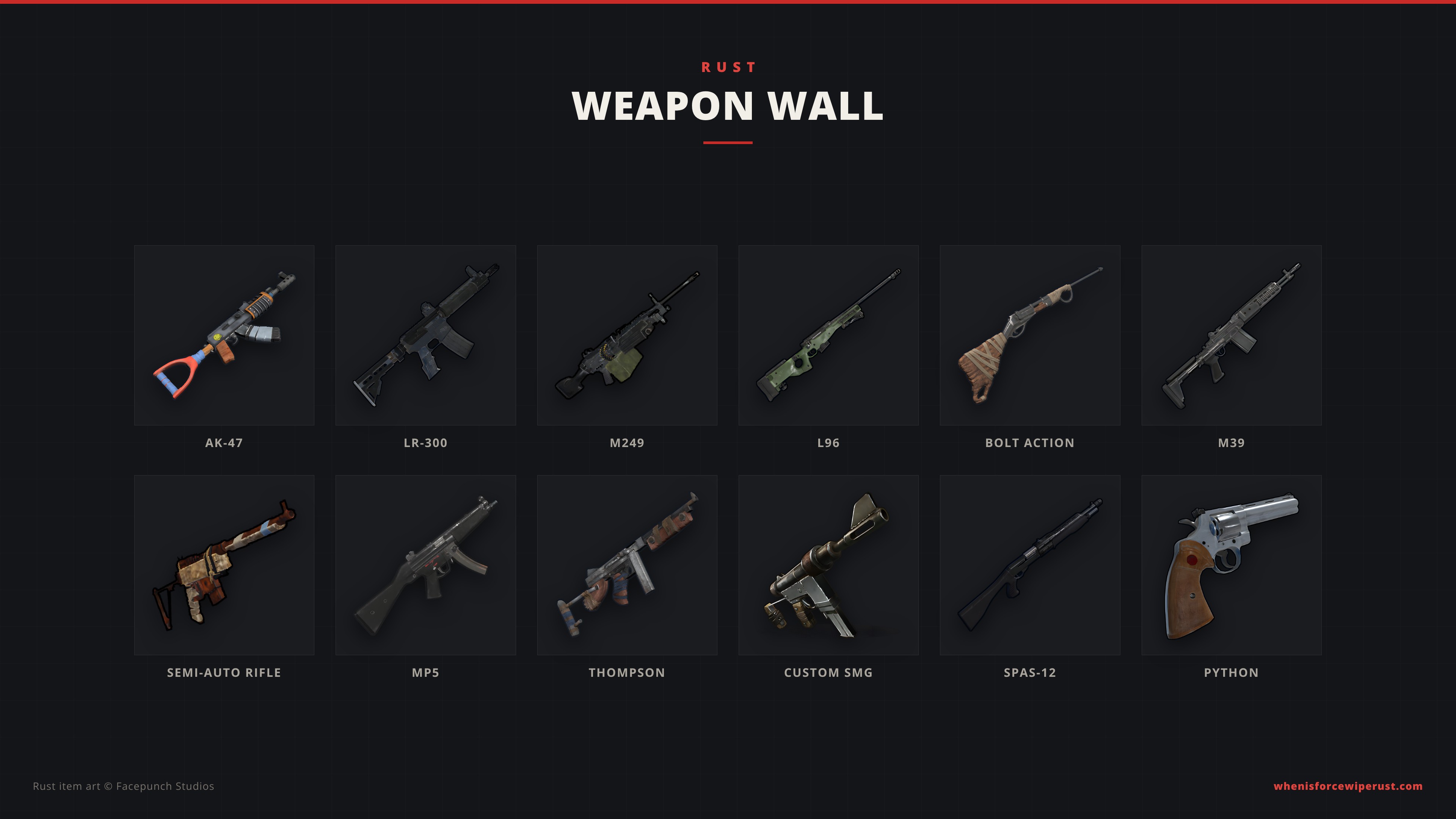
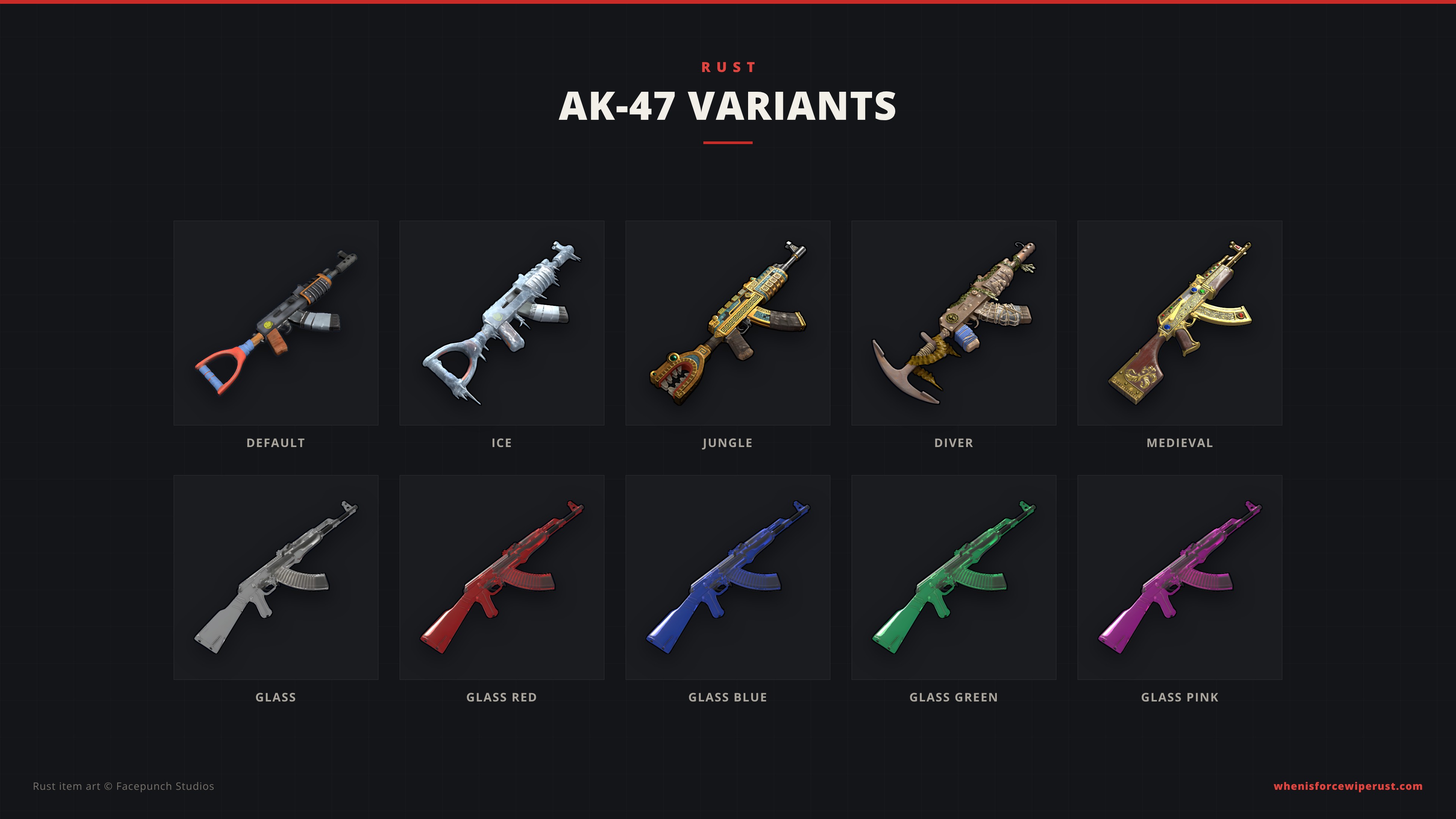
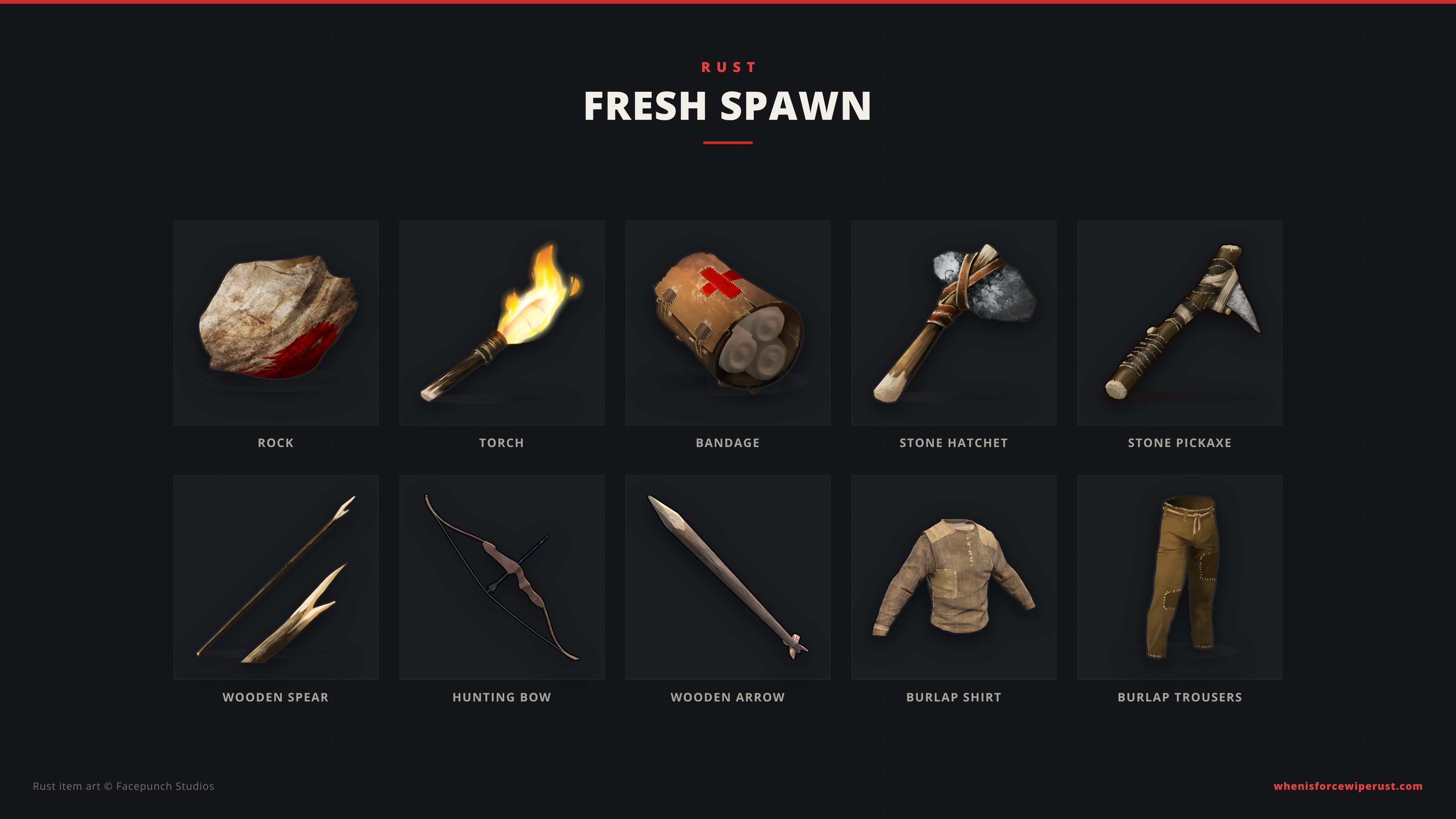


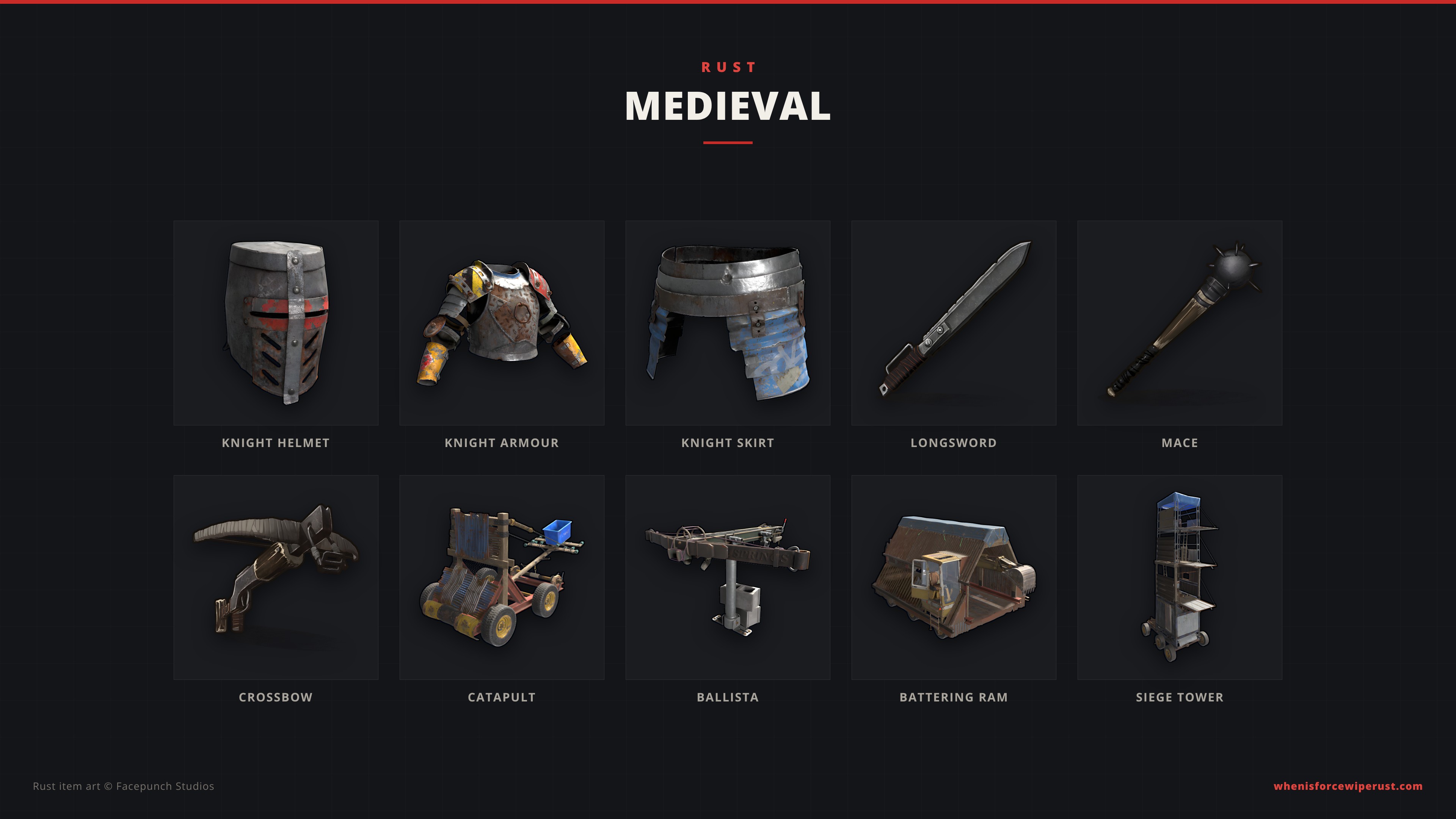
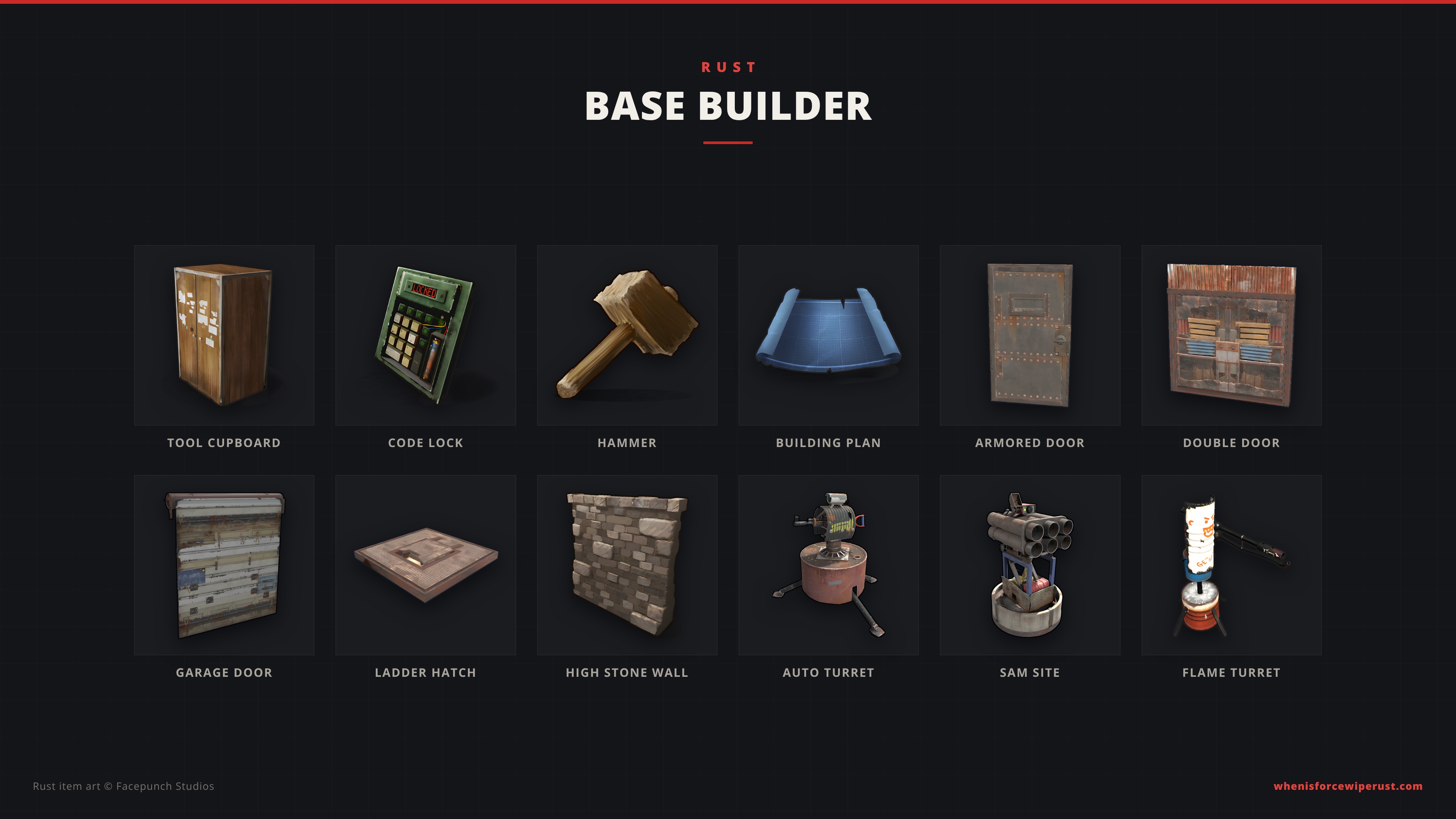

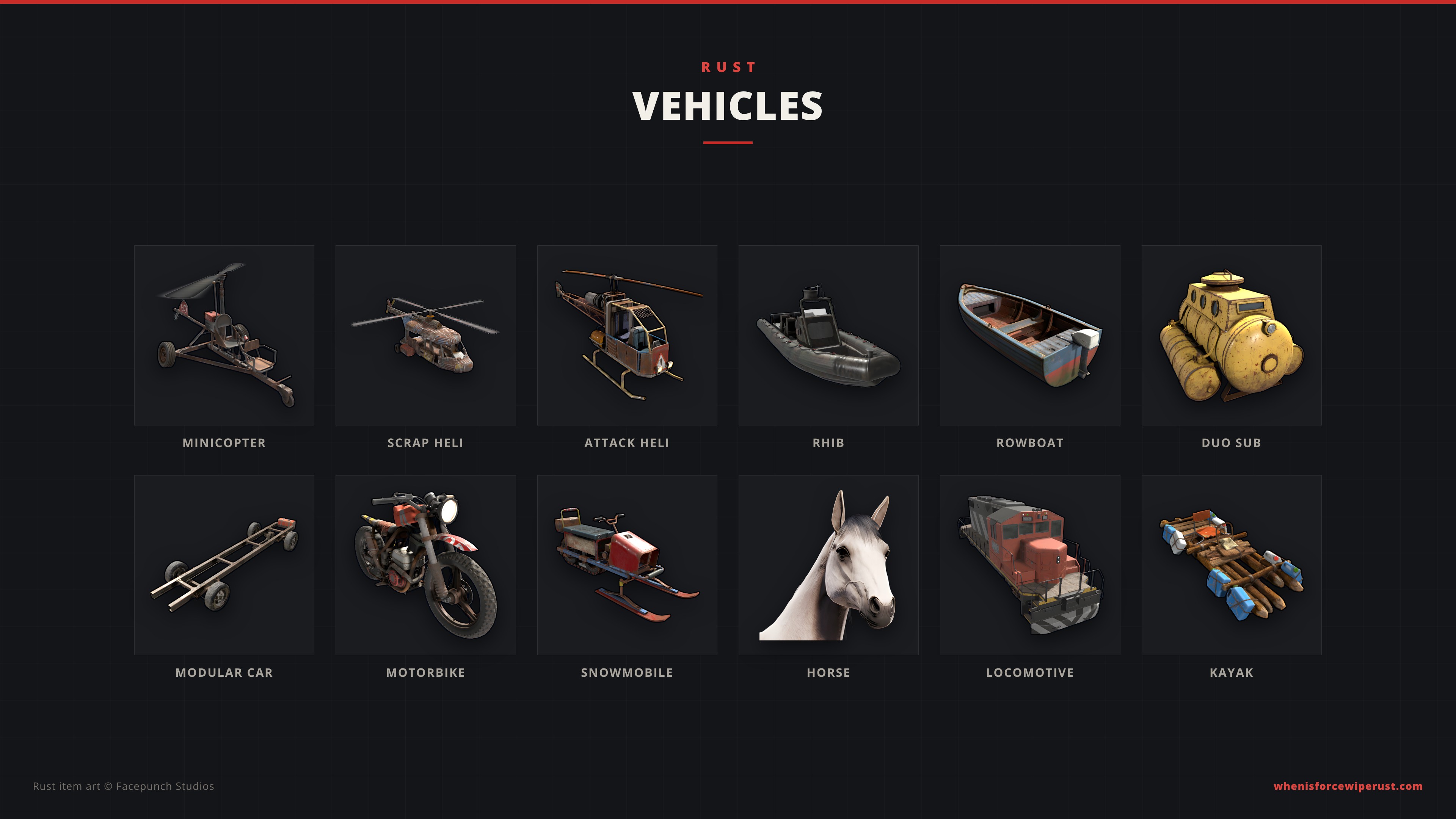
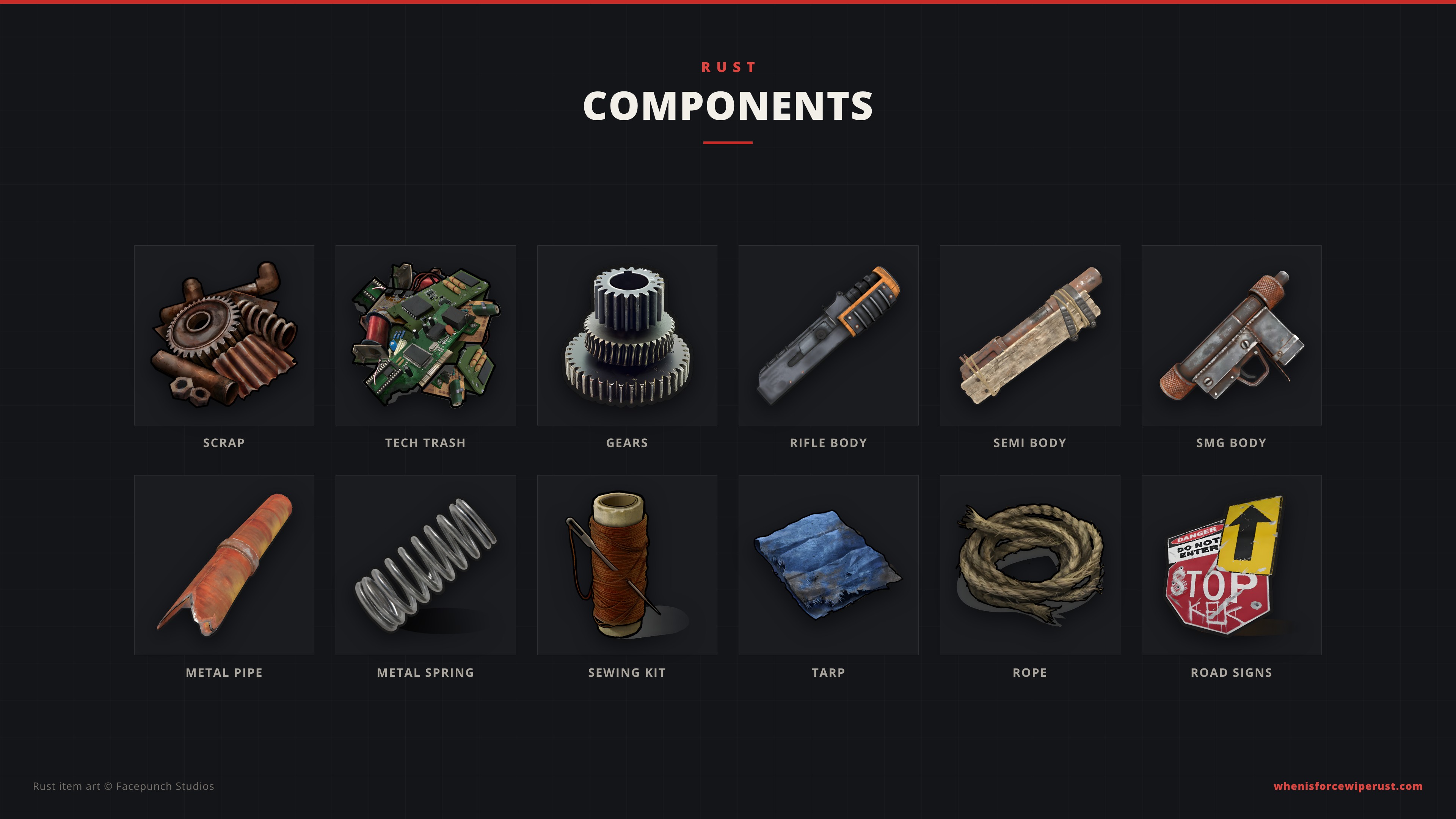
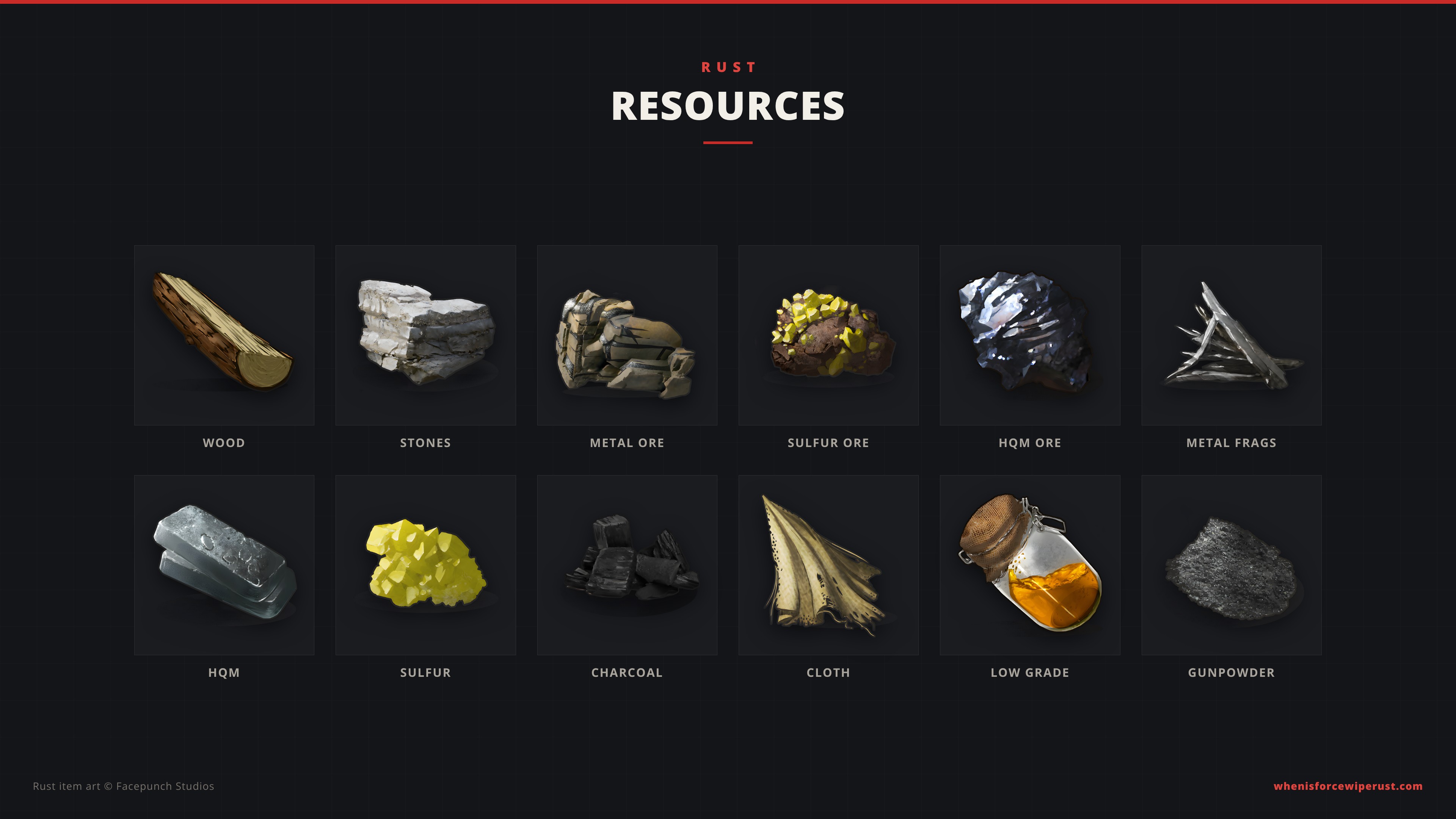
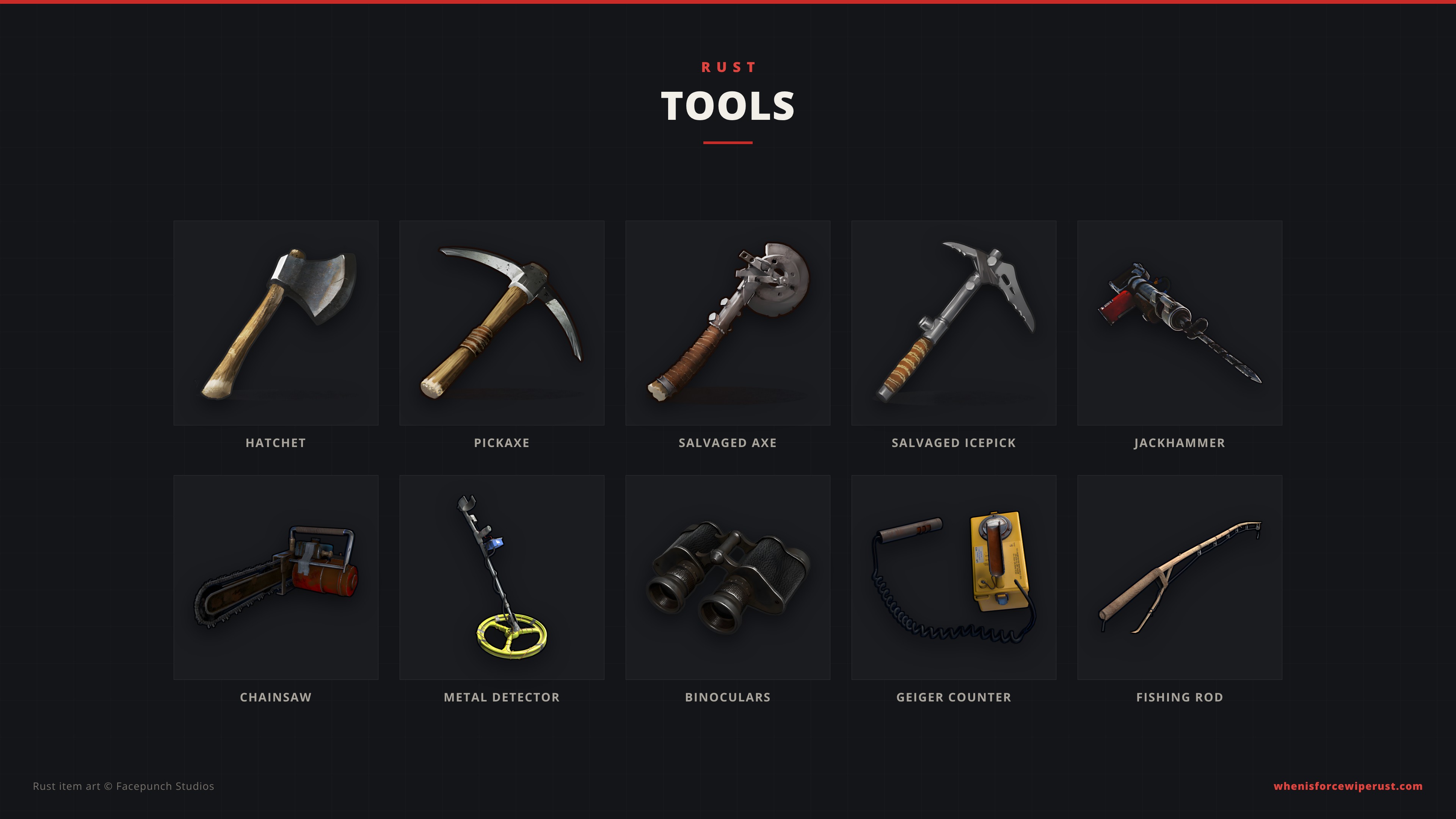
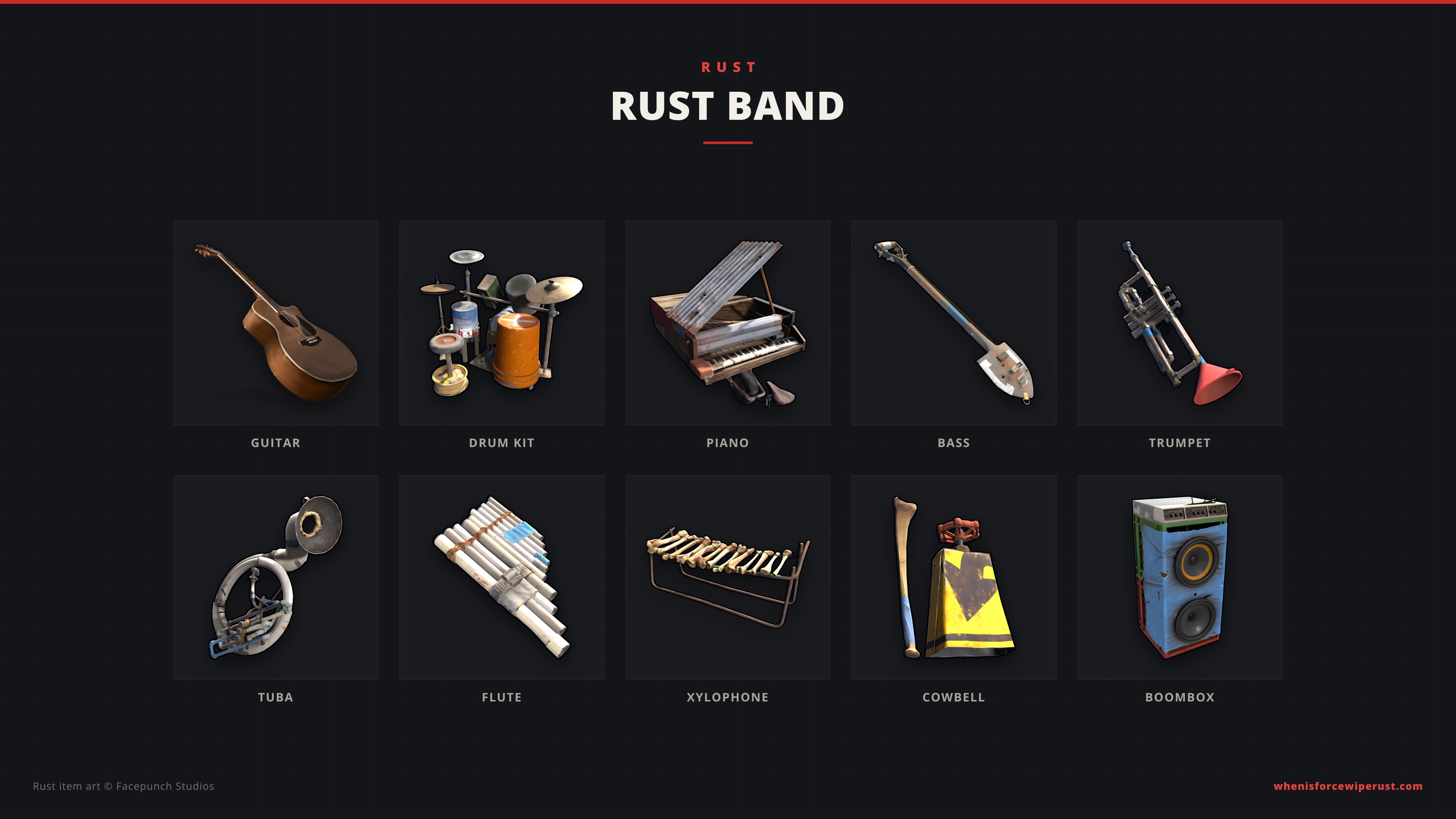
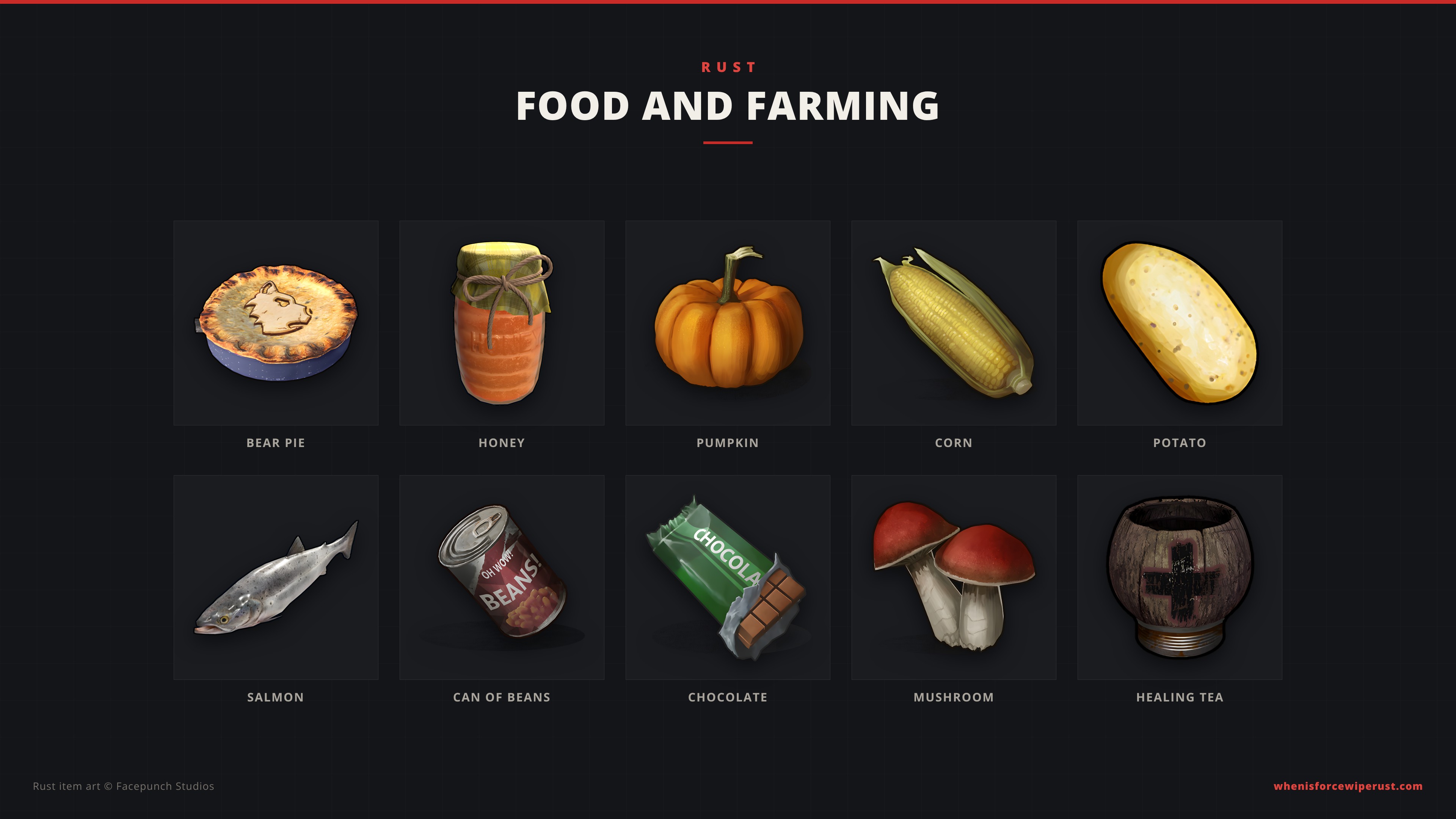
The Hazmat Collection shows every hazmat skin side by side, from the classic yellow suit to the Arctic, Diver, Space and Plague suits. The Raid Night set has the C4, rockets and satchels you would carry into an online raid; work out how many you need with our Rust raid calculator.
Minimal Rust Wallpapers in 4K
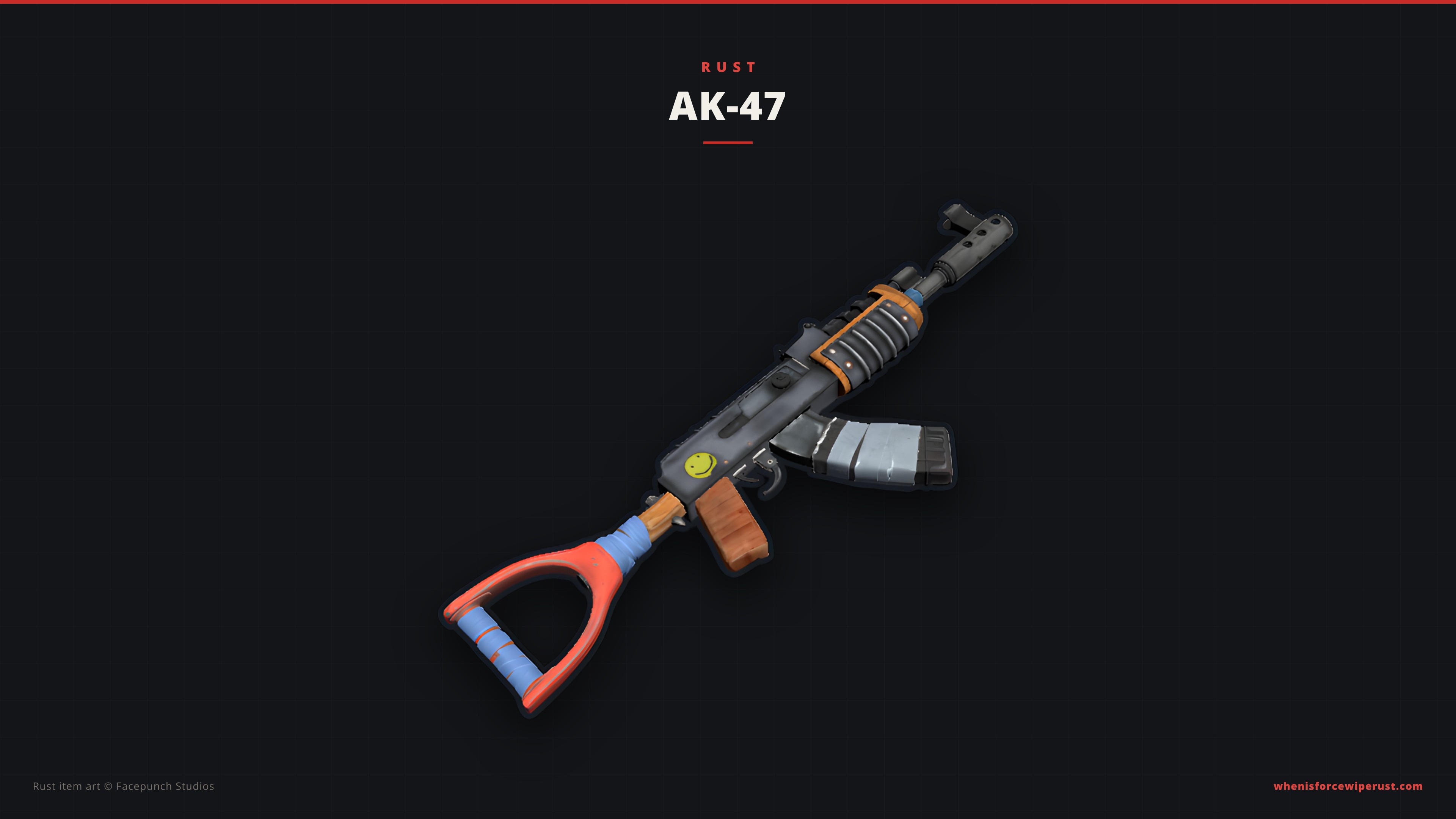
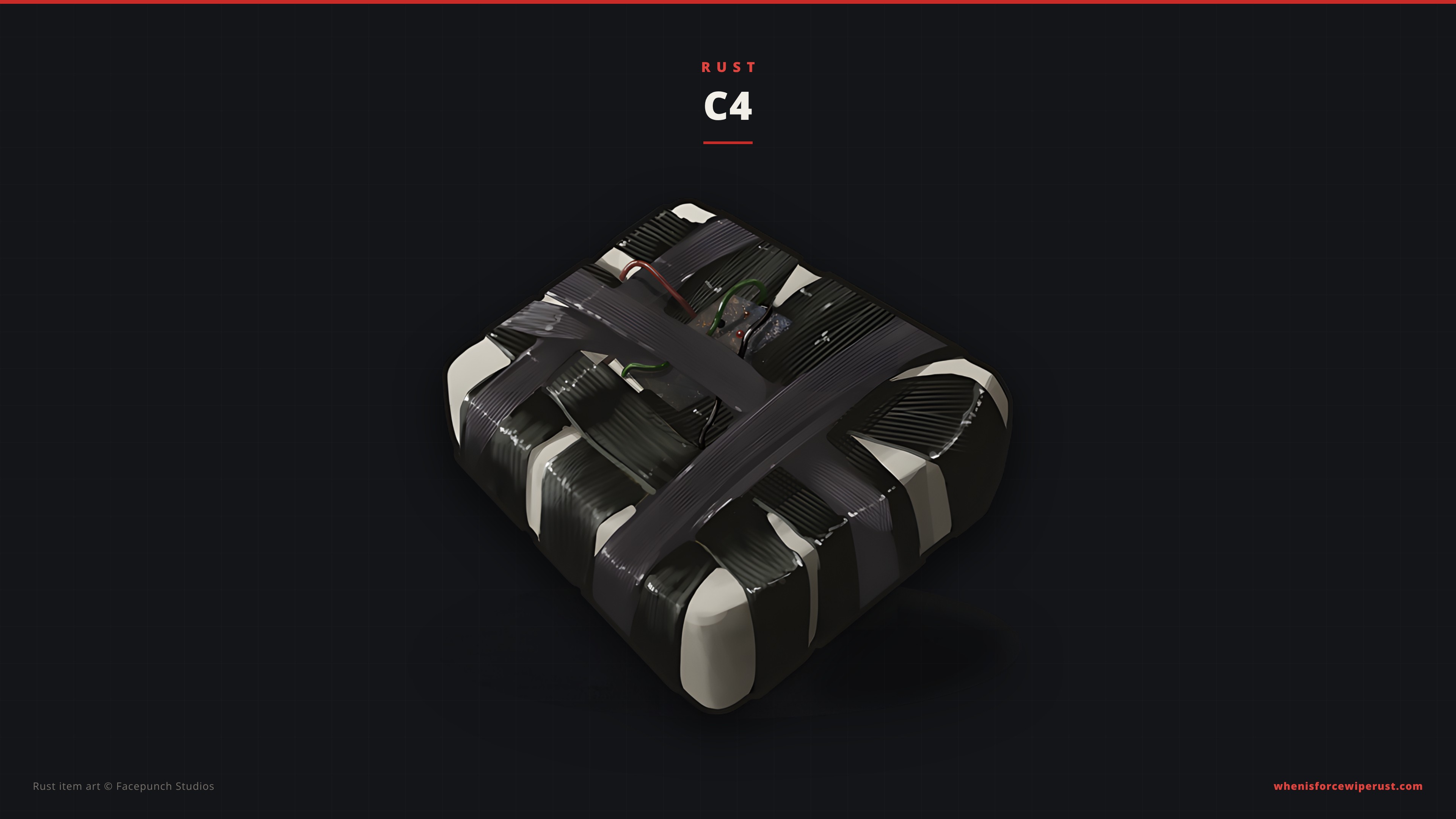
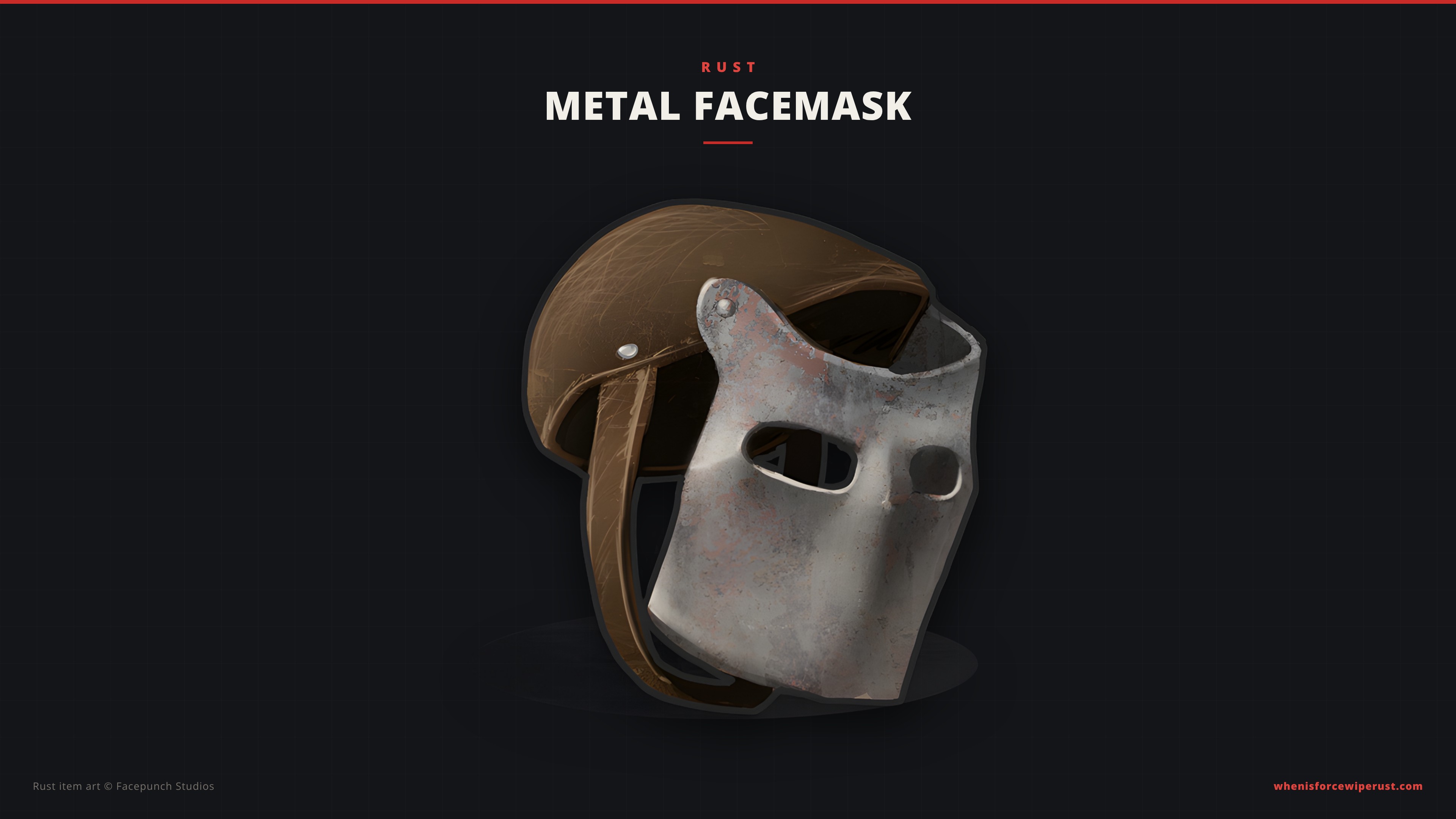
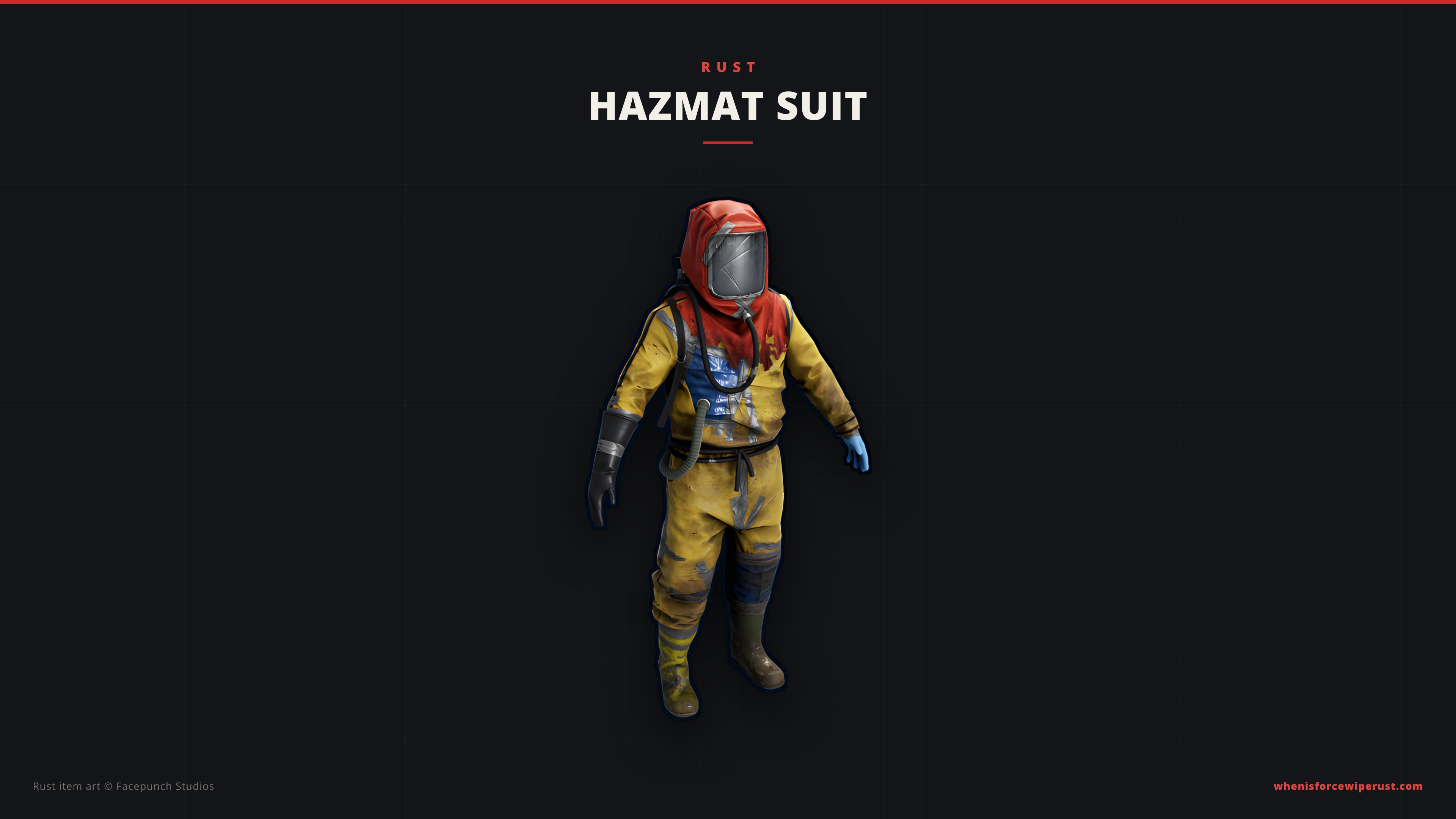
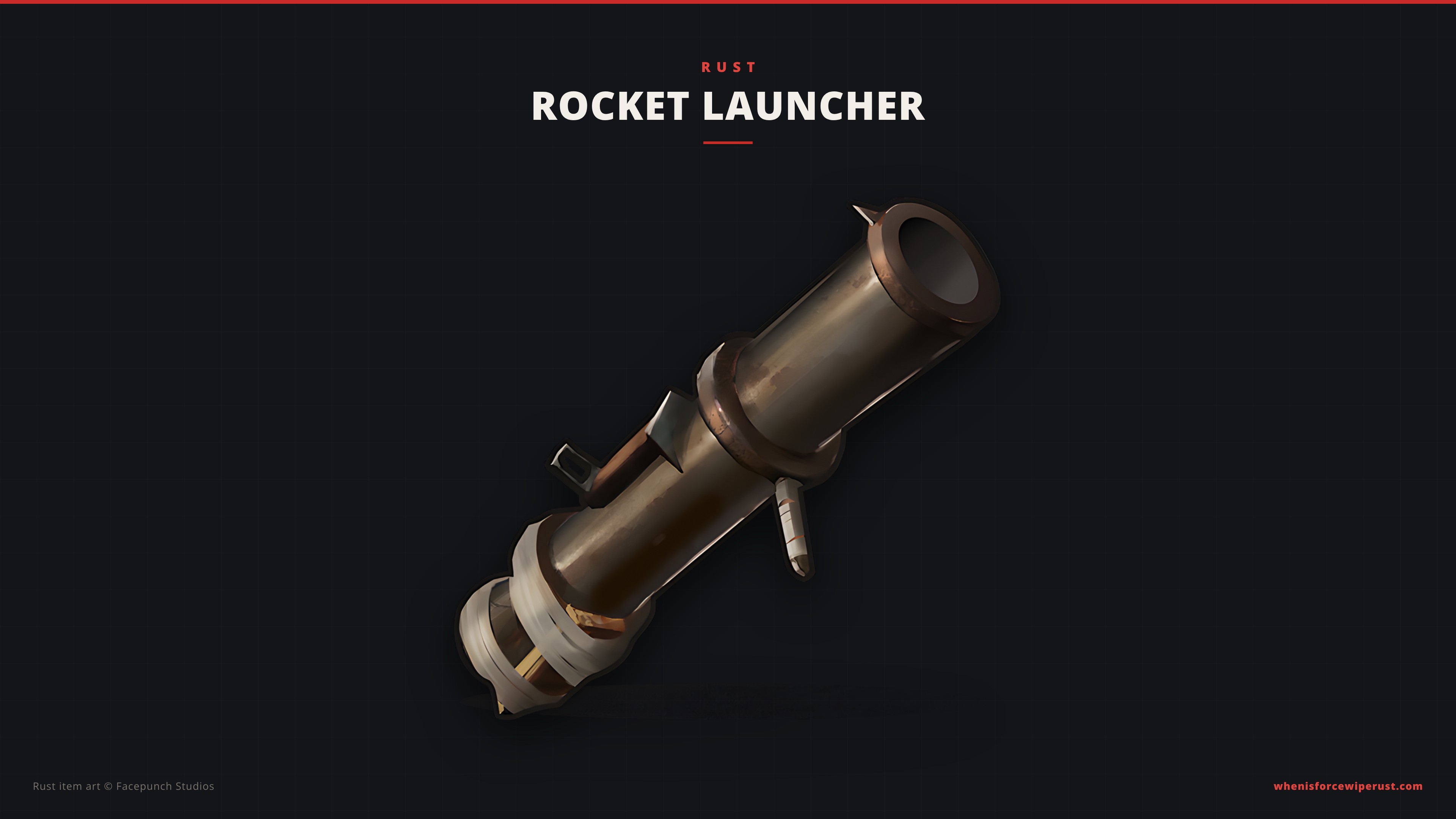
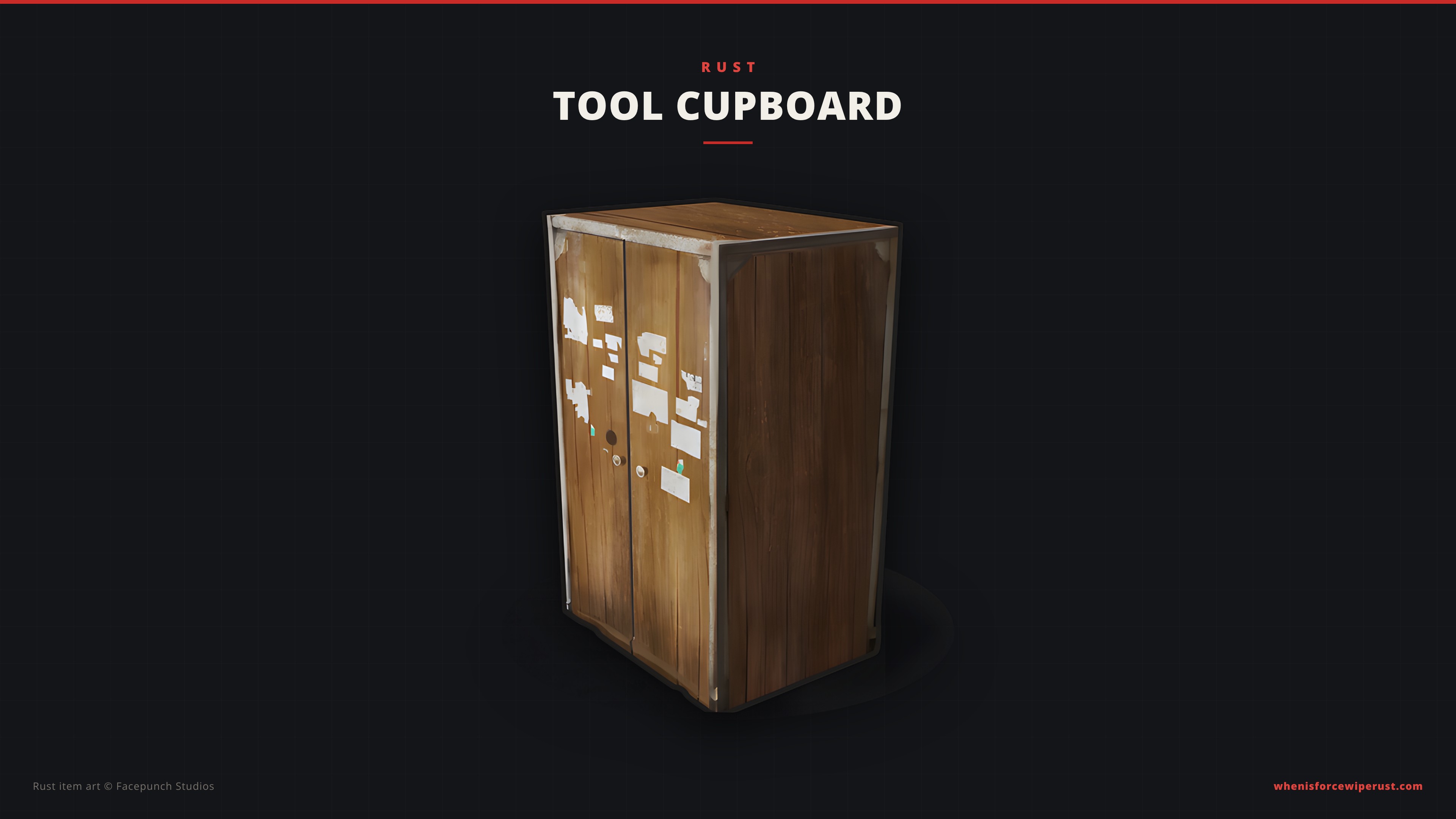
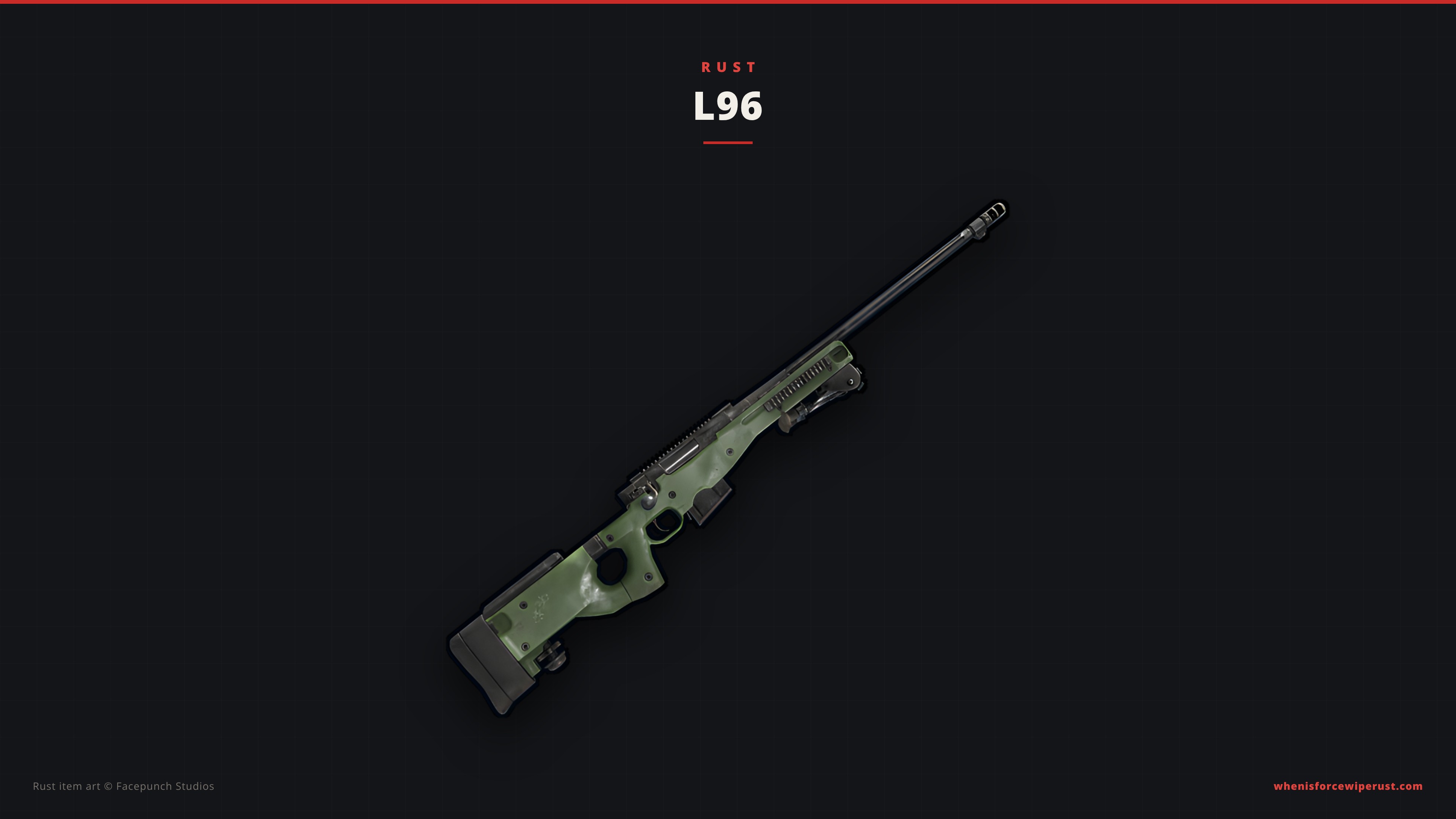
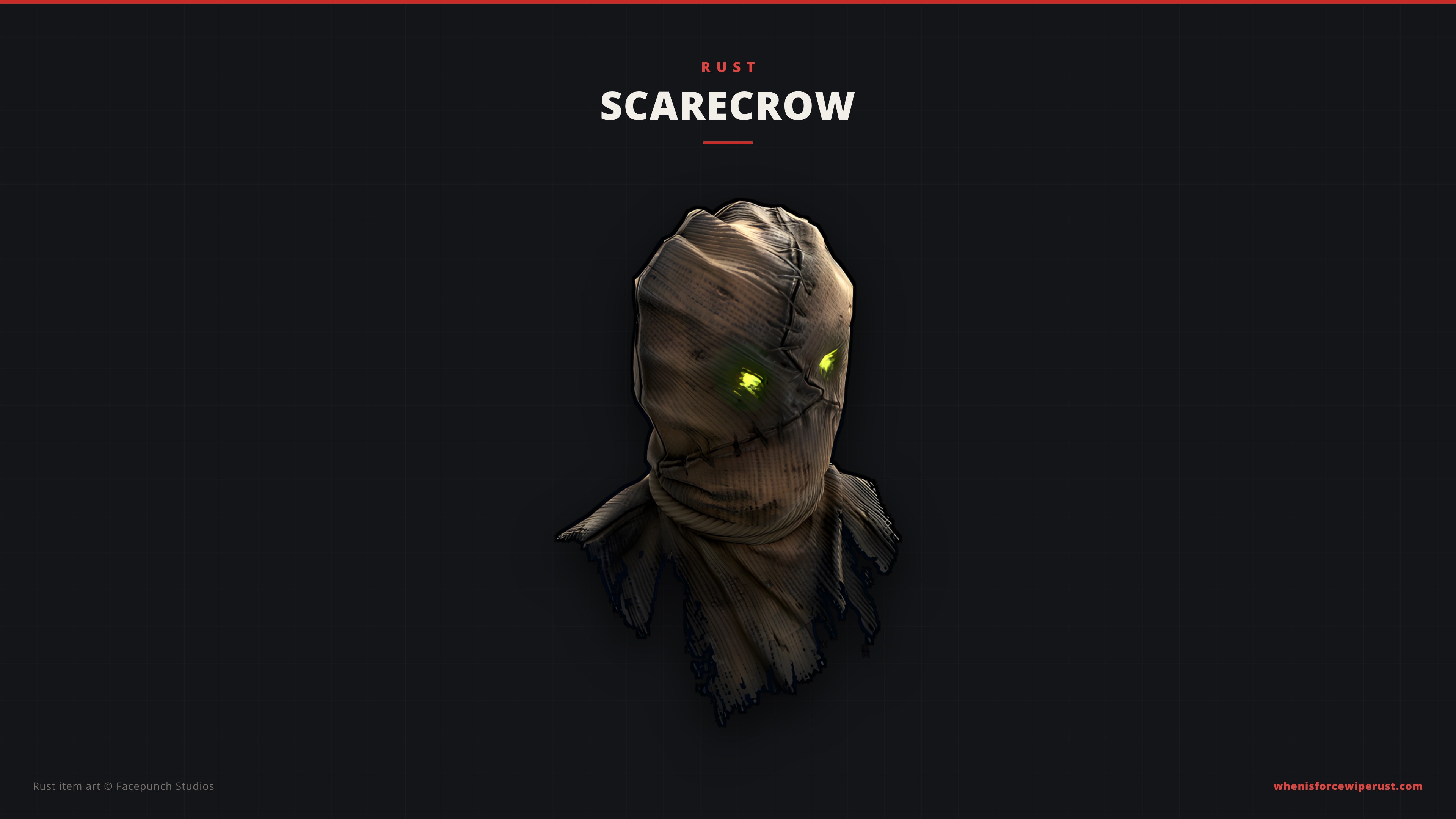
Prefer something clean? These eight minimal wallpapers put one iconic Rust item in the middle of a dark charcoal screen: the AK-47, C4, Metal Facemask, Hazmat Suit, Rocket Launcher, Tool Cupboard, L96 and the Halloween Scarecrow. Each comes in 1080p, 1440p and 4K.
Official Rust Art Wallpapers (Facepunch)
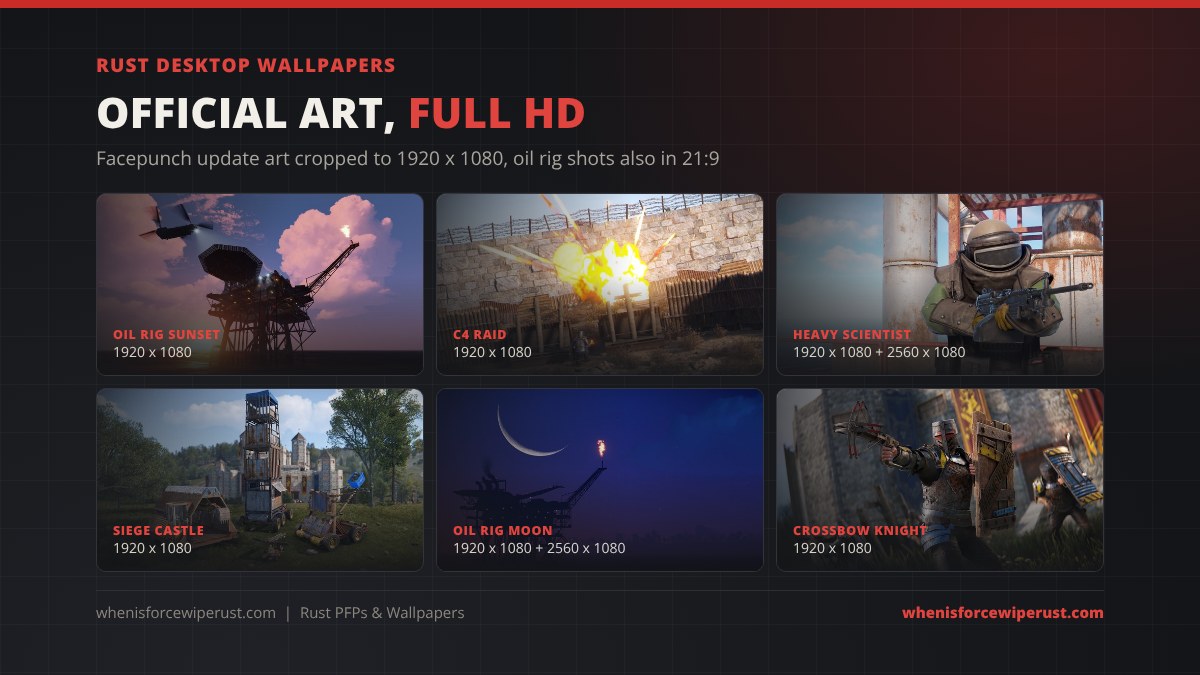
These Rust wallpapers come straight from Facepunch’s own update art: the Oil Rig update shots, the medieval siege weapons and armour reveals, and the C4 raid art from the deployable ammo update. We only cropped and resized them, so the colours and detail are exactly as Facepunch made them. Each one is a 1920 x 1080 JPG, and four of the Oil Rig wallpapers also come in 2560 x 1080 for 21:9 ultrawide screens.
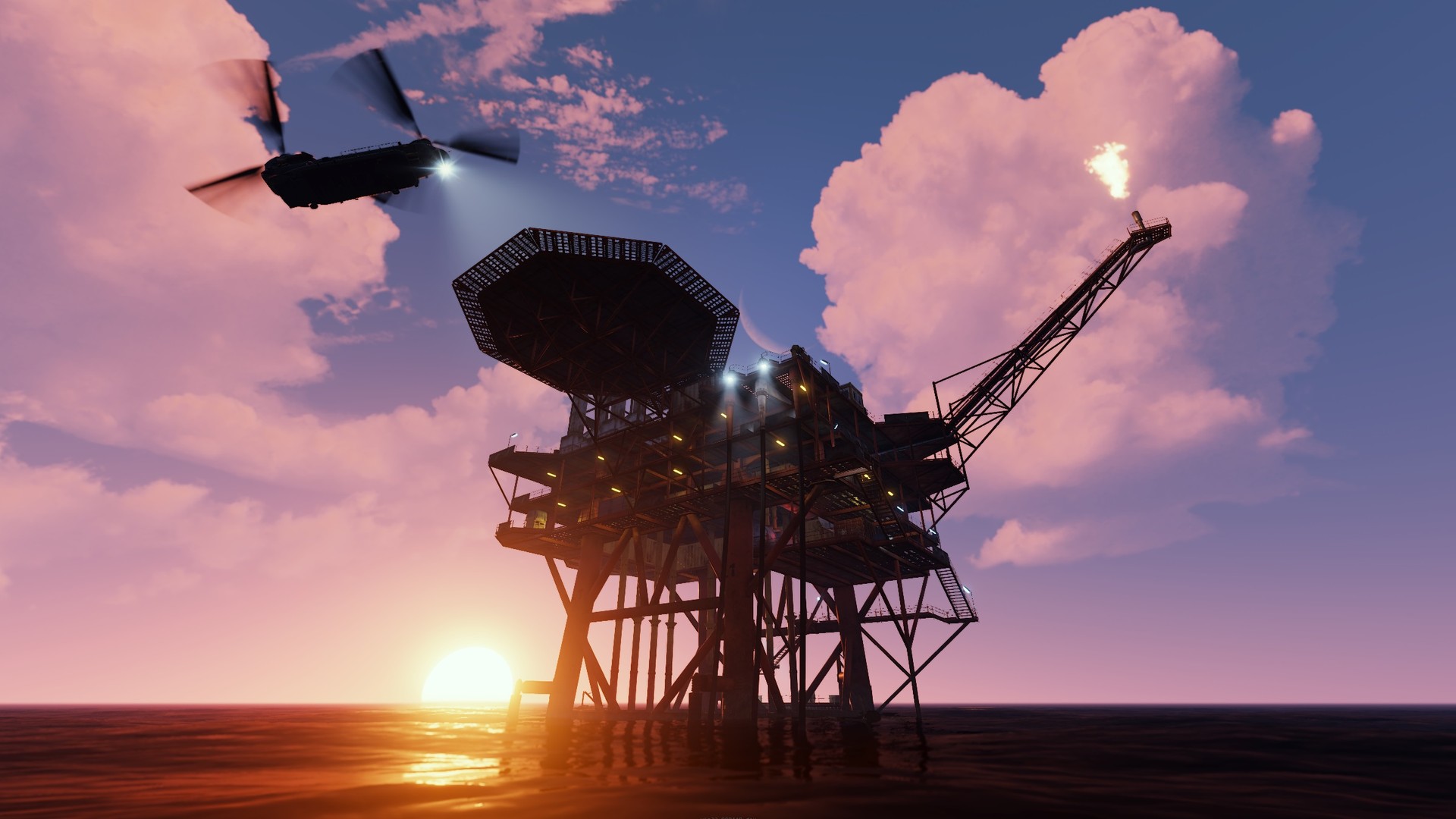 Oil Rig and Chinook at sunset1920 x 1080
 C4 raid1920 x 1080
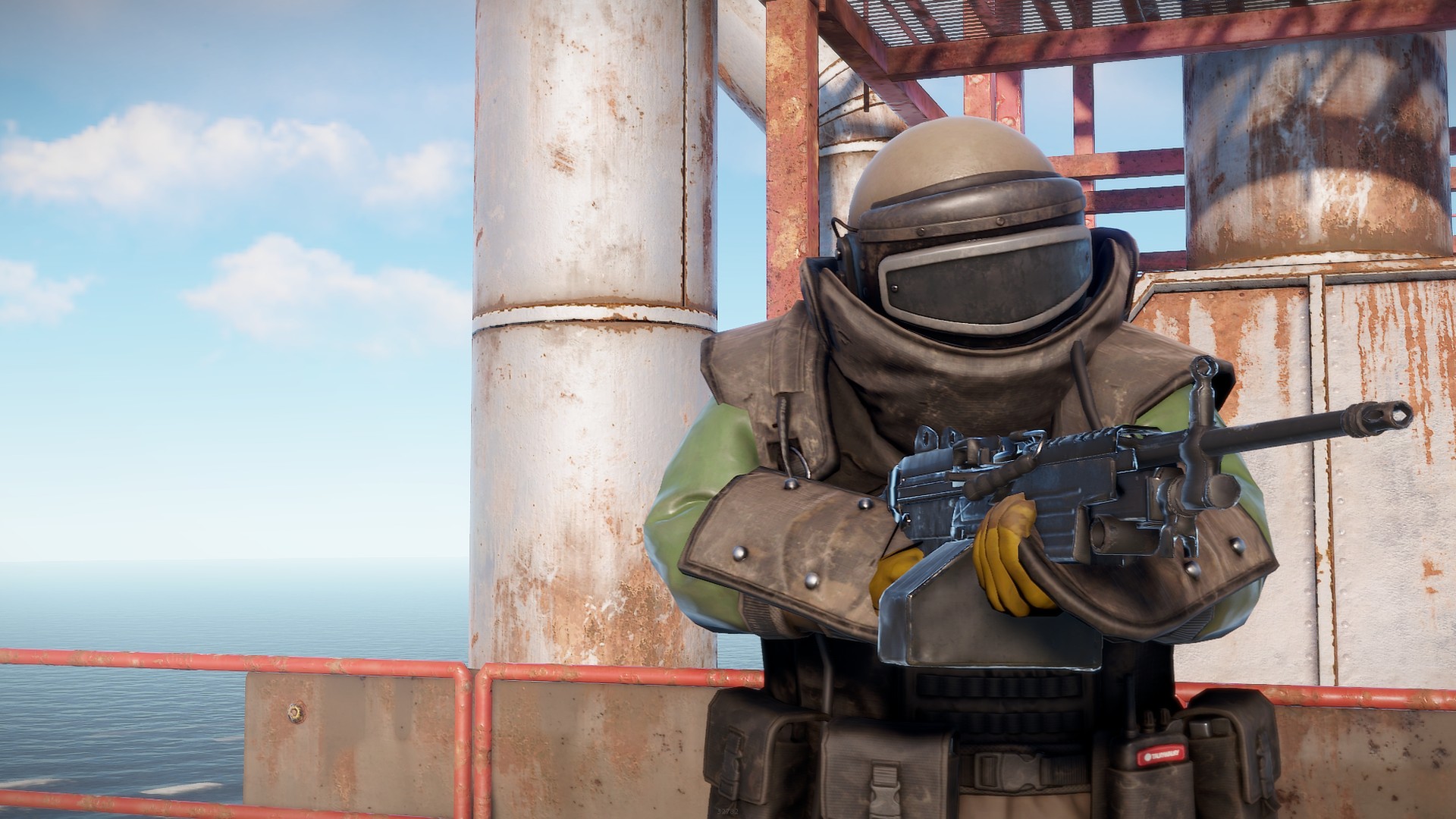 Heavy Scientist on the Oil Rig1920 x 1080 2560 x 1080
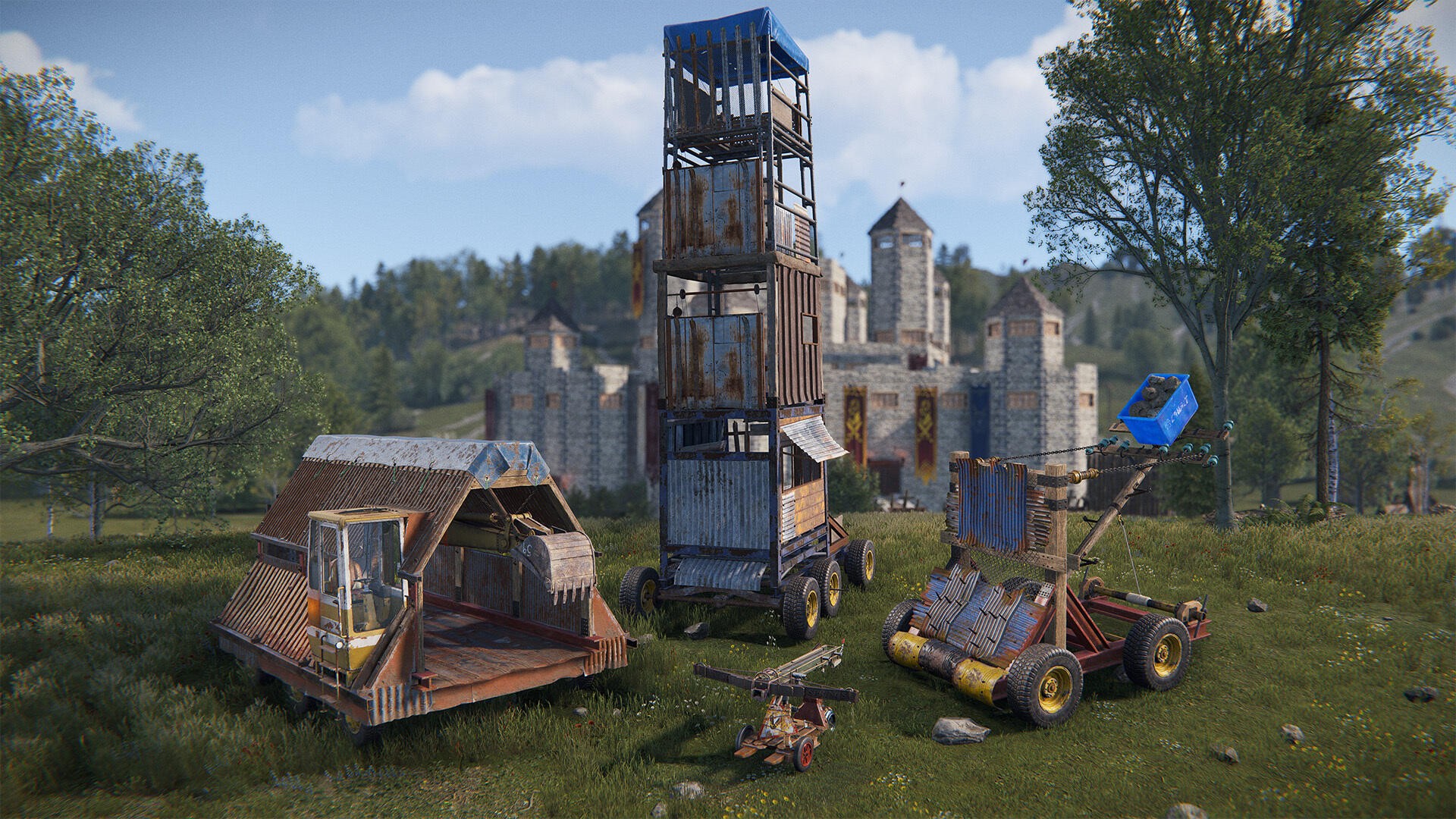 Siege weapons and castle1920 x 1080
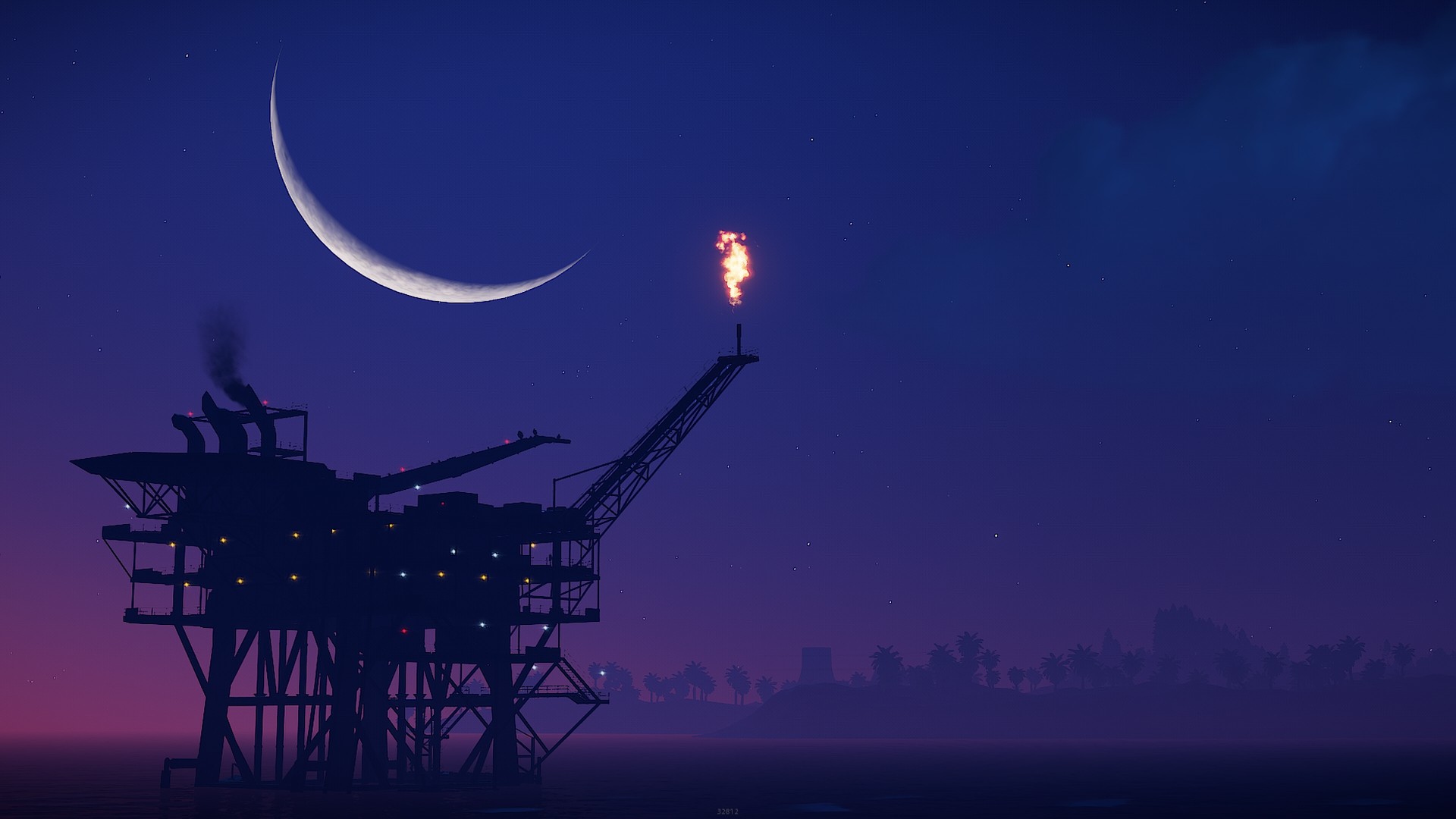 Oil Rig under the moon1920 x 1080 2560 x 1080
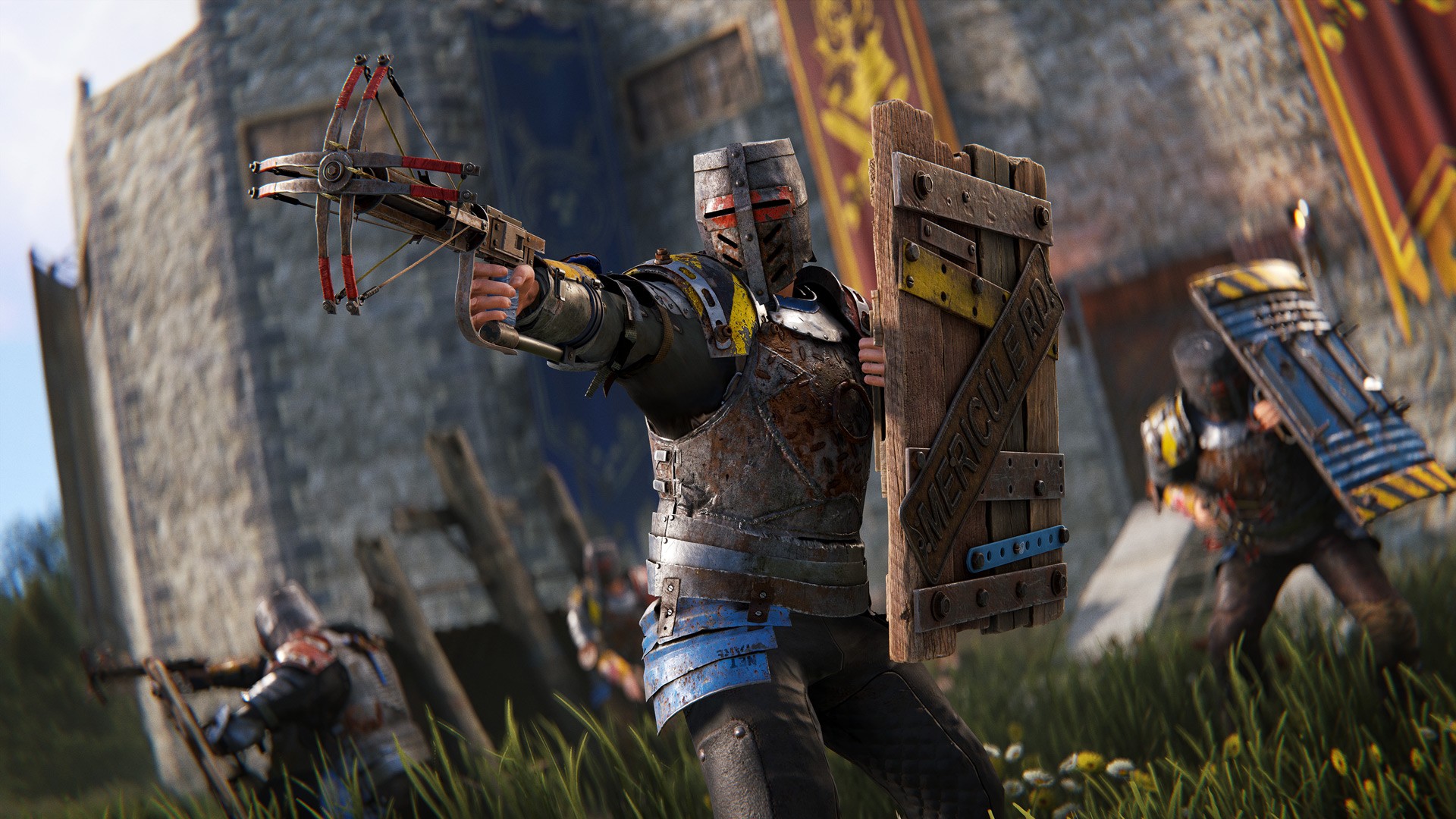 Crossbow knight1920 x 1080
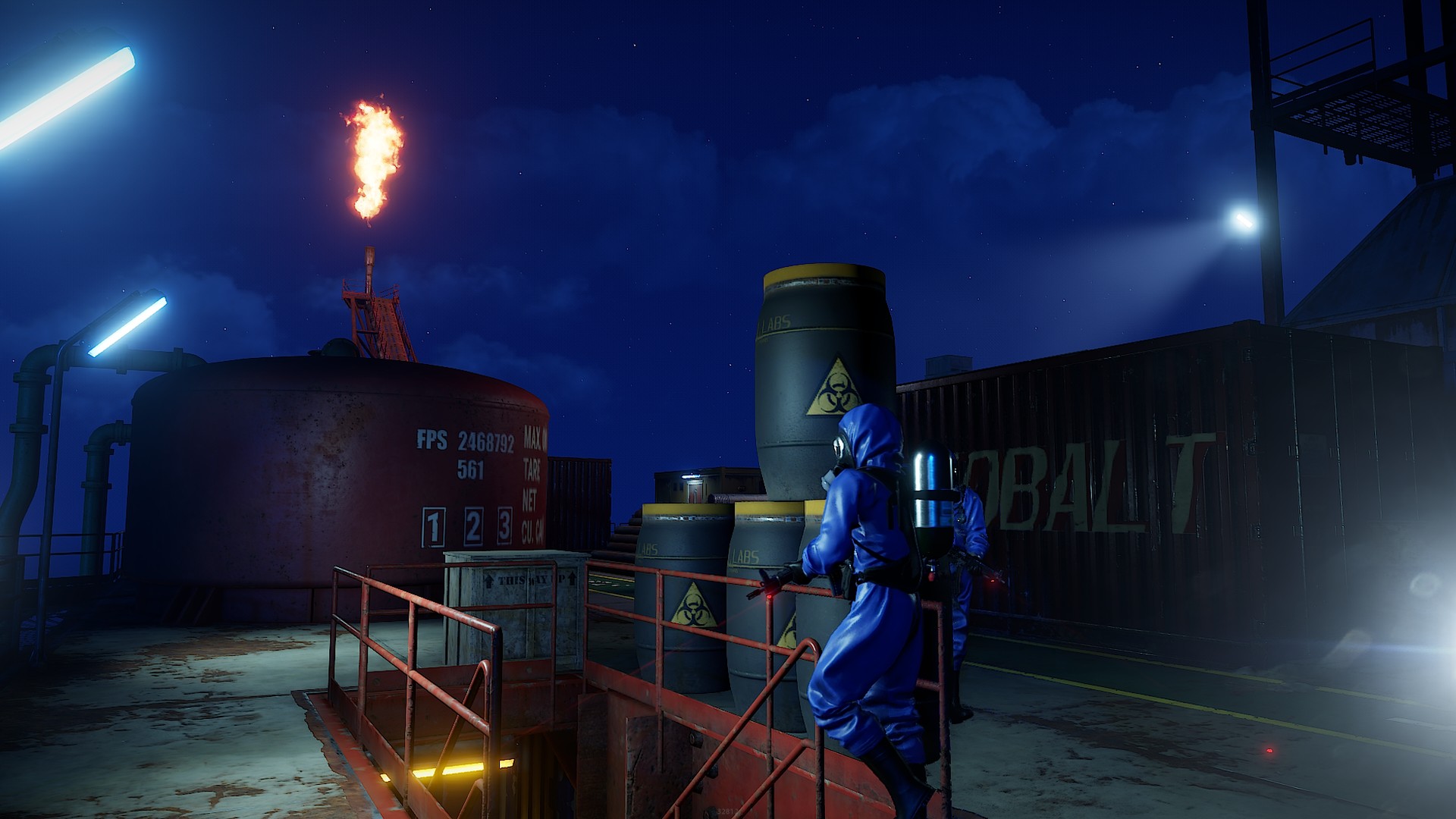 Oil Rig at night1920 x 1080 2560 x 1080
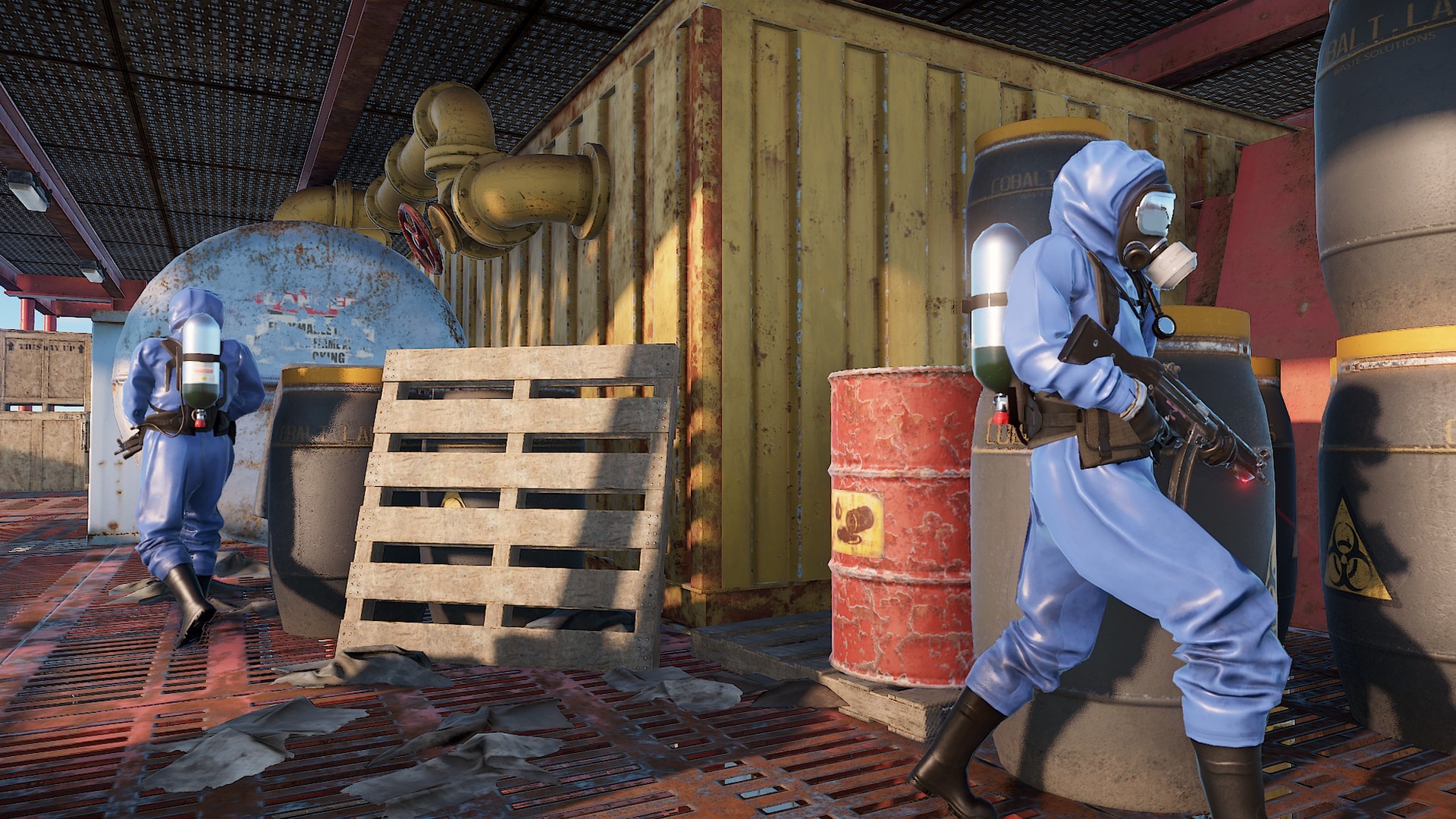 Scientists on the Oil Rig1920 x 1080 2560 x 1080
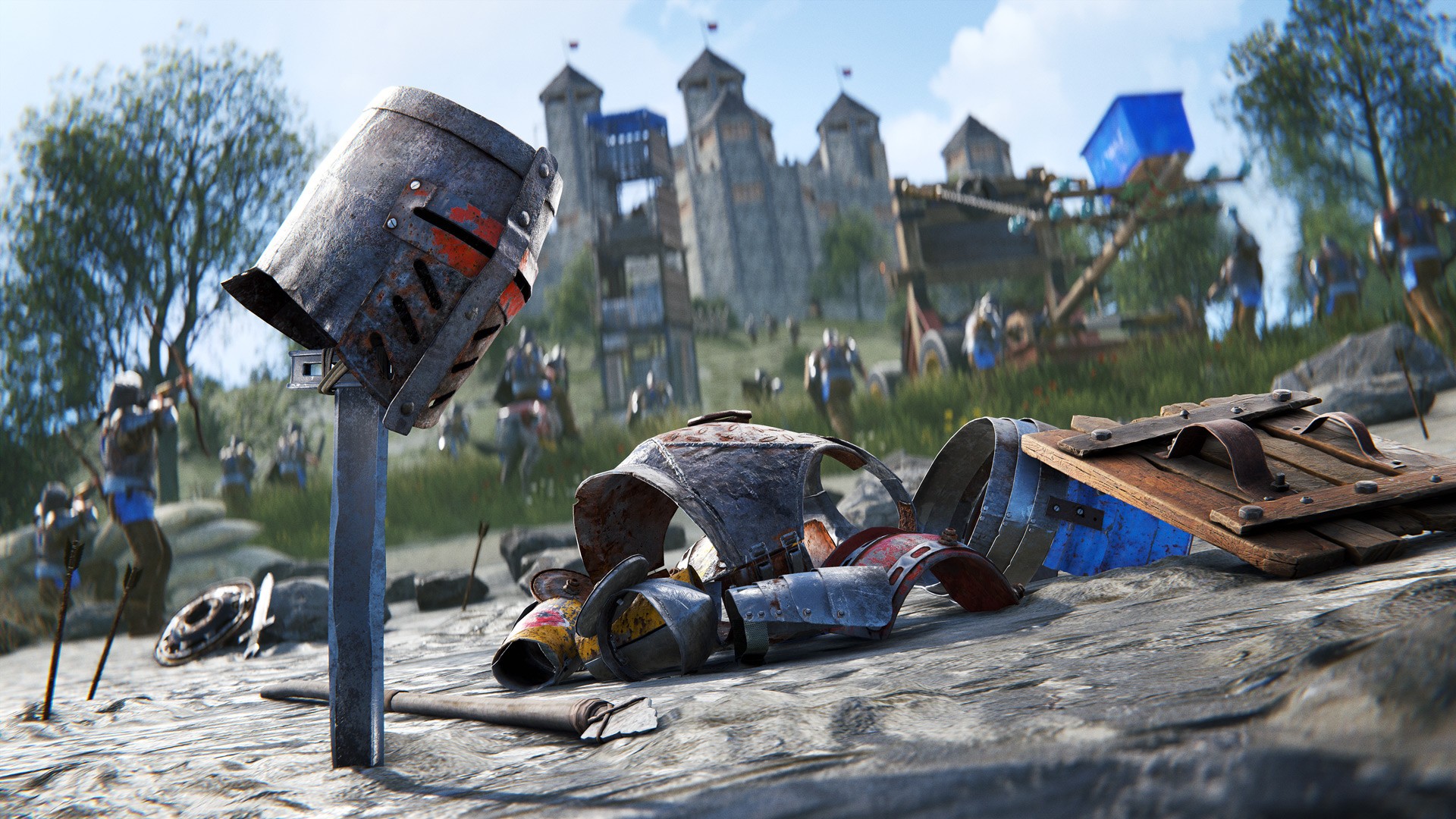 Medieval armor set1920 x 1080
Prefer the in-game kind of wallpaper, the one you stick on your base walls? That is a different thing entirely: see our guide to the Rust Wallpaper Tool, its cloth cost and the paid wallpaper packs. If the Oil Rig shots make you want to run it, read the Large Oil Rig guide first.
Rust Phone Wallpapers (1080 x 1920)
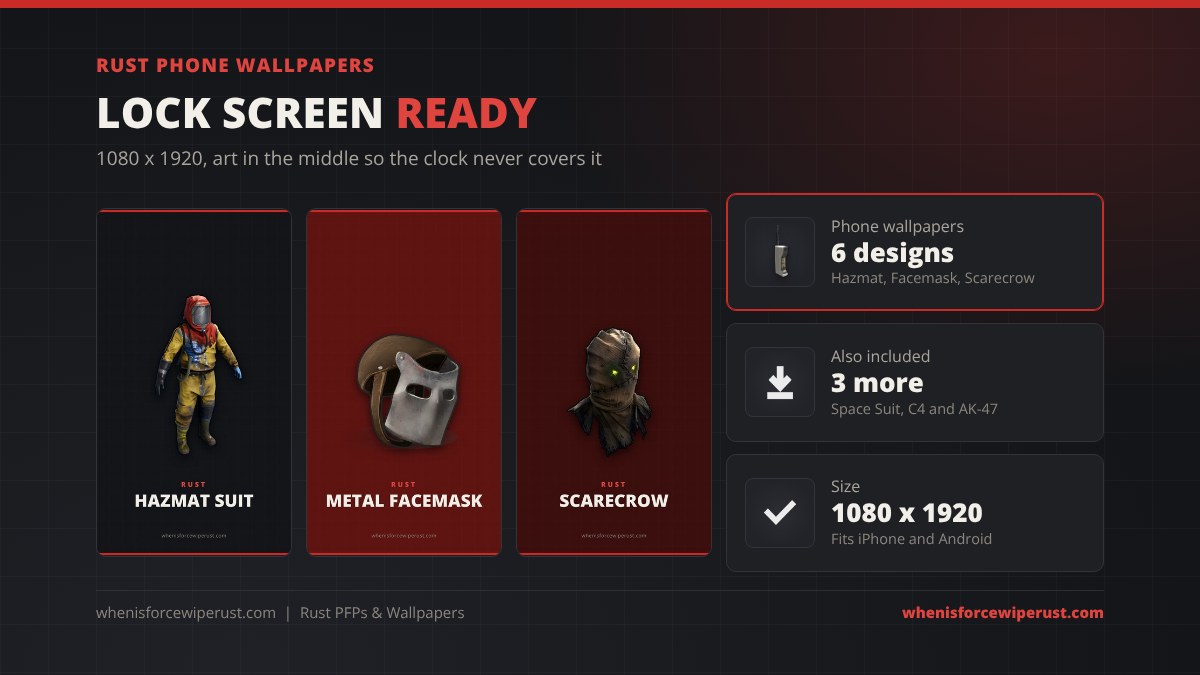
Our phone wallpapers put one big Rust item in the middle of a dark charcoal or deep red background, with the top third left clear so your lock screen clock and widgets never sit on top of the art. They are 1080 x 1920, the standard for most iPhones and Android phones; taller phones simply crop a little off the top and bottom.
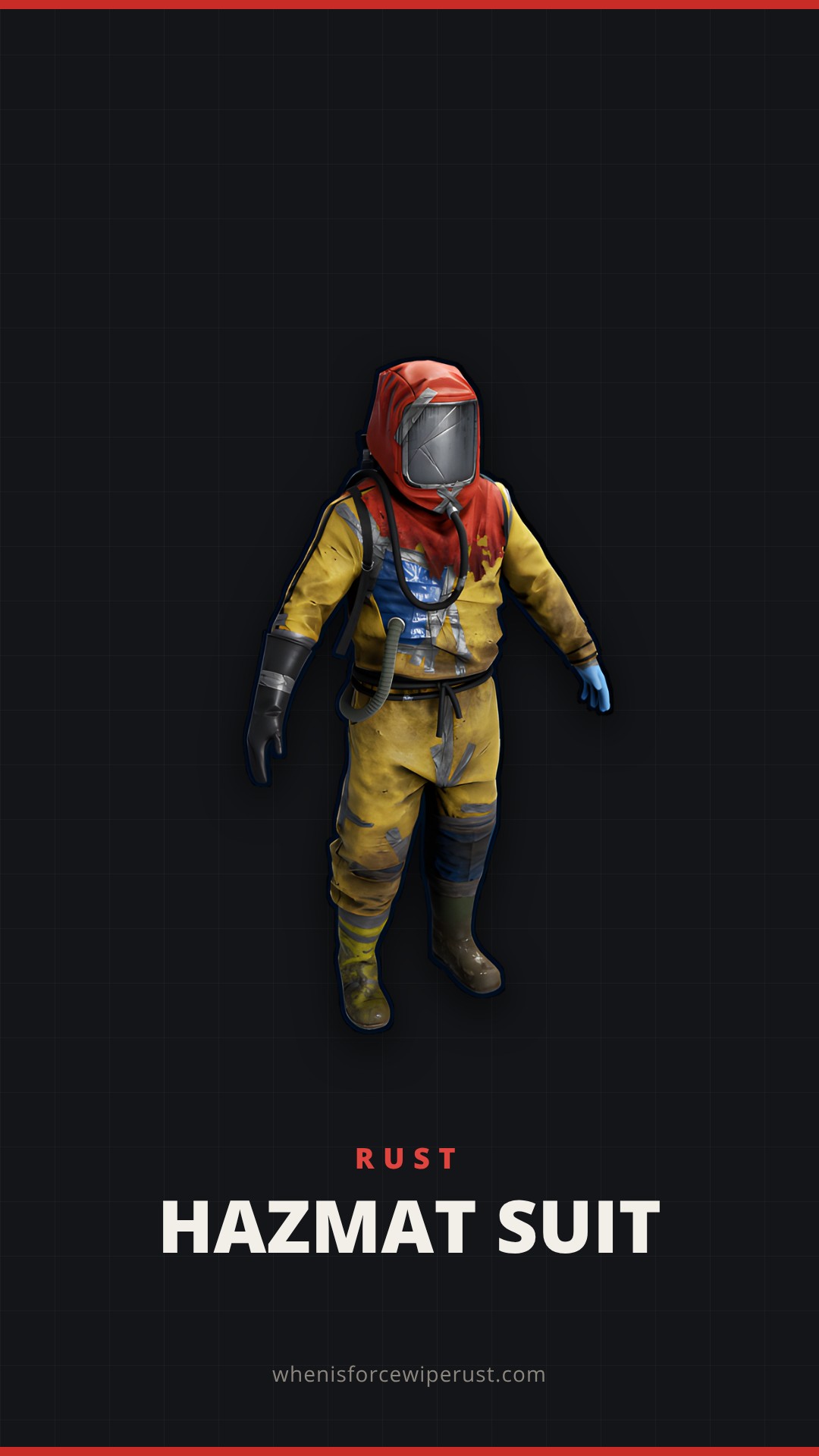 Hazmat Suit1080 x 1920
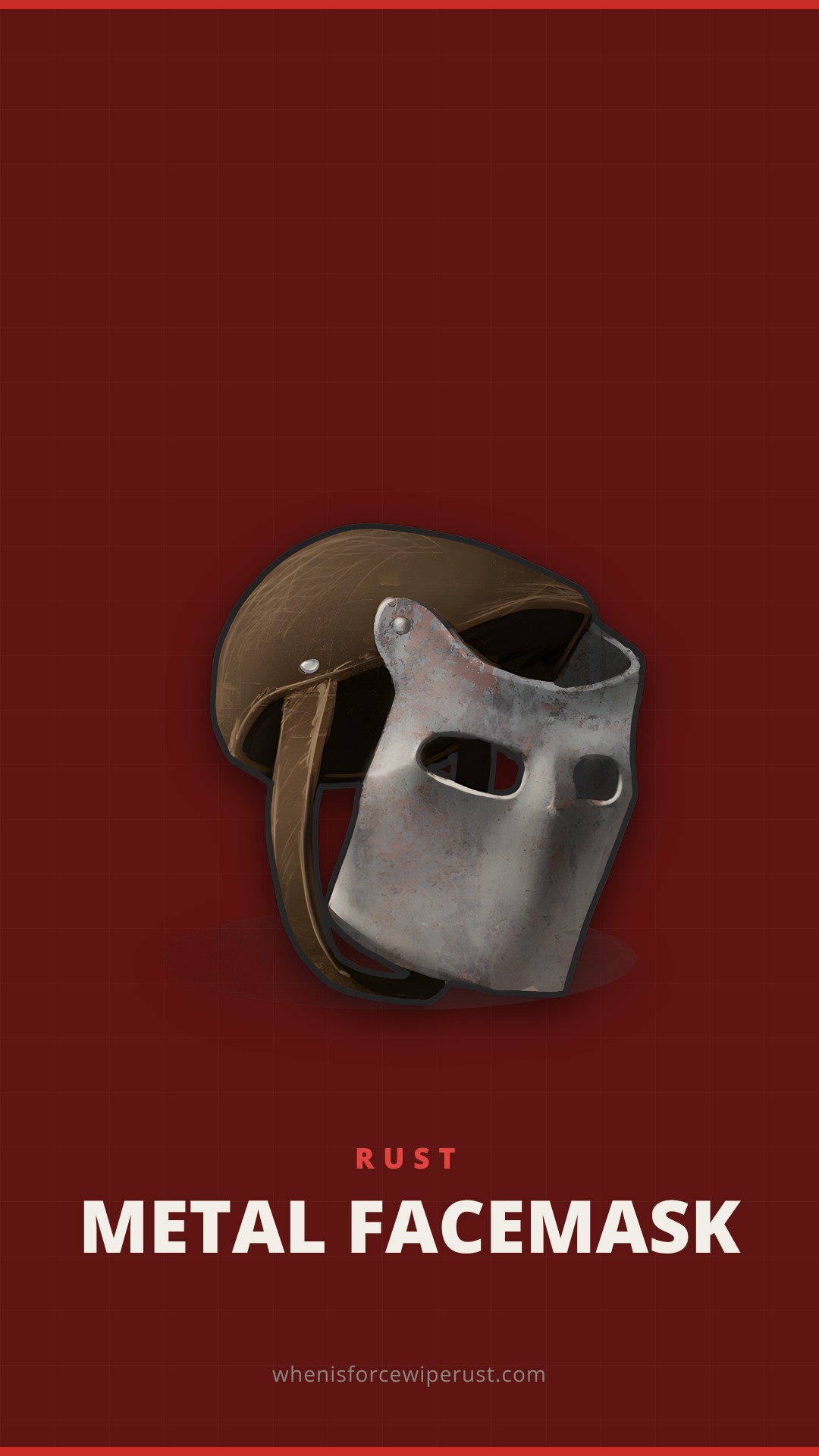 Metal Facemask1080 x 1920
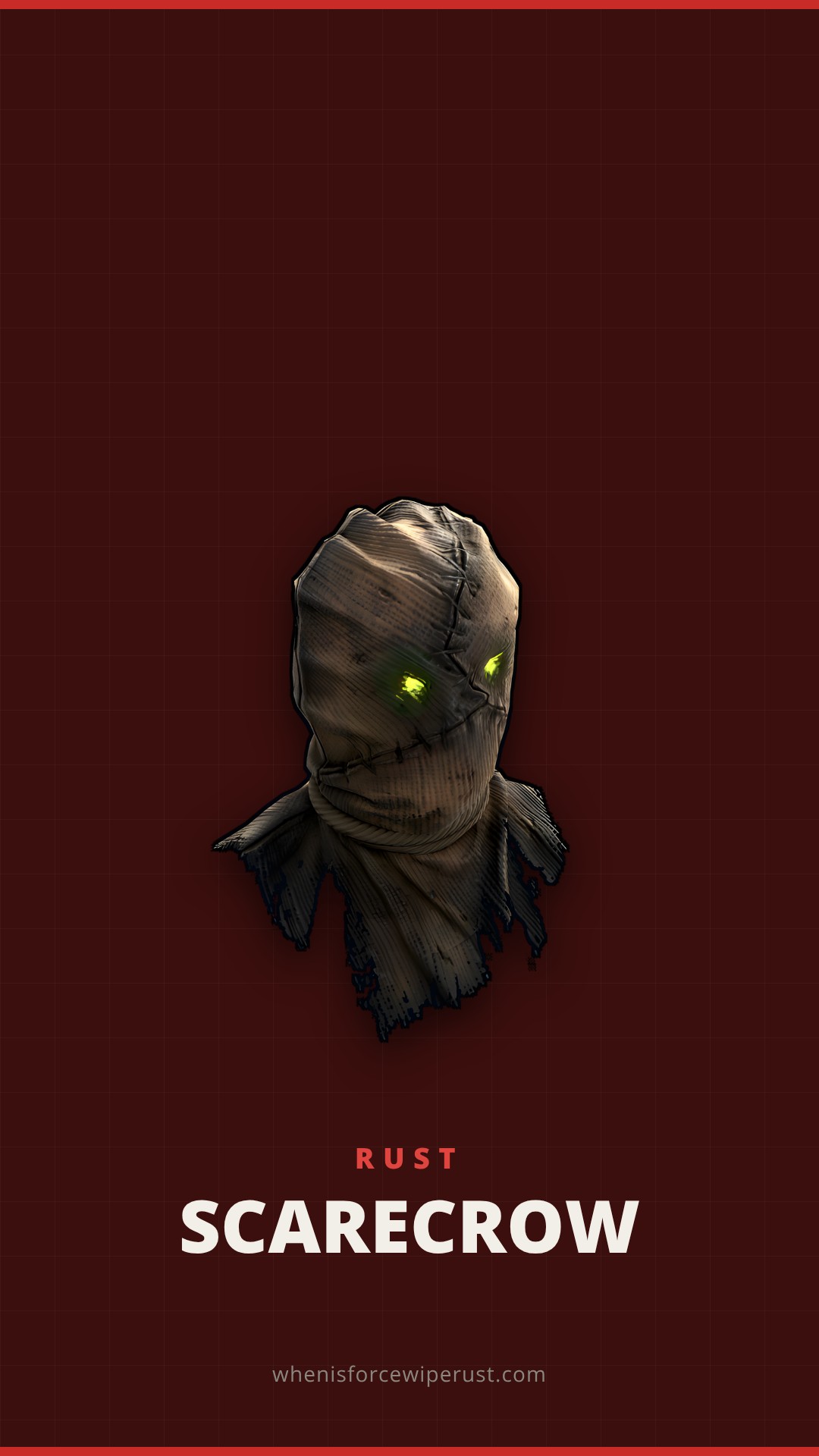 Scarecrow1080 x 1920
 Space Suit1080 x 1920
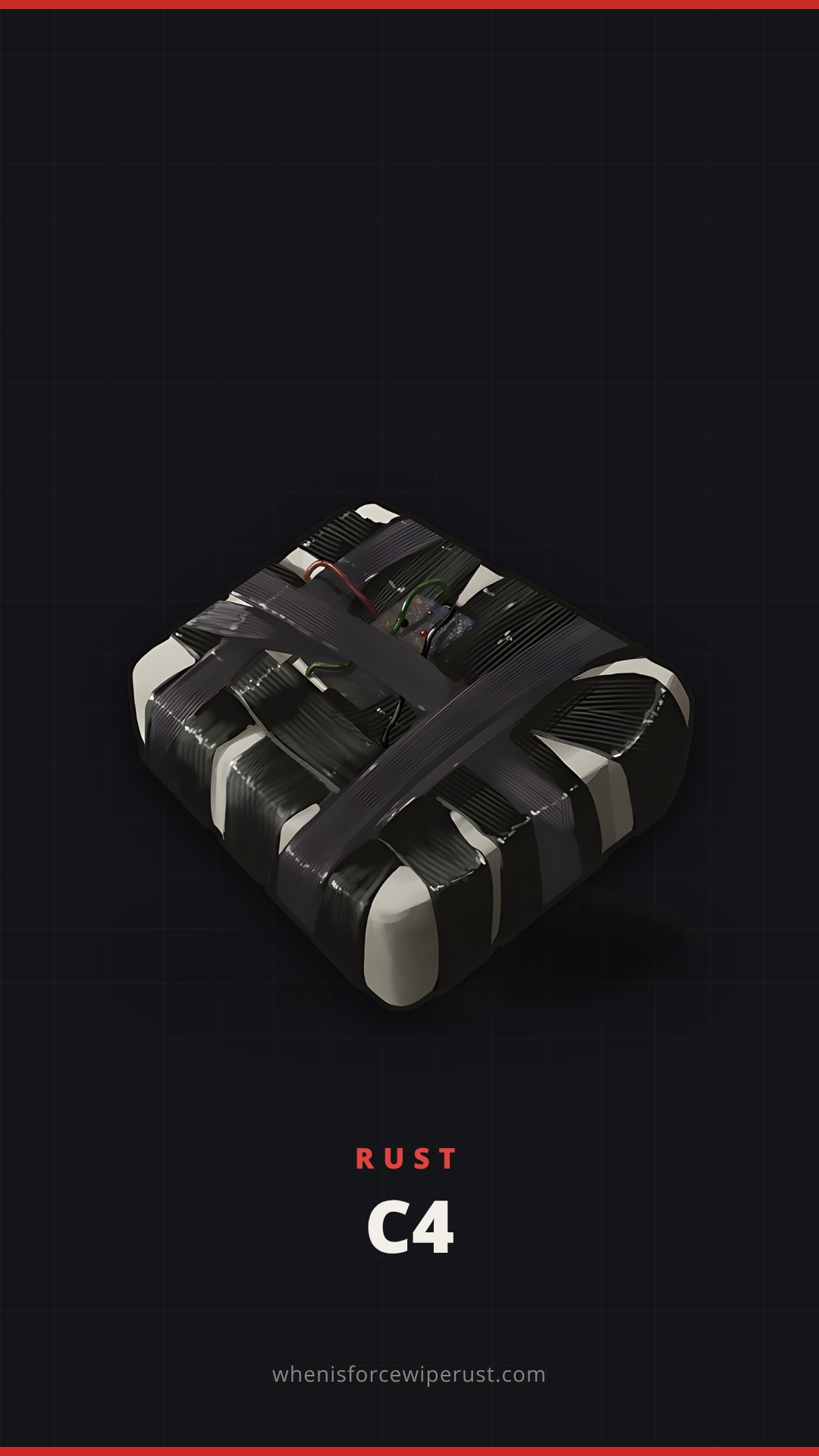 C41080 x 1920
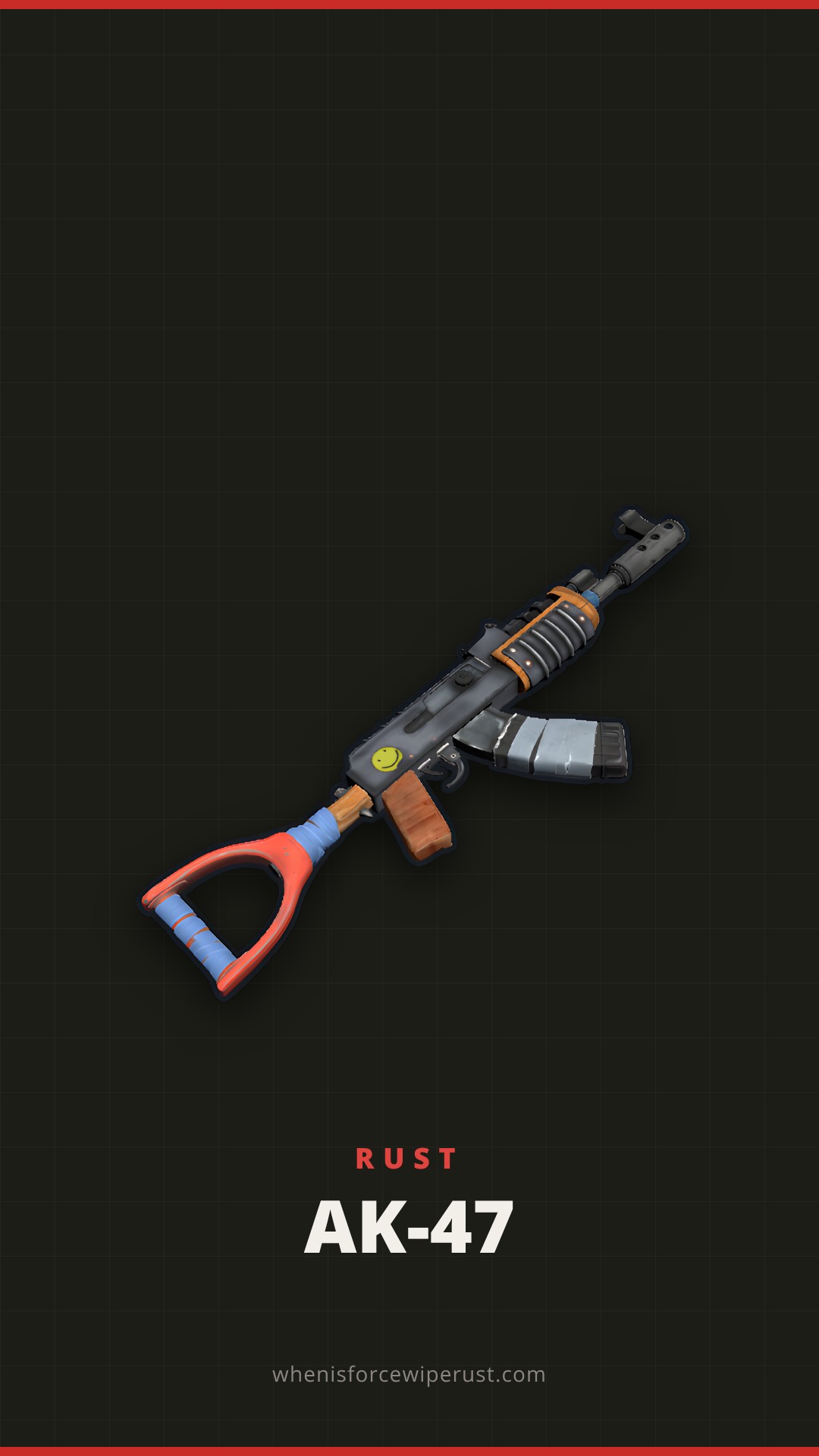 AK-471080 x 1920
Rust PFPs: 24 Free Profile Pictures
Each Rust PFP is a square 512 x 512 PNG with the art centred, so it still looks right when Discord, Twitch or X crop it to a circle. They use the real in-game icons and the animal and NPC portraits from Rust’s own files, on flat charcoal, red, sand or olive backgrounds. Tap one to open it full size.
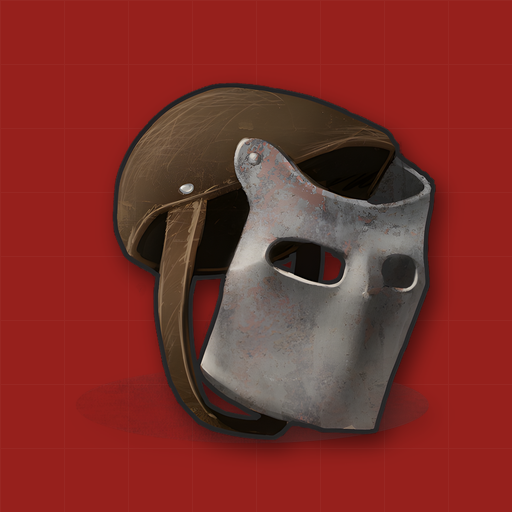 Full Kit
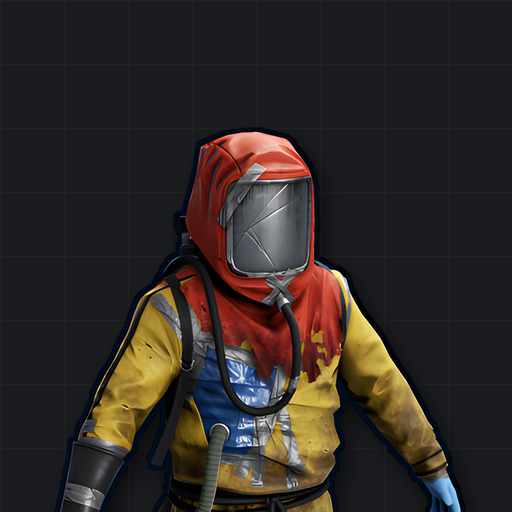 Hazmat Suit
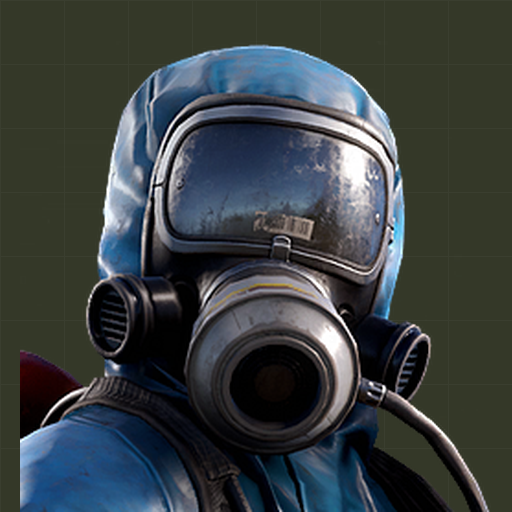 Scientist
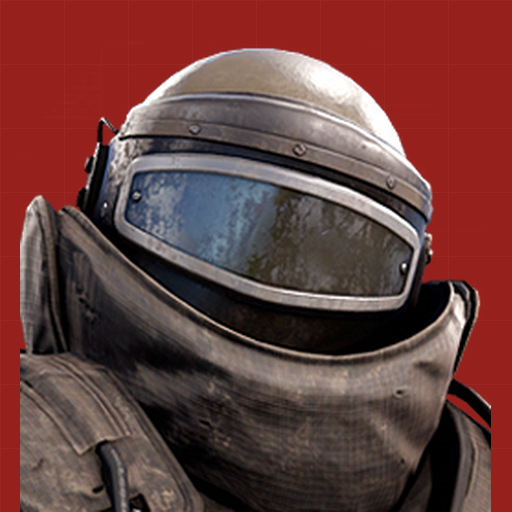 Heavy Scientist
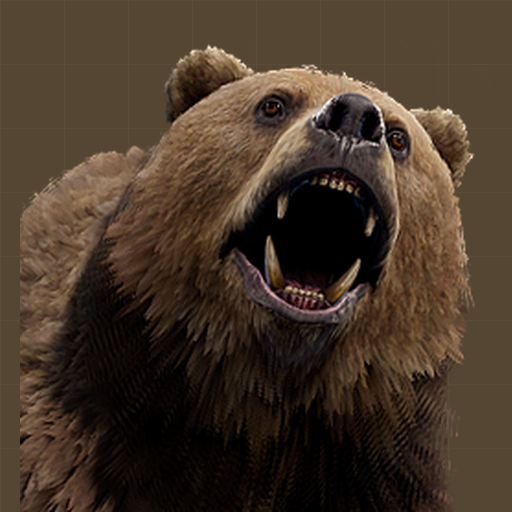 Bear
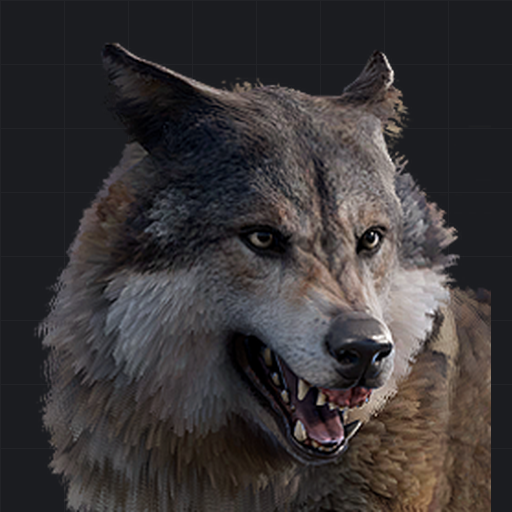 Wolf
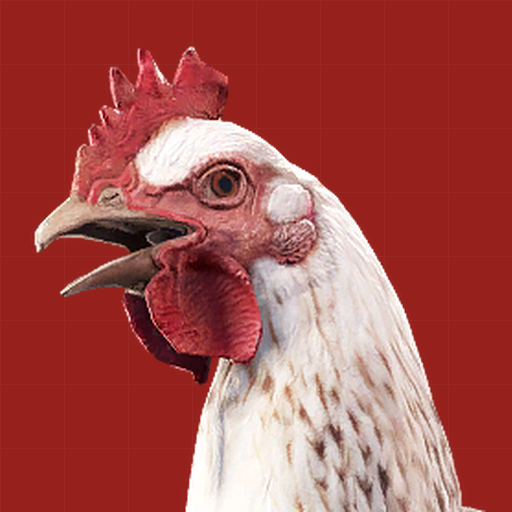 Chicken
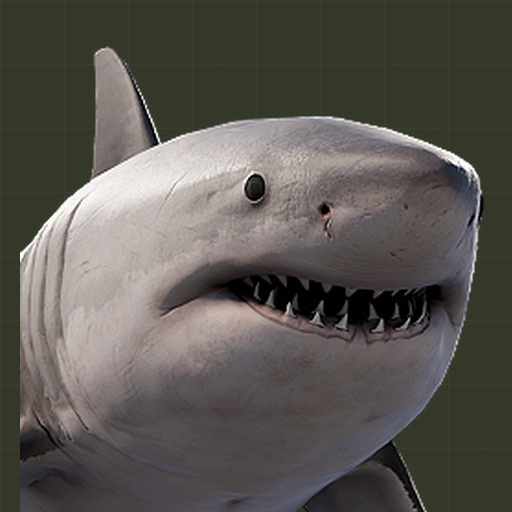 Shark
 AK-47
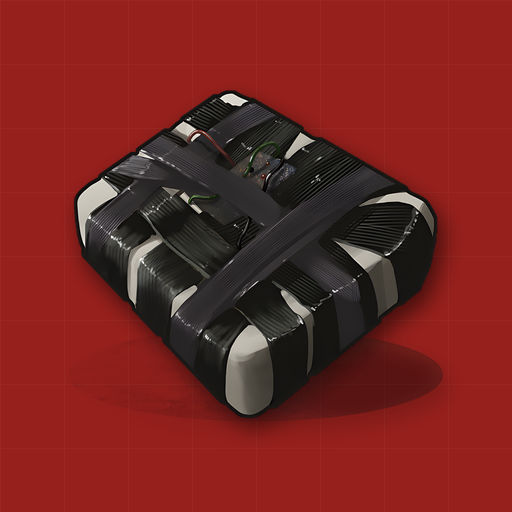 C4
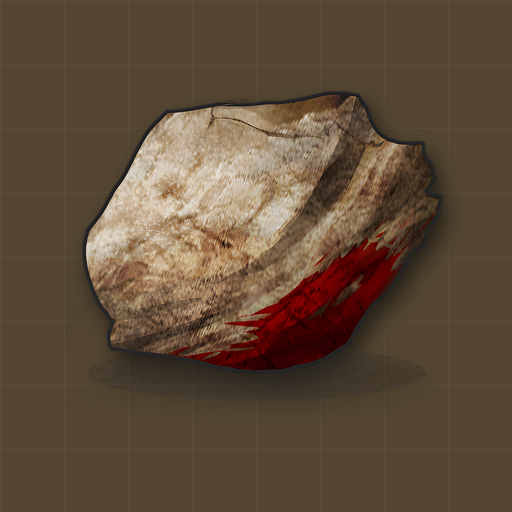 Fresh Spawn Rock
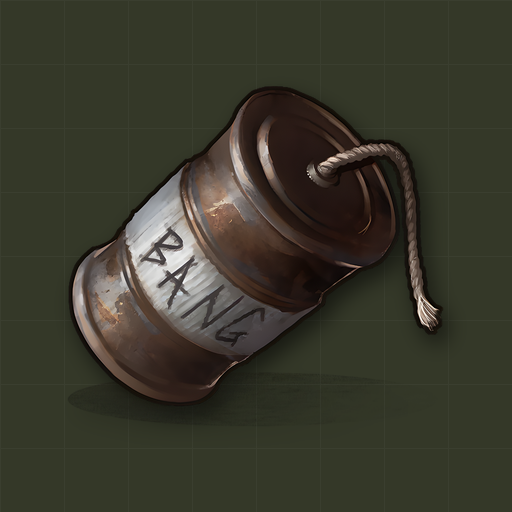 Beancan Grenade
 Rocket Launcher
 Tool Cupboard
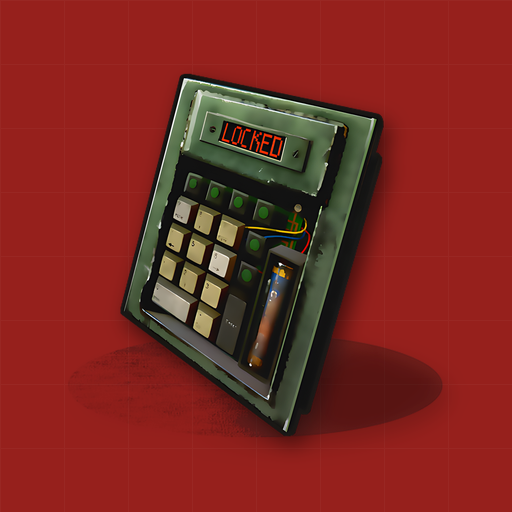 Code Lock
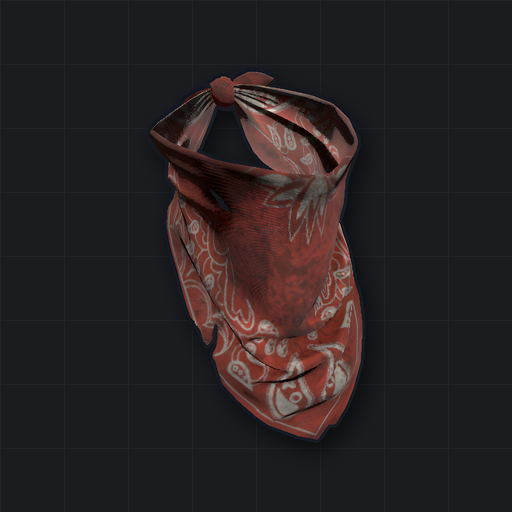 Bandana Mask
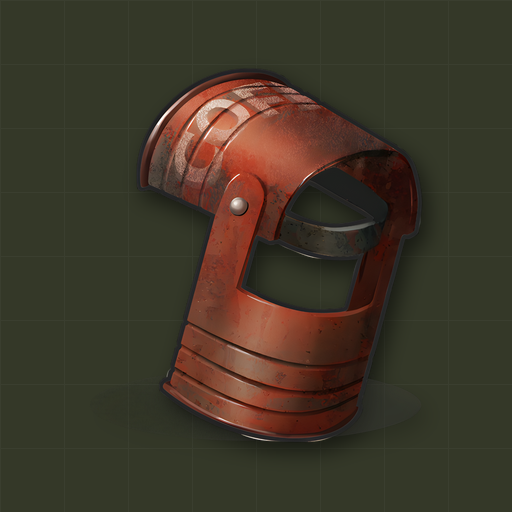 Coffee Can Helmet
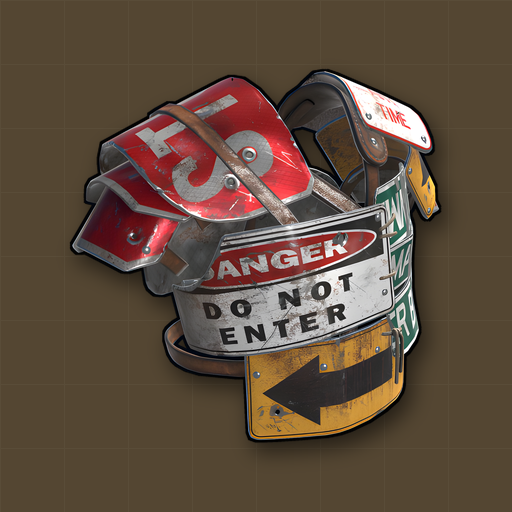 Roadsign Kit
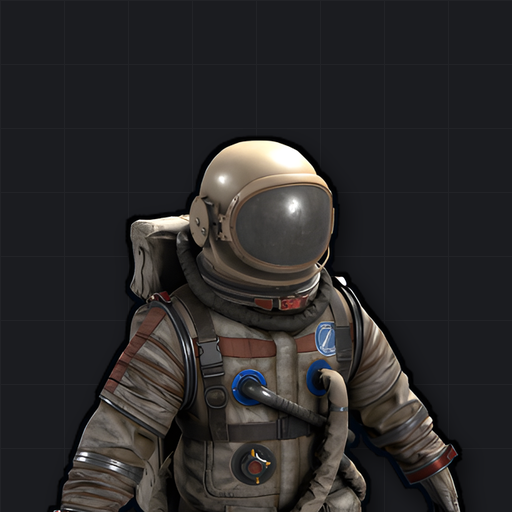 Space Suit
 Scarecrow
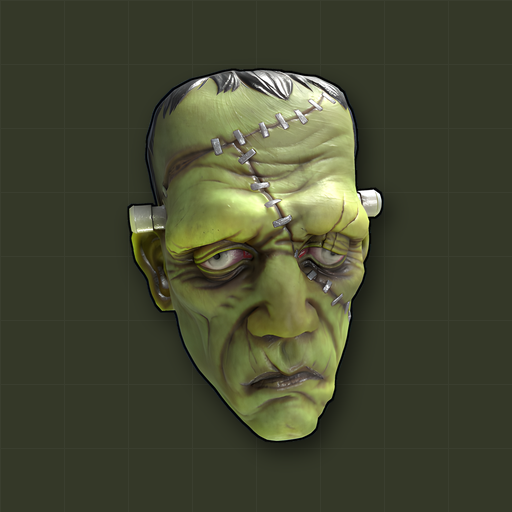 Frankenstein Mask
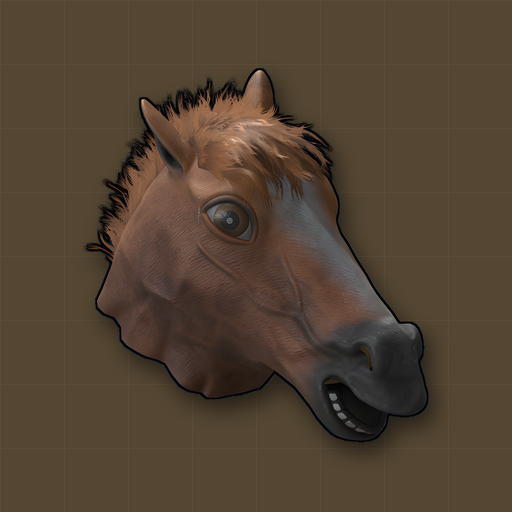 Horse Mask
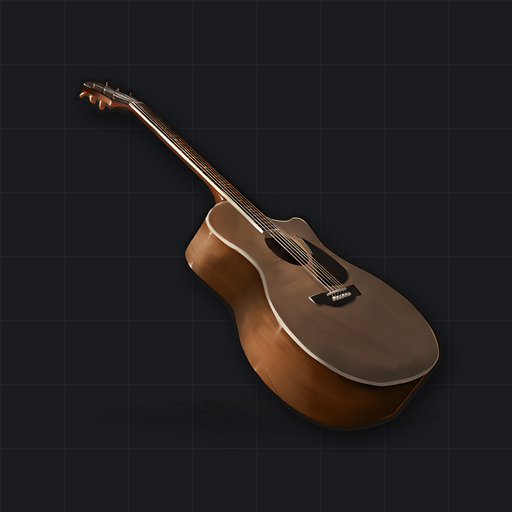 Guitar
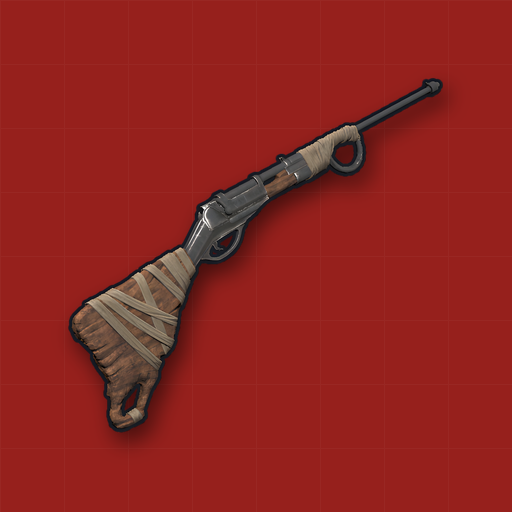 Bolt Action Rifle
The most popular picks are the Metal Facemask (the classic “full kit” look you see on every monthly wipe), the Hazmat Suit every fresh spawn chases for its first trip to a radiation monument, and the chicken, because nothing says Rust like getting killed by a chicken. Want the full metal set behind the facemask? Read our Metal Facemask guide and the Hazmat Suit guide.
Rust PFP Size for Steam, Discord, Xbox and More
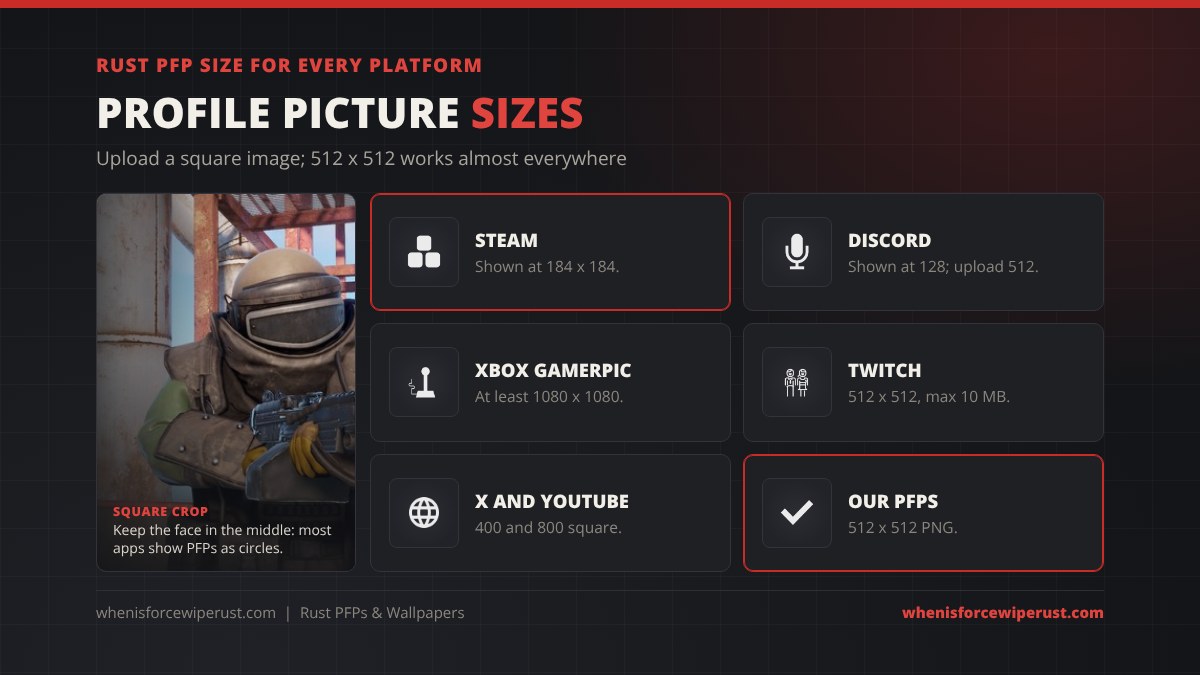
Every platform shrinks your profile picture, so the safest rule is to upload a square image at 512 x 512 or larger with the subject in the middle. Here is what each platform shows:
| Platform | Shown at | What to upload | Shape |
|---|---|---|---|
| Steam | 184 x 184 (also 64 and 32) | Our 512 x 512 PNG | Square |
| Discord | 128 x 128 | 512 x 512 for a sharp result | Circle |
| Xbox (custom gamerpic) | Varies | At least 1080 x 1080, so upscale our PNG or use your own shot | Circle |
| PlayStation | Varies | A square photo set from the PlayStation App | Circle |
| Twitch | Varies | 512 x 512, up to 10 MB | Circle |
| X and YouTube | Small | 400 x 400 (X), 800 x 800 (YouTube) | Circle |
Rust itself does not let you pick an in-game profile picture. The face other players see on your Steam name in the server browser and on your team is your Steam avatar, which is why most PC players set a Rust PFP there. Console players on Rust for Xbox and PS5 show their Xbox gamerpic or PSN avatar instead.
How to Set Your Rust PFP

- Save the image. Tap a PFP above, then right-click (or long-press on a phone) and choose Save image.
- Steam: open your profile, choose Edit Profile, then Avatar, and upload the PNG. Steam crops it to a square, so ours fit as they are.
- Discord: open User Settings, then Profiles, then Change Avatar, upload, and keep the art inside the circle preview. Animated avatars need Discord Nitro.
- Xbox: in the Xbox app, open your profile, choose to customize it, then change your gamerpic and upload a custom image of at least 1080 x 1080.
- PlayStation: in the PlayStation App, open your profile, choose Edit, then set a new profile picture from your phone’s photos.
How to Make Your Own Rust PFP In Game

The Rust PFPs people remember are shots of their own character, their own base or a raid that went right. You can make one in a few minutes:
- Hide the HUD. In Rust’s options, the User Interface settings let you turn off the HUD, chat and name tags for a clean shot. Turn them back on before your next fight.
- Take the screenshot. Press F12 to save a Steam screenshot. Steam keeps them in your library under Rust’s screenshots.
- Wear your kit. Your best skins make the picture yours. See how to get them in our Rust skins guide, check this week’s Item Store, or grab free ones from Twitch drops.
- Use the light. Sunrise and dusk give the warm, long shadows you see in Facepunch’s own art. Our best Rust settings guide covers the graphics options that make shots look their best.
- Free camera on your own server. Admins can use the
debugcameracommand to float the camera away from their body for cinematic angles; see our Rust admin commands list. It does not work on normal servers without admin rights. - Crop square. Crop to a square with your face or the main item dead centre, then export at 512 x 512 or larger.
Rust also has an in-game Instant Camera that prints photos you can hang in a photo frame in your base, a fun way to keep a picture of your squad on wipe day. It crafts from 1 gear and 75 metal fragments with no workbench.
Can You Use Rust Art as a PFP or Wallpaper?
Yes, for personal use. Facepunch’s Fan Content and Broadcast Guidelines say fans can make fan art, run community websites and take screenshots and turn them into wallpaper. Rust, its art, its item icons and its logo still belong to Facepunch Studios, so a few common-sense rules apply:
- Personal use is fine. Using Rust art as your own PFP, desktop or phone wallpaper is exactly what the fan rules describe.
- Do not sell it. Selling Rust art, printing it on merch or using the Rust name or logo commercially needs Facepunch’s permission.
- Fan art belongs to the artist. Many “Rust PFP” results on Pinterest or TikTok are fan art or commissions. Ask the artist before you use it, and credit them.
- Official art lives with Facepunch. The Rust page on facepunch.com links the official media images and brand guidelines.
Fresh wallpaper ready? The next force wipe is the first Thursday of the month. Check the live Rust force wipe countdown on our home page, and if you are new, the Rust player count shows when servers are busiest.
Rust Wallpaper and PFP FAQ
Are there 4K Rust wallpapers?
Yes. The 18 collection wallpapers and 8 minimal wallpapers on this page come in 3840 x 2160 (4K), plus 2560 x 1440 and 1920 x 1080. They are built from Rust’s own high-resolution item art, so they stay sharp on 4K monitors.
Where can I get a Rust PFP?
You can download 24 free Rust PFPs on this page, each a 512 x 512 PNG made from real Rust game art, including the Metal Facemask, Hazmat Suit, AK-47, C4, scientists, bear, wolf and chicken. You can also make your own from an in-game screenshot.
What size should a Rust profile picture be?
Upload a square image of at least 512 x 512. Steam shows avatars at 184 x 184 and Discord at 128 x 128, so 512 stays sharp on both. An Xbox custom gamerpic needs at least 1080 x 1080.
Can you change your profile picture inside Rust?
No. Rust has no in-game profile picture setting. On PC the picture other players see is your Steam avatar, and on console it is your Xbox gamerpic or PlayStation avatar.
Are there official Rust wallpapers?
Facepunch publishes official art and screenshots with its updates and on the Rust page at facepunch.com. The desktop wallpapers on this page are that official art, cropped to 1920 x 1080, with four Oil Rig shots also in 2560 x 1080 ultrawide.
Is it allowed to use Rust art as a wallpaper or PFP?
Yes, for personal use. Facepunch’s Fan Content and Broadcast Guidelines allow fan art, community websites and turning screenshots into wallpaper. Selling Rust art or using the Rust logo commercially needs Facepunch’s permission.
Can I have an animated Rust PFP?
On Steam, animated avatars only come from the Steam Points Shop, so an uploaded GIF will not move. On Discord, animated avatars need Nitro.
What is the Rust Wallpaper Tool?
That is the in-game item for decorating base walls, floors and ceilings, not a desktop wallpaper. It costs 10 cloth to craft and 10 cloth per placement. Our Wallpaper Rust guide covers it in full.
How do I take a Rust screenshot without the HUD?
Turn off the HUD, chat and name tags in Rust’s User Interface options, then press F12 to save a Steam screenshot. Admins on their own server can also use the debugcamera command for a free camera.
Sources and Credits
- All Rust art, icons and NPC portraits: Facepunch Studios. This is a fan site and is not affiliated with Facepunch.
- Fan content rules: Facepunch, Fan Content and Broadcast Guidelines
- Official media and brand guidelines: Facepunch, Rust
- Item icons: Rust game files, via rust-game-icons on GitHub
- Instant Camera recipe: Physgun, Instant Camera in Rust
- Profile picture sizes: Linearity, Discord size guide and Twitch size guide