
Every time you load into a fresh wipe, the island under your feet was most likely built by a computer a few minutes earlier. That’s the procedural map in Rust. It’s the default map on official servers and on most community servers, and it’s the reason no two wipes ever feel quite the same.
This procedural map Rust guide explains how the map is built, what the seed and world size actually do, how big each size really is, the tiers and biomes that decide where the good loot sits, and what server owners can tweak. If you just want the next reset date, our force wipe countdown has it.
- What It Is
- Seed and Size
- Map Sizes
- Tiers
- Biomes
- What Gets Generated
- Procedural vs Custom
- Server Setup
- Picking a Size
- Pro Tips
- FAQ
What Is a Procedural Map in Rust?
In the server browser you’ll see a map name next to most servers, and on the vast majority it says Procedural Map. That means the island wasn’t drawn by hand. The server fed two numbers into Rust’s world generator and it built the terrain, coastline, rivers, roads, railways, biomes and monument layout on its own.
Because everything is randomised from those two numbers, a new seed gives you a new island: mountains move, rivers change course and monuments land in different places. That’s a big part of why wipe day feels fresh. You have to relearn where the Outpost, Bandit Camp and Launch Site ended up before you can plan a base or a run.
Seed and World Size Explained
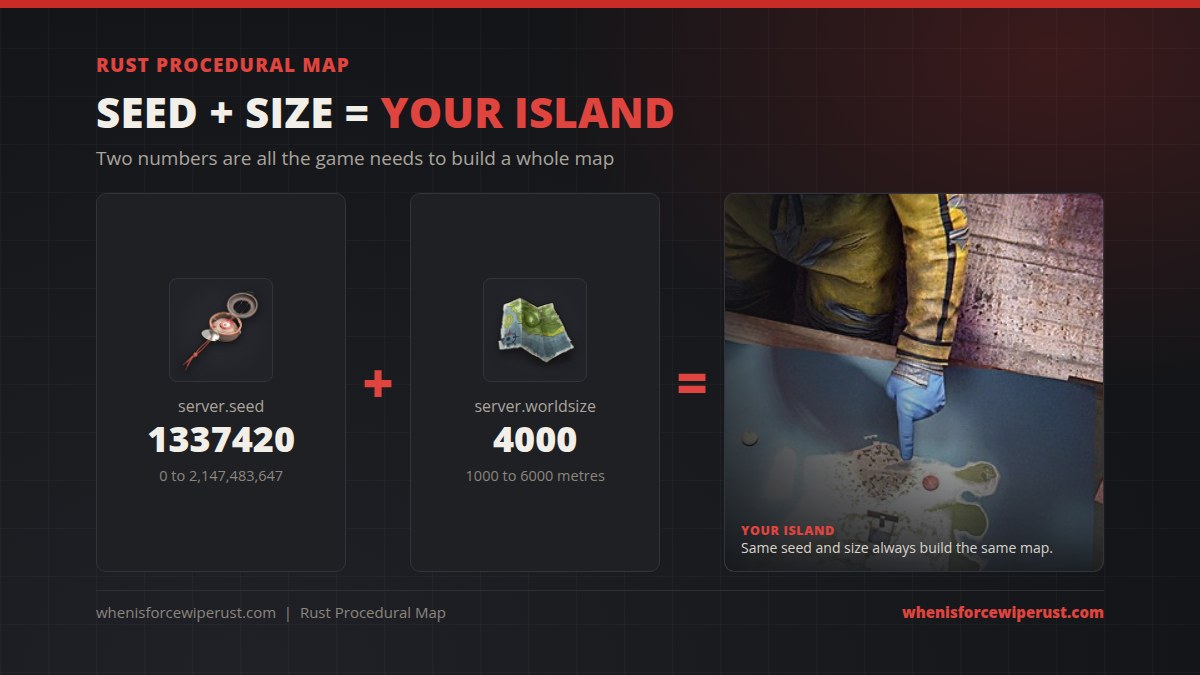
Only two values decide a procedural map.
- Seed (
server.seed): any whole number from 0 to 2,147,483,647. It drives every random choice the generator makes. - World size (
server.worldsize): roughly how many metres wide the map is, from 1000 to 6000. A 4000 map is about 4 km by 4 km.
The key rule: the same seed at the same size always makes the same map. Change either number and you get a different island. That’s why map preview sites like RustMaps can show you a server’s map before you join. They just generate the same seed and size.
Rust Map Sizes Compared
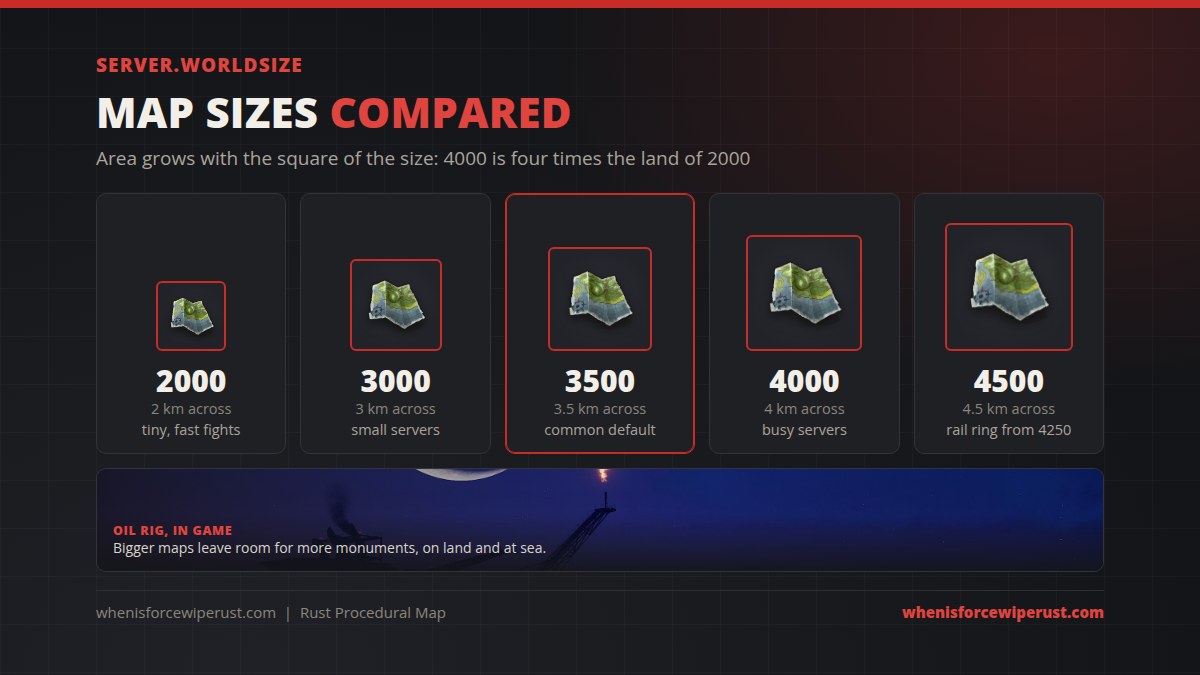
World size is a width, but the land you play on is an area, so it grows much faster than the number suggests. A 4000 map has four times the space of a 2000 map, and a 4500 map has about 65% more land than a 3500 map.
| World size | Roughly | What it feels like |
|---|---|---|
| 1000 to 2500 | 1 to 2.5 km across | Tiny. Very few monuments, constant fights. Good for arenas and small groups. |
| 3000 | 3 km across | Small. Quick to cross, crowded with a big pop. |
| 3500 | 3.5 km across | The common default. A solid fit for a normal population. |
| 4000 to 4500 | 4 to 4.5 km across | Popular on busy servers. Room to hide a base, lots of monuments. |
| 5000 to 6000 | 5 to 6 km across | Huge. Monument rich, long travel, much heavier on the server. |
The grid you see when you open the map (G by default) has squares of roughly 150 metres, lettered across the top and numbered down the side. Bigger maps simply have more squares, which is why a callout like “R24” only makes sense on a large island.
Map Tiers: Where the Good Loot Is
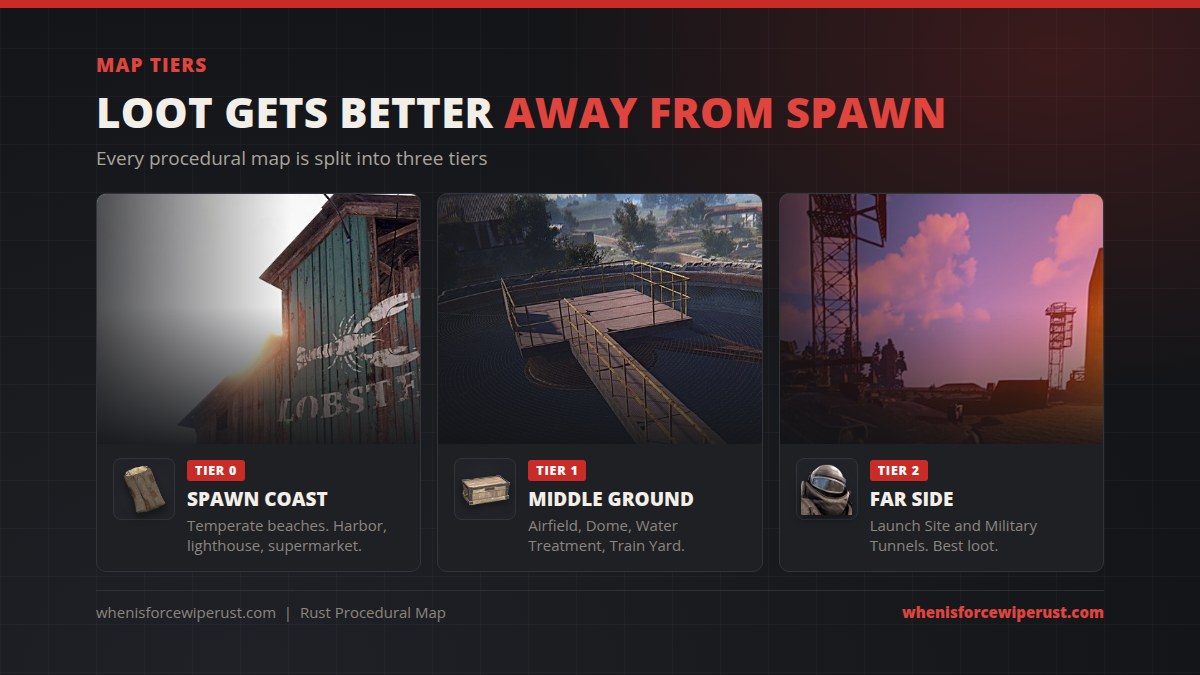
Procedural maps are split into three tiers, a system Facepunch added so new players get a fair start. The side of the island used for tier 0 is random each seed, and the biomes for the other tiers are then rolled around it.
- Tier 0 is the temperate spawn coast. Fresh spawns always wash up on these beaches, and the monuments are starter friendly: Harbor, lighthouses, supermarkets and gas stations.
- Tier 1 is the middle ground, home to mid monuments like the Airfield, Satellite Dish, Dome, Water Treatment and Train Yard.
- Tier 2 is the far side, where the big hitters like Launch Site and Military Tunnels sit. The best loot and the most danger.
Exact monument lists vary from map to map, and newer monuments have been added since the tier system first shipped, but the rule of thumb holds: move away from the spawn beaches to find better loot. Check our full Rust monuments guide for each monument’s tier and puzzle.
The Five Biomes
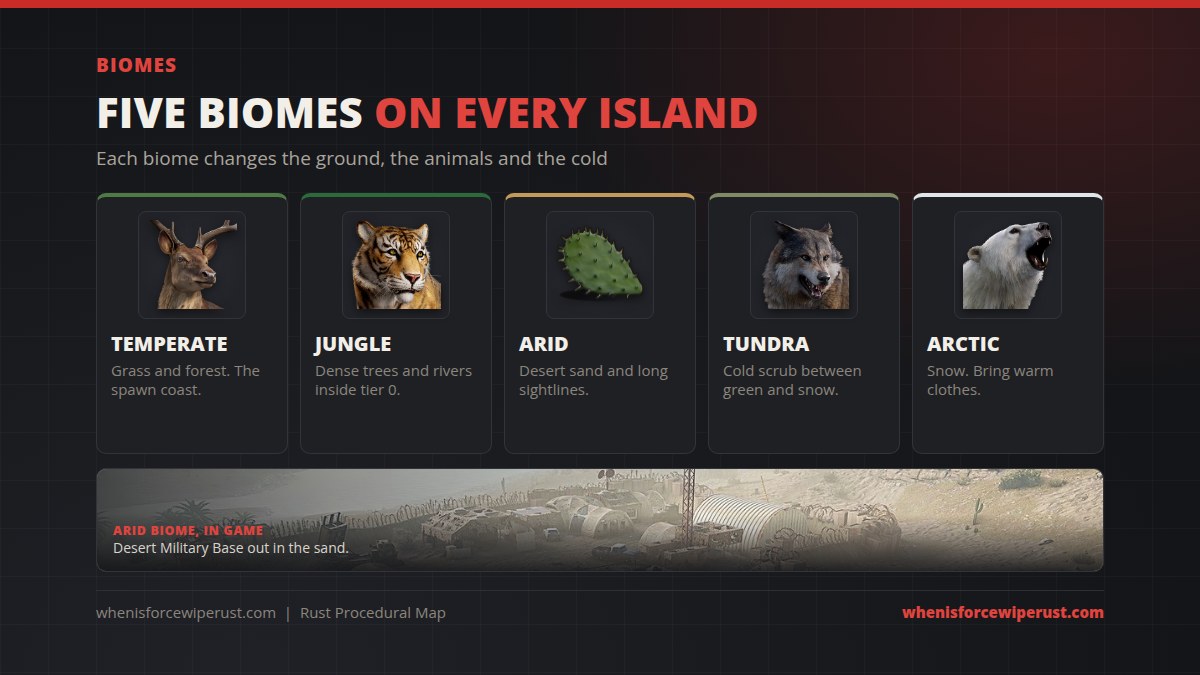
Each procedural map mixes five biomes. They change what the ground looks like, which trees and animals spawn, how cold you get at night and how far you can see.
- Temperate: green grass and forest. Tier 0 is always temperate, so this is where you start.
- Jungle: added in the 2025 Jungle update, the first new biome since procedural maps began. It takes over part of the tier 0 area, with flatter ground, more rivers, dense foliage, climbable trees and dangerous predators.
- Arid: desert sand and long sightlines. Easy to spot bases, hard to hide.
- Tundra: cold scrubland that sits between the green and snowy areas.
- Arctic: snow. You’ll need warm clothing to avoid freezing, and the Arctic Research Base only spawns here, so maps without enough snow don’t get one.
What Else Gets Generated
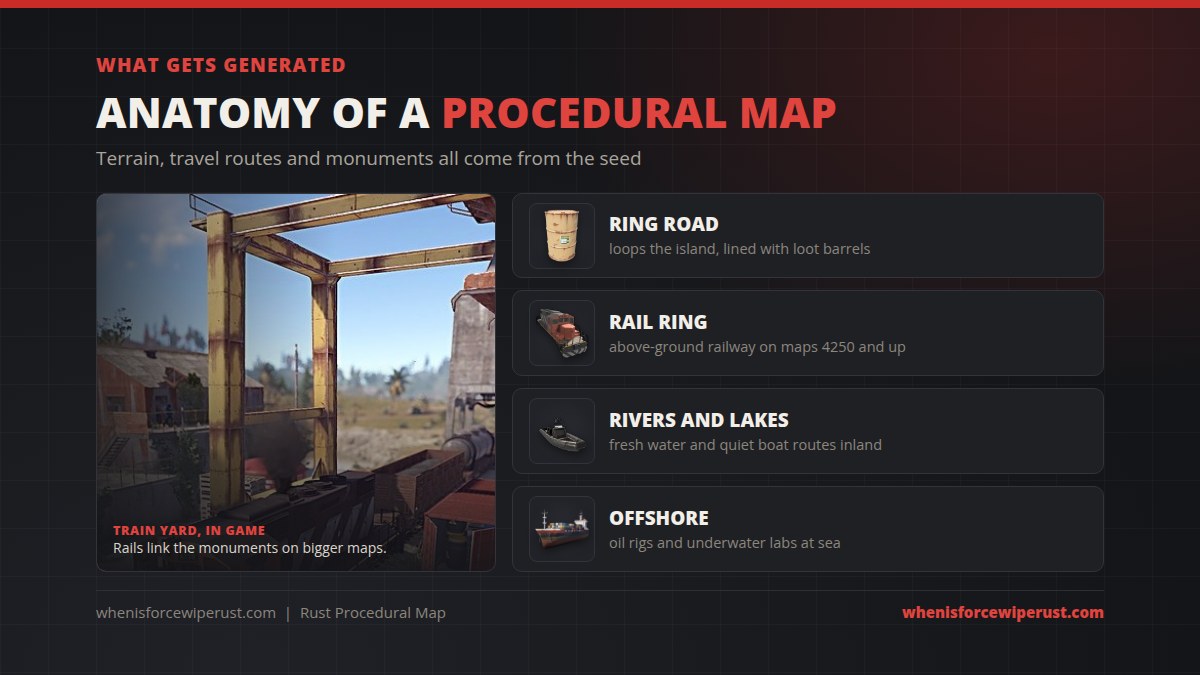
On top of terrain and biomes, the generator lays out the map’s travel network and points of interest.
- Ring road: a road loops the island and branches off to monuments. Road-side loot barrels and small monuments line it.
- Rail ring: maps of size 4250 and larger get an above-ground railway around the whole island. The underground train tunnels are separate.
- Rivers and lakes: fresh water, and quiet routes for a boat.
- Monuments: placed by the seed, with bigger maps fitting more of them.
- Offshore content: the oil rigs and the procedural underwater labs sit out at sea.
Procedural Map vs Custom Map
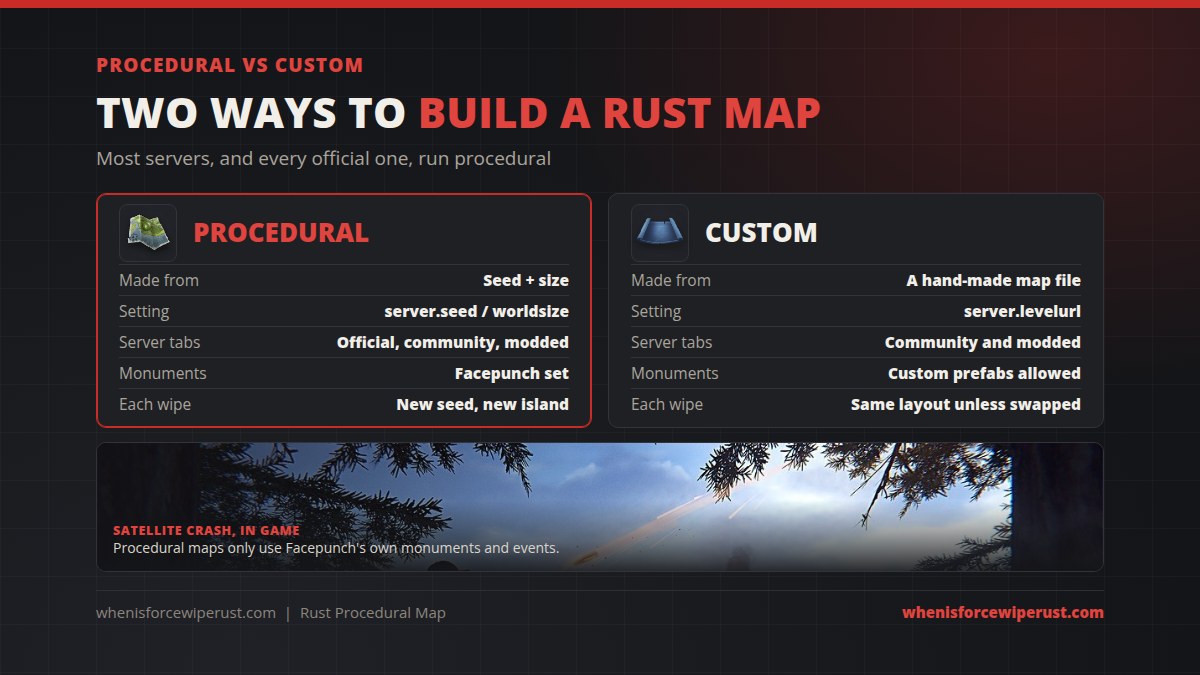
Some servers run a custom map instead. These are made by hand in tools like RustEdit and loaded from a file, so they can have themed terrain, custom monuments and layouts the generator could never produce. Custom maps only appear on community and modded servers, while procedural maps run everywhere, including official servers.
| Procedural map | Custom map | |
|---|---|---|
| Made from | Seed + world size | A hand-made map file |
| Server setting | server.seed and server.worldsize | server.levelurl |
| Where you find it | Official, community and modded | Community and modded only |
| Monuments | Facepunch’s set | Can include custom prefabs |
| Each wipe | New seed means a new island | Same layout unless the file changes |
Setting Up a Procedural Map (Server Owners)
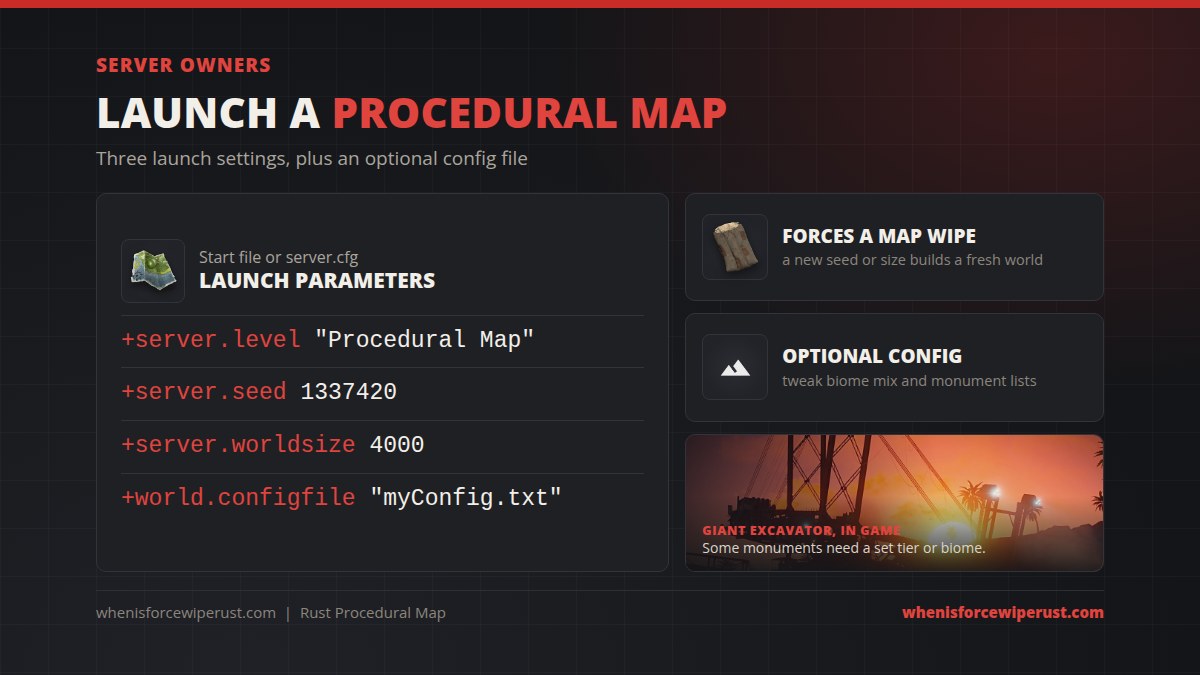
If you run your own server, a procedural map takes three launch parameters, plus an optional fourth:
+server.level "Procedural Map"
+server.seed 1337420
+server.worldsize 4000
+world.configfile "myConfig.txt"
- Pick a seed and size. Preview a few on a map site first so you don’t launch an island that’s mostly ocean.
- Set them in your start file or
server.cfg. - Restart the server. It generates the map on first boot, which can take a few minutes on big sizes.
The optional world.configfile points at a JSON file in your server identity folder. Facepunch’s procedural generation customization docs cover it. You can change biome percentages and whitelist or blacklist monuments. Be careful, some monuments need a specific tier or biome, so cutting a biome can stop them spawning at all.
Tuning your server beyond the map? Our Rust console commands guide covers the client side, and our Rust servers list shows what other servers are running.
Picking the Right Map Size
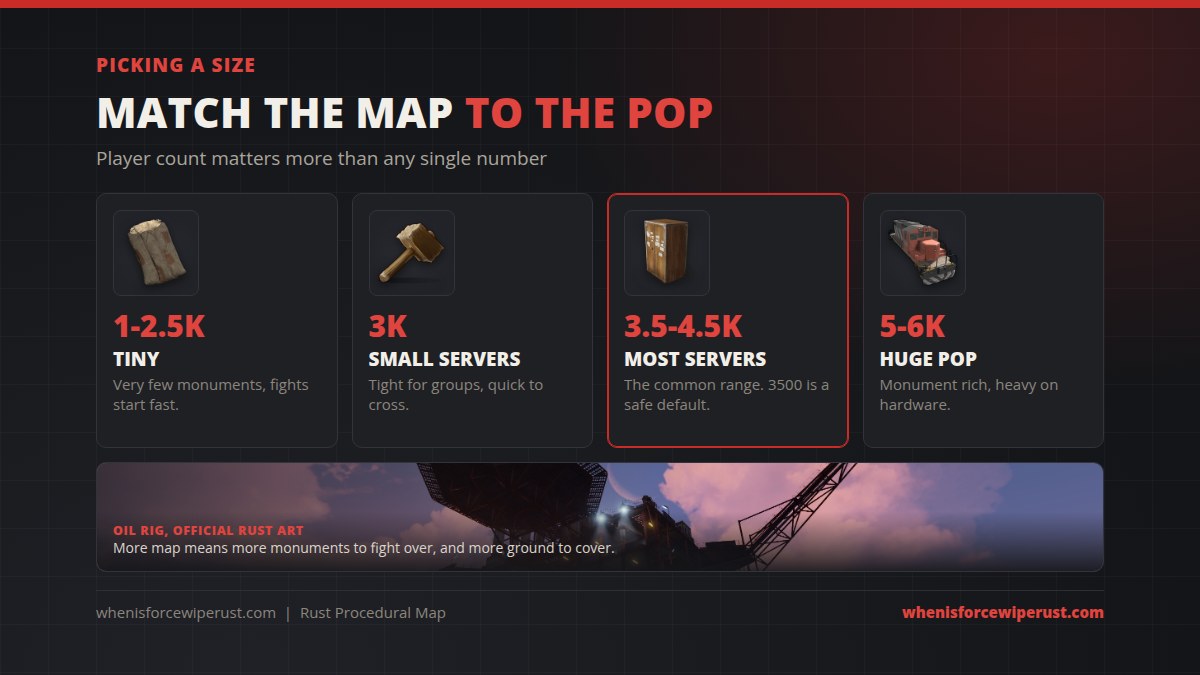
There’s no perfect size, but population is the biggest factor. Too big and the island feels dead. Too small and nobody can build without getting raided on night one.
- Under 3000: tiny servers, arenas, and friend groups that want fights fast.
- 3000 to 3500: smaller community servers. 3500 is the safe default.
- 3500 to 4500: the range most busy servers use.
- 5000 and up: very high populations. Lots of monuments, but much heavier on CPU and RAM.
Pro Tips for Any Procedural Map
- Scout the seed before wipe. Look it up on a map site and pick two or three base spots near water, a recycler and a road.
- Leave the spawn coast early. Tier 0 is crowded on wipe day. Moving inland gets you better loot and fewer nakeds.
- Build near monument blockers, not on them. Know where building is blocked before you drop a tool cupboard.
- Use the roads and rails. Both link the monuments, so they’re the fastest way to farm scrap and components.
- Dress for the biome. Heading into the arctic without warm clothes costs you health you’ll need for the fight.
A new procedural map rolls out with every force wipe. See exactly when the next one lands.
Force Wipe CountdownProcedural Map Rust FAQ
What is a procedural map in Rust?
A procedural map is an island Rust builds automatically from two numbers, a seed and a world size. The game uses them to place terrain, biomes, rivers, roads, rails and monuments, so every seed gives a different map. Most official and community servers run one.
What is the default procedural map size in Rust?
There is no single official number, but 3500 is a common default and most servers run somewhere between 3000 and 4500. The allowed range is 1000 to 6000, measured roughly in metres across.
What does the seed do on a Rust map?
The seed is a whole number from 0 to 2,147,483,647 that drives the random generation. The same seed at the same world size always builds the exact same island, which is how players share and preview maps.
How big is a grid square on a Rust map?
Each grid square is roughly 150 by 150 metres. Squares are lettered across the top and numbered down the side, which is how players call out locations like G12.
Is the jungle part of every procedural map?
Yes, by default. Since the Jungle update in 2025 the jungle biome takes over part of the tier 0 area on procedural maps. Server owners can change the mix with a world config file.
What map size has the train ring?
Procedural maps of size 4250 and larger get an above-ground railway that loops the island. Smaller maps still have the road ring and the underground train network.
What is the difference between a procedural and a custom map?
A procedural map is generated from a seed and size using Facepunch’s monuments. A custom map is a hand-made map file loaded with server.levelurl, can include custom prefabs, and only appears on community and modded servers.
Does changing the seed wipe a Rust server?
Yes. Changing the seed or the world size makes the server build a brand new world on its next start, which is a map wipe. That’s why servers usually change seeds on wipe day.